Comparison · October 2026
StudioShot Pro vs Photoroom
Both turn product photos into shop-ready images. Photoroom is a full editing suite; StudioShot Pro is a quick scene tool. Here's how they compare.
3 free images. No card needed.
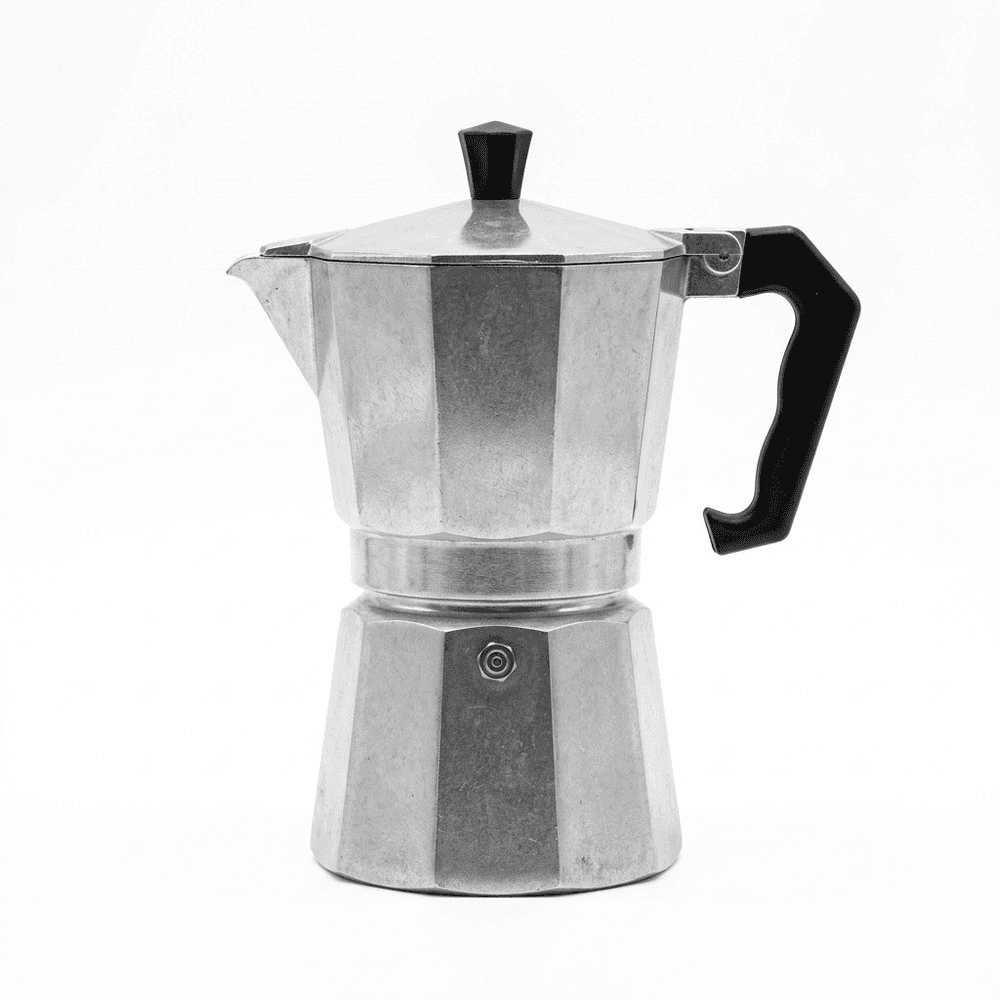
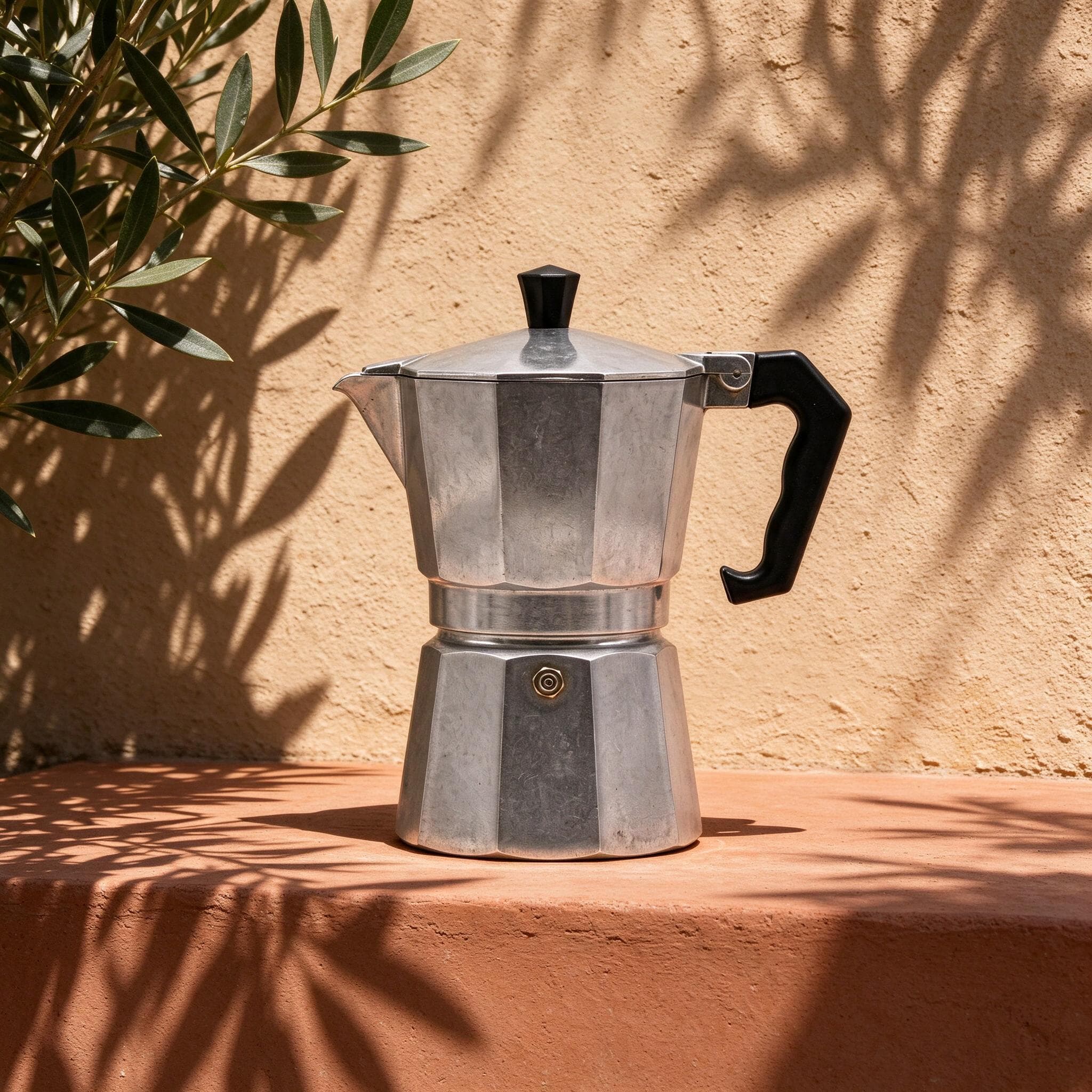
We make StudioShot Pro. Photoroom's details below come from its pricing page and help center, checked on 9 October 2026.
Side by side
| StudioShot Pro | Photoroom | |
|---|---|---|
| Free option | 3 images, no card, no watermark | Free plan with limited exports and features |
| Commercial use when free | Yes | No, according to Photoroom's help center |
| Entry plan | €9/month or €7 billed yearly, 50 images | €9.99/month or €5.99 billed yearly, 1,000 exports |
| Mid plan | €24/month or €19 billed yearly, 300 images | €26.99/month or €14.50 billed yearly, 3,000 exports |
| 4K | From Pro (€24/month) | Ultra only (€99/month) |
| Scenes | Ready-made studio and lifestyle scenes, light and shadows matched | AI Backgrounds, paid for with credits |
| Batch editing | From Pro | Yes |
| Team | Up to 5 members on Business | Up to 50 seats on every paid plan |
| API | On Business | Separate API plans |
| Language | English and Greek | No Greek website |
Sources: Photoroom pricing and help center, checked on 9 October 2026. Photoroom's prices include VAT.
Where Photoroom is stronger
- More images for the money: Pro's 1,000 exports a month for €9.99 is far more than StudioShot Pro Starter's 50 for €9.
- More tools: retouching, AI fill, resizing, AI fashion models and video.
- Apps for iPhone and Android, and a Shopify integration that syncs images to your store, from the Max plan.
- Bigger teams: up to 50 seats on every paid plan.
Where StudioShot Pro is stronger
- Commercial use from the first free image. Photoroom's free plan can't be used commercially.
- A shorter workflow: pick a ready-made scene and the light and shadows are matched for you. No prompts, no credits to budget.
- 4K on the €24 Pro plan, rather than on a €99 plan.
- Made for small shops in Greece: a Greek interface, prices in euros and guides in Greek.
Which should you choose?
Choose Photoroom if you edit hundreds of images a month, want an all-in-one editor on your phone, or sell on Shopify and want images synced to your store.
Choose StudioShot Pro if you want consistent scenes in as few steps as possible, need to sell with the very first images you make, or would rather work in Greek. The 3 free images are enough to compare both on your own products.
Frequently asked questions
Is StudioShot Pro cheaper than Photoroom?
Not per image: Photoroom's entry plan includes far more exports. StudioShot Pro costs less if you need 4K (€24 a month on Pro, against €99 on Photoroom Ultra), and its free images can be used commercially.
Which is better for Etsy?
Both start from your own photo. Etsy requires photos of the actual item, so whichever you use, keep the product accurate and include at least one plain shot. See our Etsy guide.
Is StudioShot Pro available in Greek?
Yes. The site, the app and the guides are in Greek and English, and prices are in euros.
Where can I see more alternatives?
Our Photoroom alternatives page compares five tools, and our list of the best AI product photography tools covers six.