AI product photography
AI product photography for small shops
Upload a phone photo of your product, pick a scene, and get a studio-quality image in seconds. No photographer, no studio, no editing skills.
3 free images. No card needed.
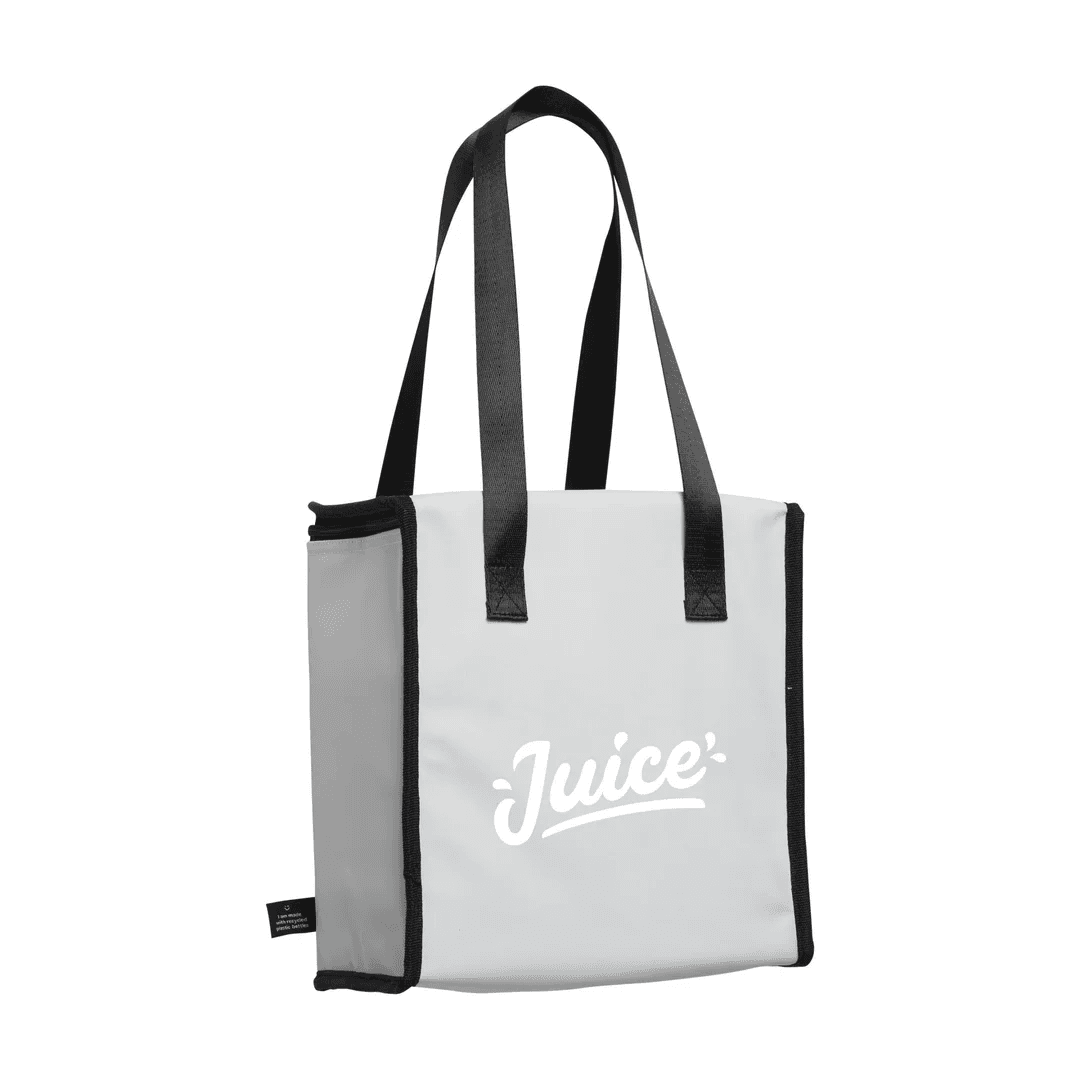
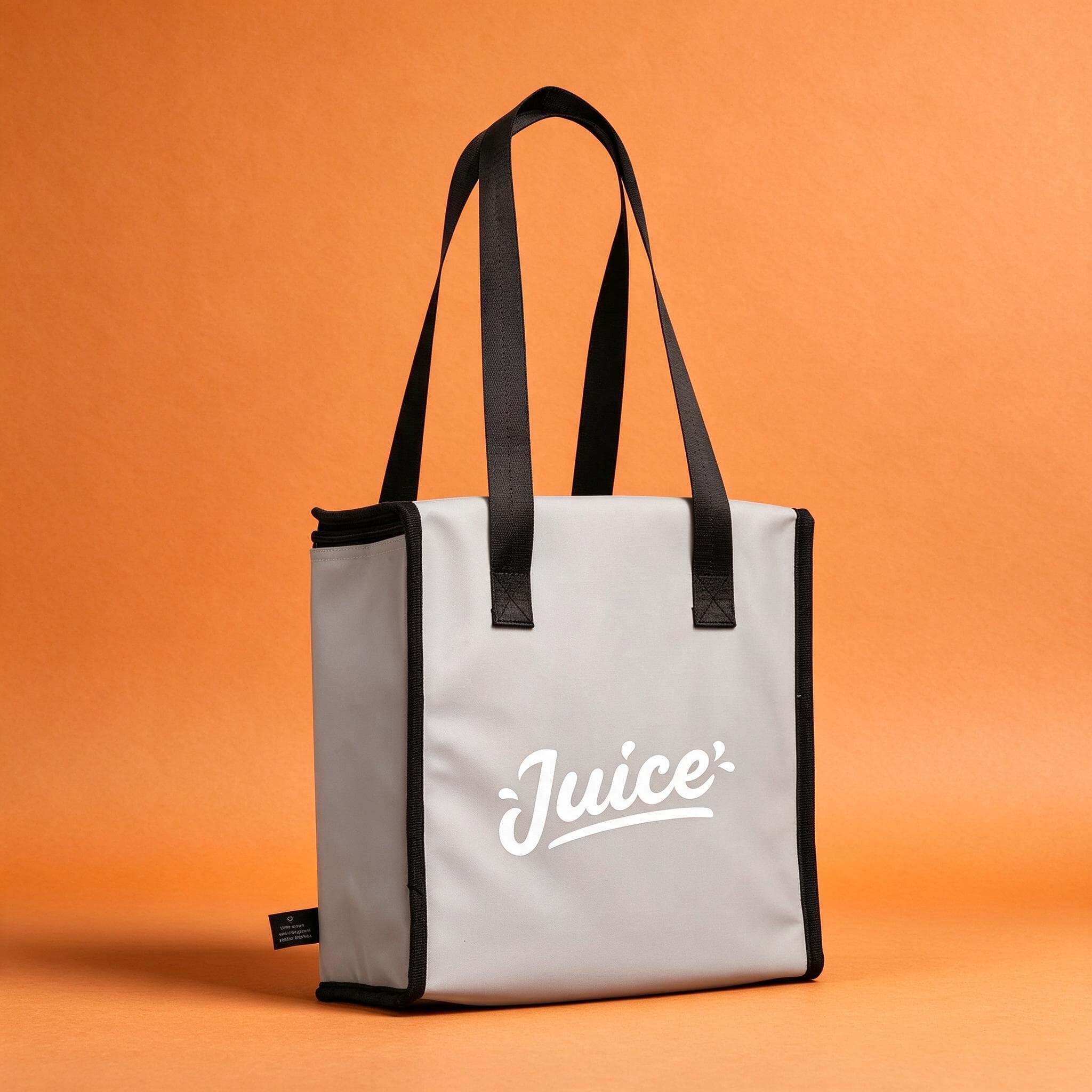
How AI product photography works
StudioShot Pro is an AI product photography tool for small e-shops and marketplace sellers. You start with a photo you take yourself, usually on your phone. The AI finds the product, lifts it off its background and places it in the scene you choose, with light and shadows that match.
Your product stays as you photographed it: its shape, colours, label and texture are kept. Only the setting around it changes, so what buyers see is what they'll receive.
Take a photo
Shoot the product on your phone, in daylight, on any table. It doesn't have to be perfect: the AI takes care of the background and the light.
Pick a scene
Choose a plain studio backdrop for your main listing photo, or a lifestyle scene such as a kitchen counter, a gift box or a sunlit shelf.
Download and upload
A few seconds later the image is ready. Download it as a JPG and upload it straight to your shop, marketplace listing or ad.
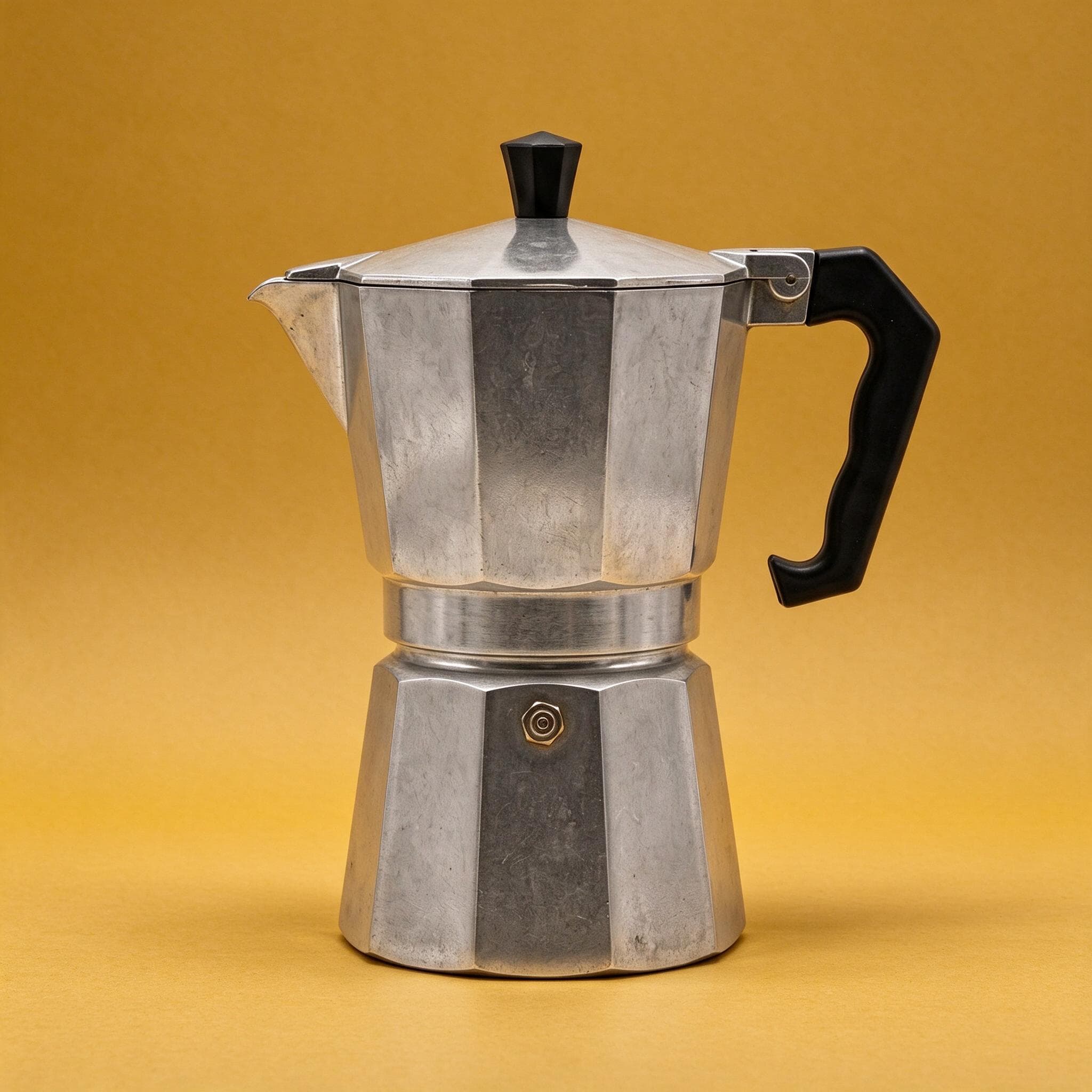
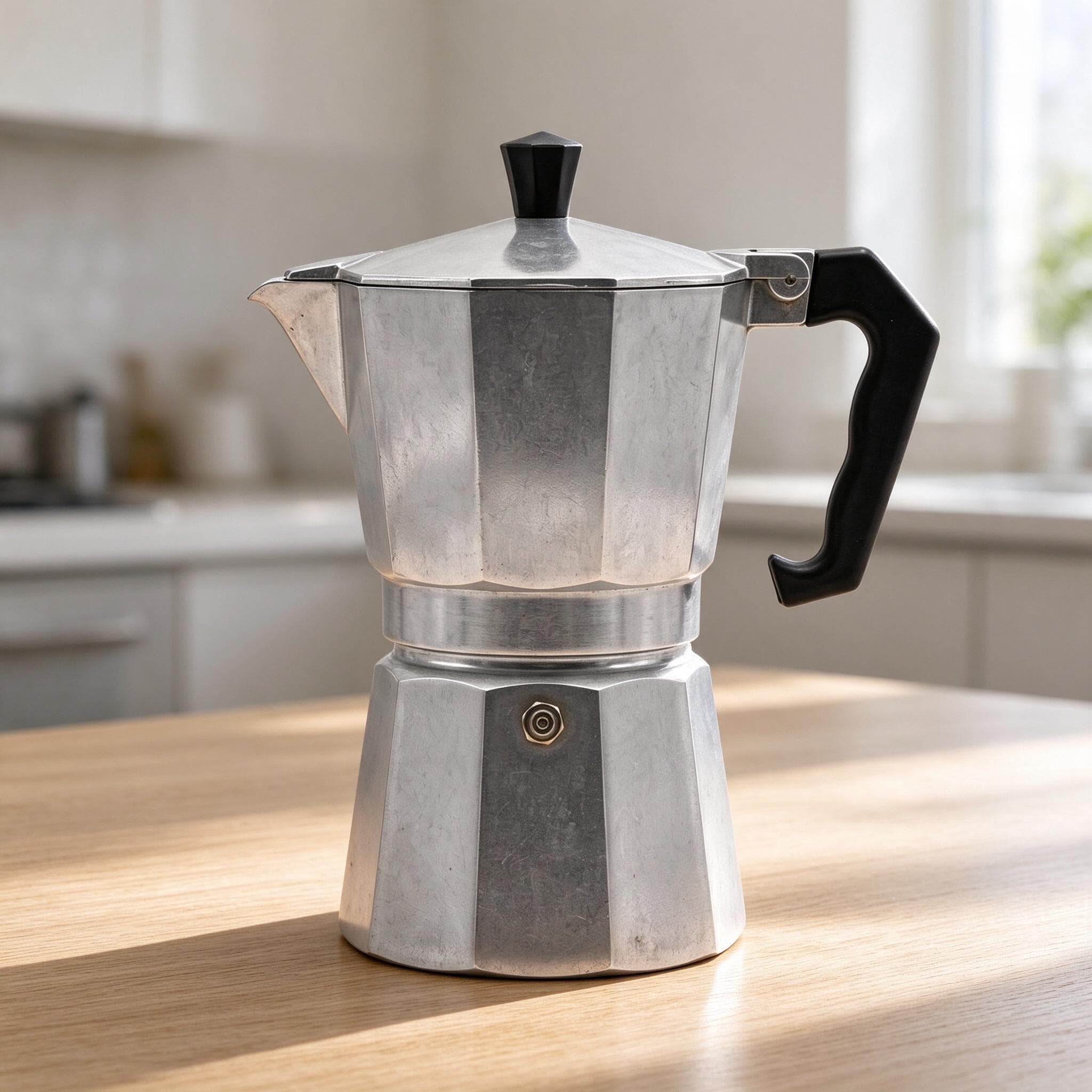
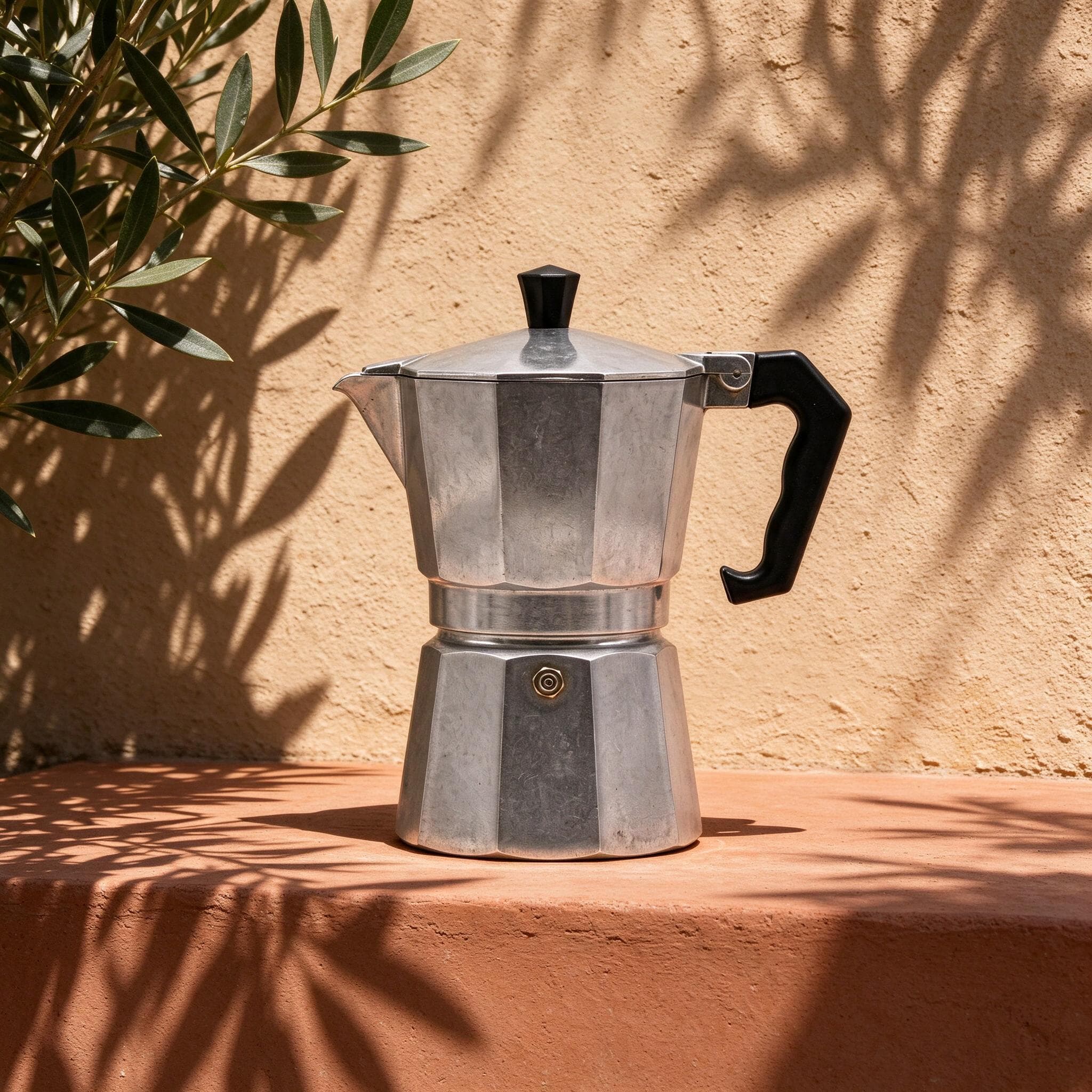
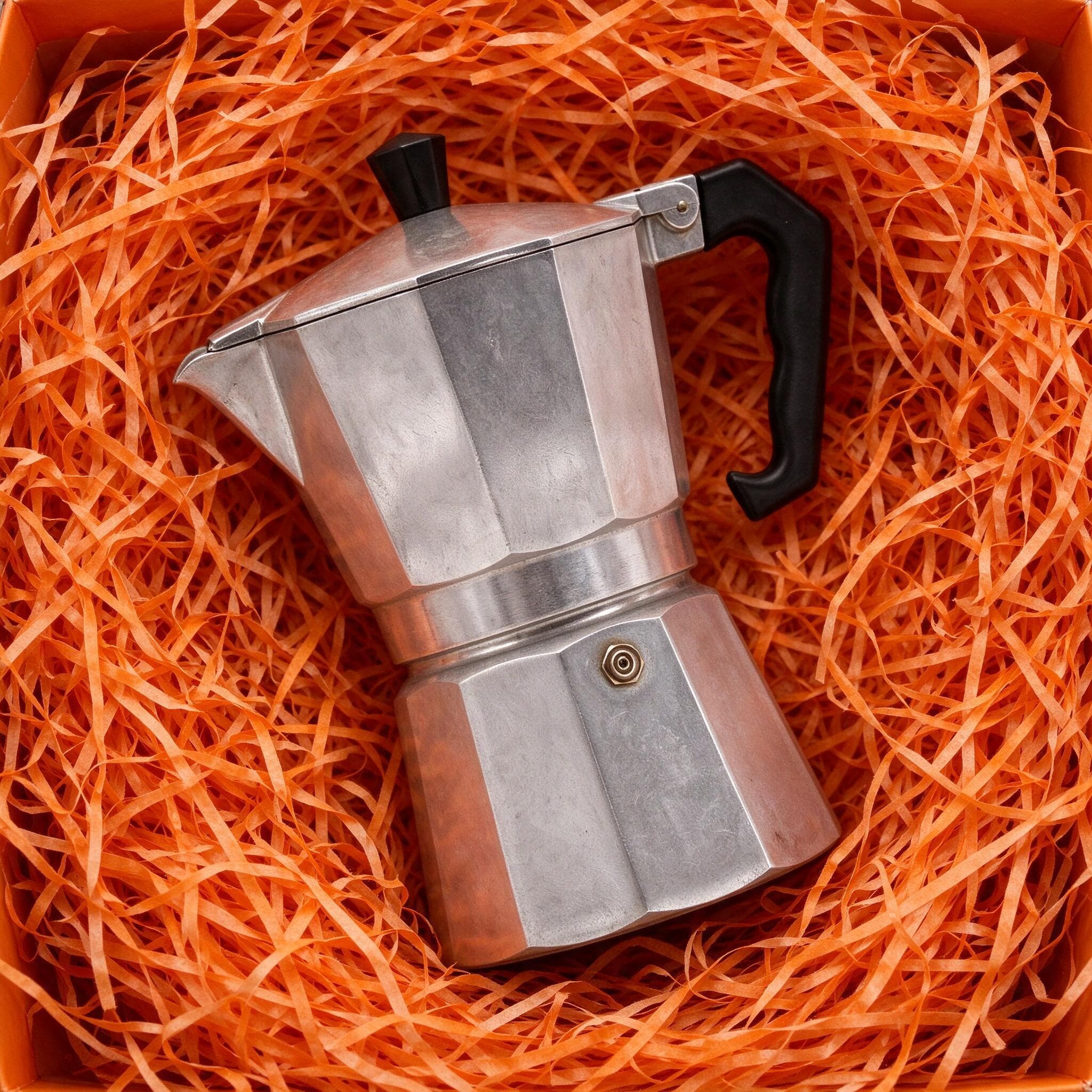
Studio backdrops and lifestyle scenes
Most shops need two kinds of product photo. The first is the clean shot: the product centred on a plain backdrop with nothing to distract from it. Marketplaces expect it as the main image, and it keeps a catalogue consistent. The second is the lifestyle shot: the product in a setting where it would be used. It helps buyers imagine owning it, and it works well in ads and on Instagram.
StudioShot Pro makes both from the same photo. Studio backdrops come with every plan. Lifestyle scenes are included from the Pro plan, along with 4K downloads and batch editing for whole product ranges.
What it costs compared with a photographer
Product photography studios usually charge per photo, and you send them your products and wait a few days. That's worth it for a campaign shoot, but it adds up when you have hundreds of products or add new ones every week.
| Photo studio | StudioShot Pro | |
|---|---|---|
| Price | Charged per photo, plus shipping | About €0.18 an image on Starter, €0.08 on Pro |
| Turnaround | Usually a few days | Seconds |
| New products | Book and ship again | Take a phone photo |
| Lifestyle scenes | Extra styling and props | Pick a scene (Pro) |
The per-image prices are the monthly price divided by the images included: Starter is €9 a month for 50 images, and Pro is €24 a month for 300. Yearly billing brings them lower still. Your first 3 images are free, with no card needed.
Ready for your shop and marketplaces
Images download as high-quality JPGs, the format every major e-shop platform and marketplace accepts. They carry no watermark, the free ones included, and you can use them commercially on every plan: in listings, ads, catalogues and social posts.
Each platform has its own size and crop rules. We've written up what Shopify, WooCommerce, Etsy, eBay, Vinted, Facebook, Instagram and Pinterest expect, and how to get there.
Tips for the best results
The AI works with what it's given, so a good original still matters:
- Shoot in soft daylight, near a window and out of direct sun.
- Keep the product sharp: wipe the lens, hold the phone steady and tap to focus.
- Leave space around the product, so it can be cropped to any shape without cutting anything off.
- Use one backdrop for every product's main image, and save lifestyle scenes for the extra photos.
- Photograph each angle you want to show. One photo can go into many scenes, but each angle needs its own shot.
Who it's for
- E-shops that add new products often and want every photo to match.
- Marketplace sellers who need a clean main image and a few lifestyle shots for each listing.
- Brands running Facebook, Instagram or Google ads that need fresh images to test.
- Makers and small brands putting together catalogues, lookbooks or wholesale sheets.
If you sell a few dozen products and can't justify a studio shoot for each one, this is the gap StudioShot Pro fills. Our guides cover selling more with better photos and taking product photos with your phone.
Frequently asked questions
What is AI product photography?
It's using AI to turn an ordinary product photo into a finished, studio-style image. Instead of building and lighting a set, you photograph the product anywhere, and the AI replaces the background, adds a scene and matches the light and shadows.
Will my product look different?
No. StudioShot Pro keeps your product as you photographed it: its shape, colours, label and texture. Only the background, light and shadows around it change. A sharp, well-lit original gives the best result.
Can I really use a phone photo?
Yes. Any recent phone camera is good enough. Shoot in daylight, keep the product in focus and let it fill most of the frame. Our phone photography guide covers the details.
Do the free images have a watermark?
No. The 3 free images download without a watermark, just like images on a paid plan.
Can I use the images commercially?
Yes, on every plan, the free images included. Use them in your shop, marketplace listings, ads, catalogues and social posts.
What file format do I get?
High-quality JPG, in HD on Starter and up to 4K on Pro and Business. Shopify, WooCommerce, Etsy and every major marketplace accept JPG.
Are the images labelled as AI-edited?
Yes. Every download carries AI-generation metadata and is signed with C2PA Content Credentials, a tamper-evident record of how the image was made. Google Merchant Center requires AI-made product images to keep that metadata, so the images are ready for Google Shopping as downloaded.
Can I edit a whole product range at once?
Yes. Batch editing is included from the Pro plan, so you can apply the same scene to many products and keep one look across your catalogue.
How is this different from a background remover?
A background remover cuts the product out and leaves it on a blank background. StudioShot Pro does that too, then places the product in a new scene and matches the light and shadows, so the result looks photographed rather than pasted in.