How to increase your online sales with better product photos
Your photos do the selling before anyone reads a word. What the research says, and five changes that get more shoppers to click “Add to cart”.
Online, nobody can pick up your product, feel the fabric or turn it in their hands. The photo does all of that work. That is why photo quality is one of the few changes that can lift sales across your whole catalogue at once.
Shoppers look at the photos first
In Baymard Institute's usability testing, 56% of shoppers started exploring the product images as soon as they landed on a product page, before reading the title or the price. Etsy's buyer surveys point the same way: 90% of shoppers said photo quality was extremely or very important to their decision to buy.
Why better photos turn into more sales
A clear, well-lit photo answers questions before they turn into doubts: what colour is it, how big is it, what is it made of. It also tells shoppers there is a real business behind the shop that cares about detail. Blurry or dark photos do the opposite, and the shopper moves on to the next listing.
On a product page, the photo is the shop window, the salesperson and the fitting room at once.
Five changes that make a difference
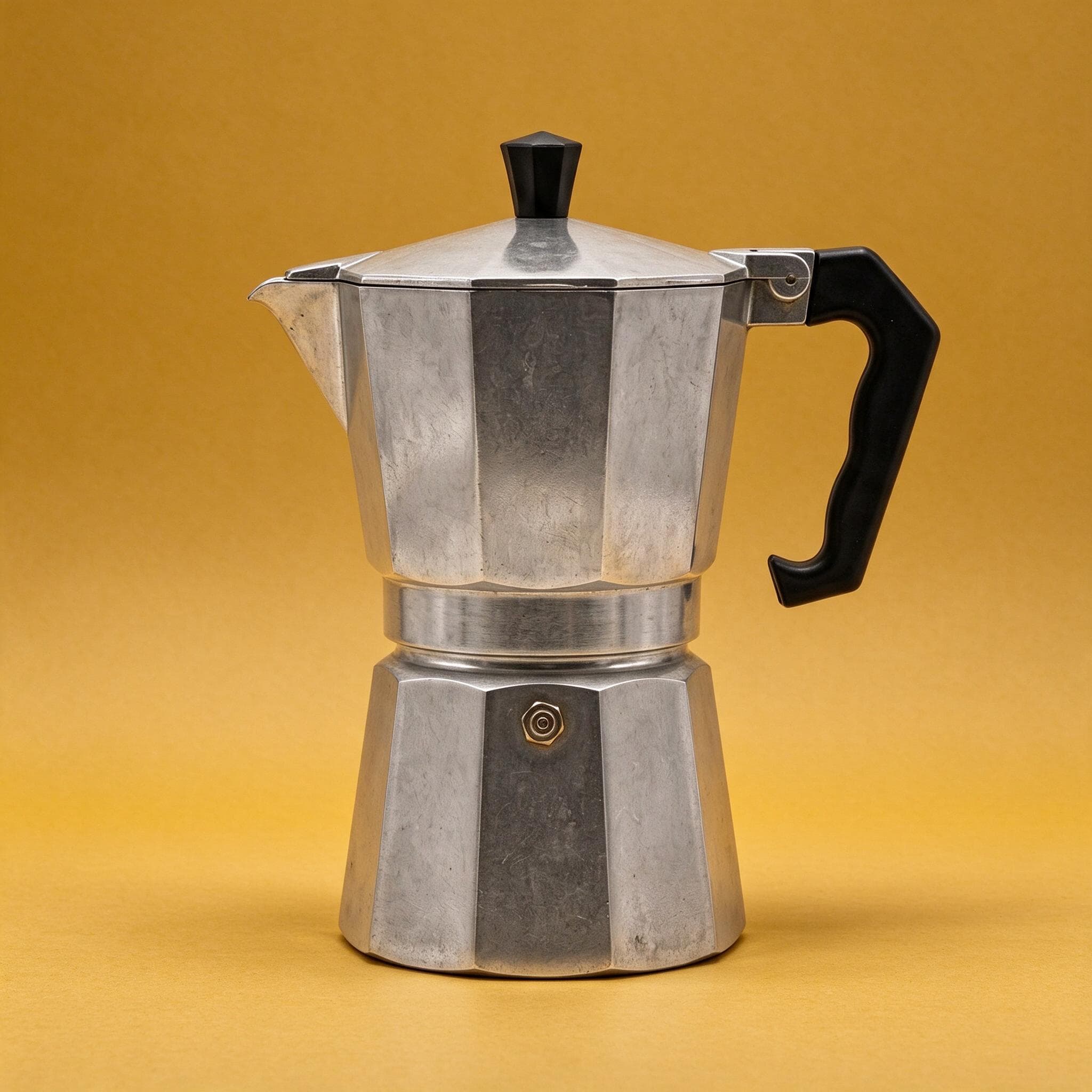
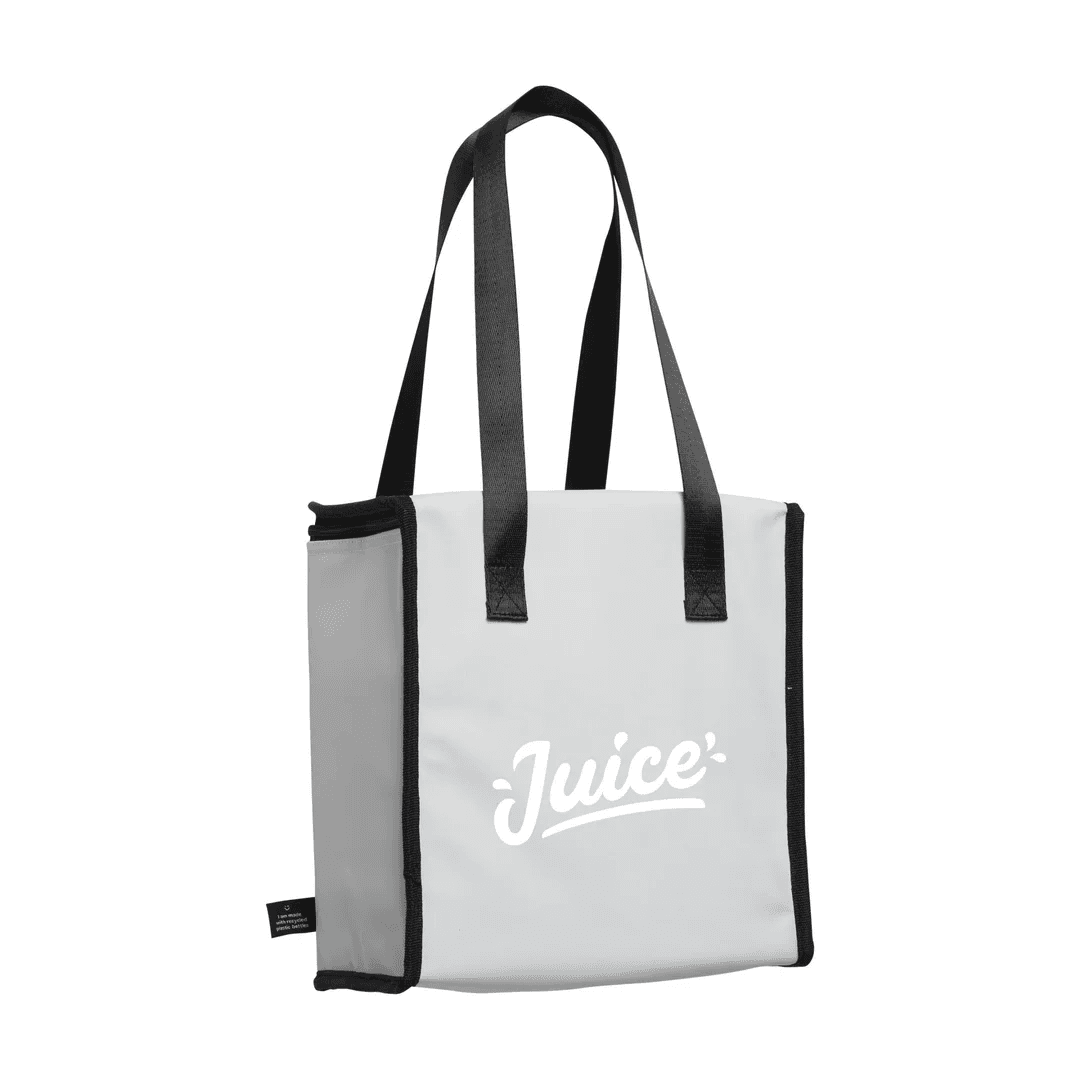
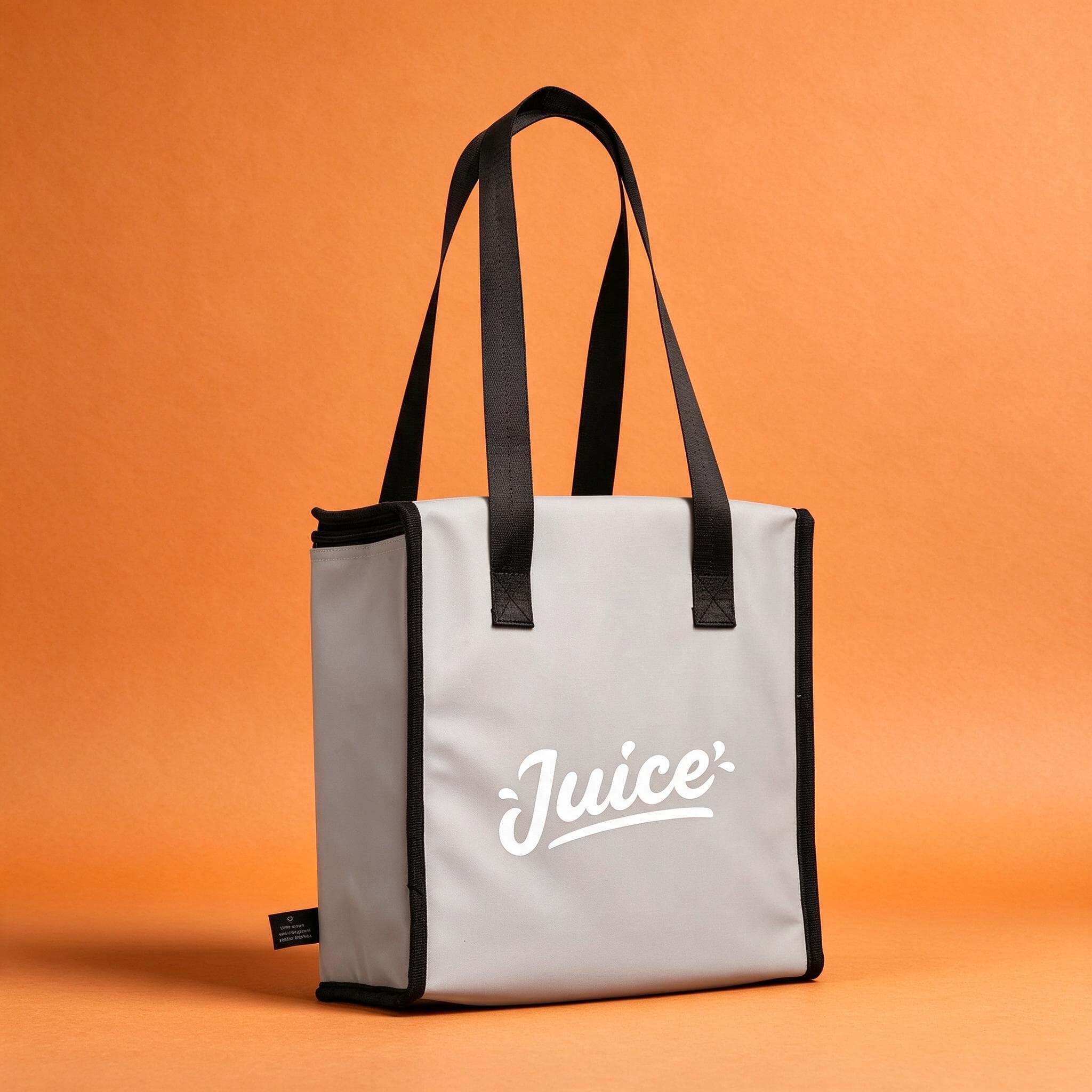
Use a clean, consistent backdrop for your main image so the product stands out in search results and category pages. Show the whole product, sharp and evenly lit. Add a second image that shows it in use or in a room, so buyers can judge its size. Keep the same style across every product, so your shop looks organised and trustworthy. And check every image at thumbnail size, because that is how most buyers first see it on their phone.
Stand out where shoppers compare
On marketplaces and price-comparison sites like Skroutz, your listing sits next to other shops selling the same or similar products. When prices are close, the photo is often what earns the click. A sharp image on a clean backdrop makes your listing the obvious one to open.
No photographer, no studio
You don't need a studio to get there. Photograph your product with your phone, upload it to StudioShot Pro and choose a studio backdrop or a room scene. In a few minutes you have a consistent, professional image for every product, ready for your e-shop, marketplaces and social media.