Comparison · October 2026
The best AI product photography tools for small shops in 2026
We compared six tools on what matters to a small shop: what you can do for free, what it costs, whether you can sell with the images, and how much work each one takes.
3 free images. No card needed.
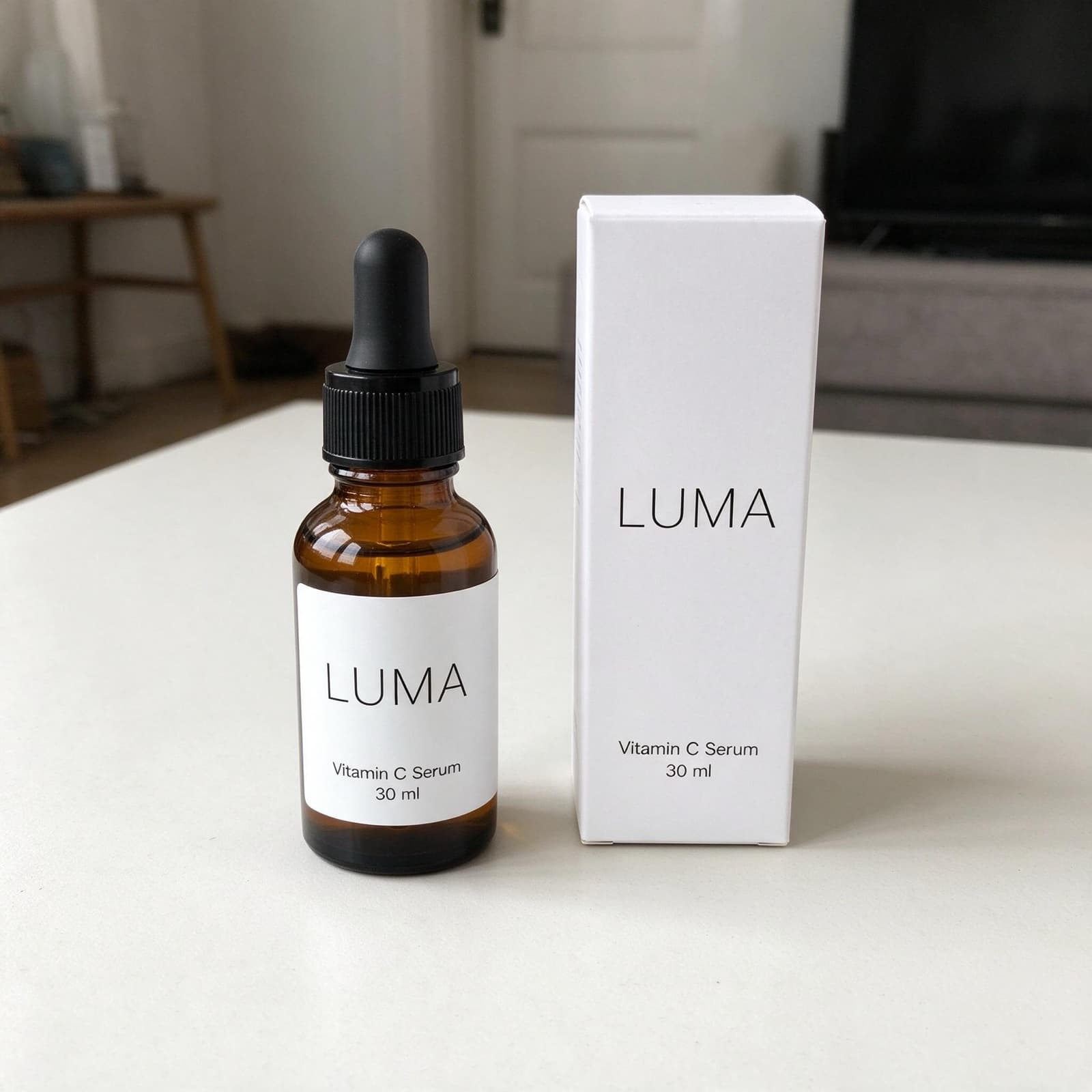
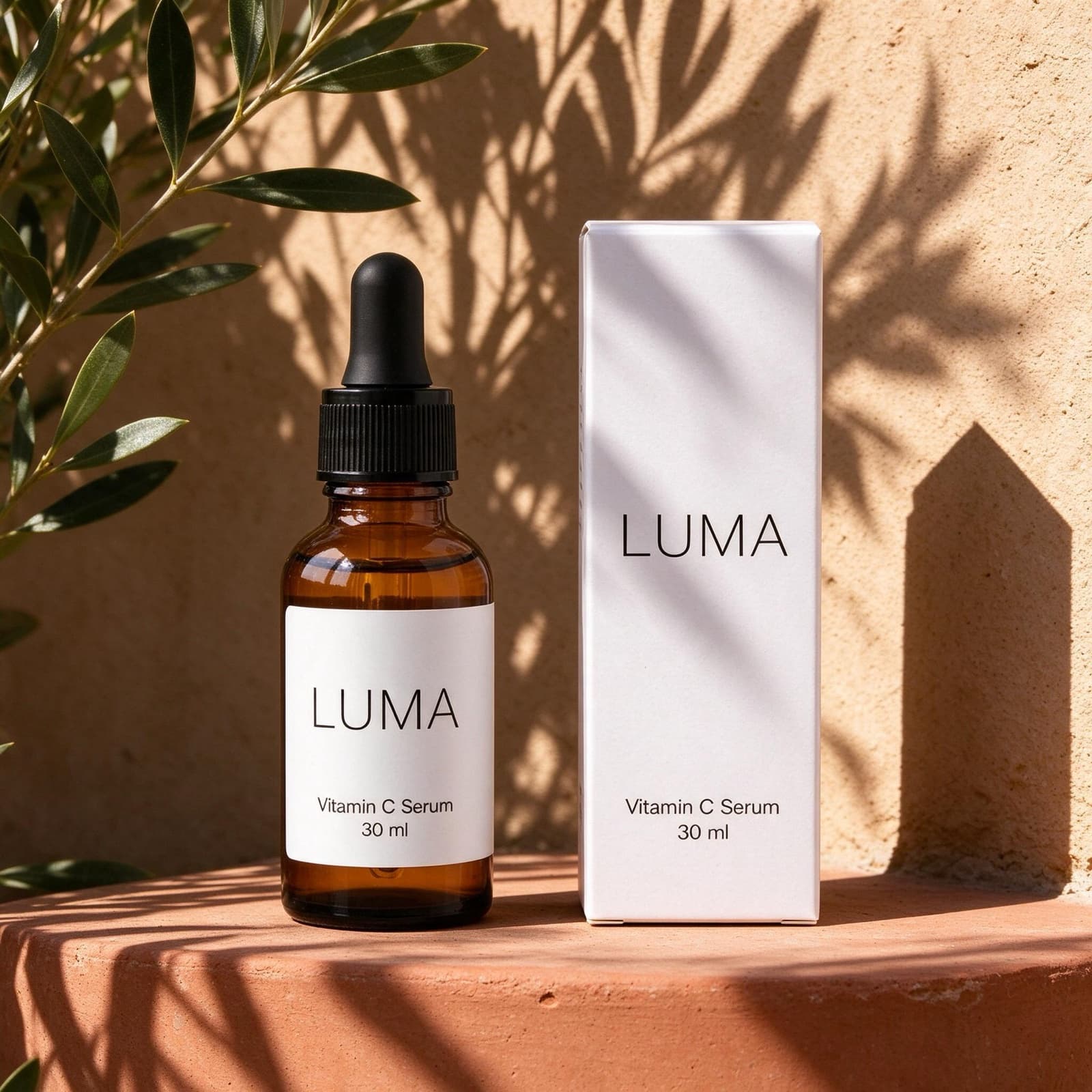
A note before we start: we make StudioShot Pro, so it's on this list. We've tried to be fair to everyone else. Every price below comes from the company's own pricing page, checked on 9 October 2026 and linked so you can check it yourself. Prices change, so check again before you buy.
At a glance
| Tool | Free option | Paid plans from | Best for |
|---|---|---|---|
| StudioShot Pro | 3 images, no card, no watermark | €9/month (€7 billed yearly) | Ready-made scenes with the fewest steps, in English or Greek |
| Photoroom | Free plan, not for commercial use | €9.99/month (€5.99 billed yearly) | High volumes and the widest set of editing tools |
| Pebblely | No free trial | US$9/month | Themed backgrounds and custom prompts |
| Claid | Trial with 50 credits | US$9/month | Generation, upscaling and an API in one place |
| Pixelcut | Free plan with limited tools | US$10/month (US$8 billed yearly) | Background removal and quick edits on a budget |
| Flair AI | 5 free images | US$8/month | Designing styled scenes by hand |
Sources: pricing pages of Photoroom and its help center, Pebblely, Claid, Pixelcut and Flair AI, checked on 9 October 2026.
How we compared them
- Free option: what you can do before paying, and whether you can sell with those images.
- Price: the cheapest paid plan, monthly and with yearly billing where it's shown.
- Allowance: how many images or credits each plan includes.
- Workflow: how many steps it takes to get from a phone photo to a shop-ready image.
1. StudioShot Pro
StudioShot Pro is built around one workflow: upload a phone photo, pick a scene, download the result. You choose from studio backdrops and ready-made lifestyle scenes, and the AI matches the light and shadows. There are no prompts to write and no credits to budget.
- Free: 3 images, no card needed, no watermark, and you can use them commercially.
- Paid: Starter is €9 a month for 50 images. Pro is €24 for 300 images with lifestyle scenes, 4K and batch editing. Business is €59 for unlimited images, a brand kit, up to 5 team members and API access. Yearly billing saves up to 20%.
- Good to know: downloads are JPG only, so there's no transparent-background PNG. Every image carries AI metadata and C2PA Content Credentials, which Google Shopping requires for AI-made product images.
- Best for: small shops that want consistent catalogue and lifestyle photos without learning an editor, and Greek sellers who want the tool in Greek with prices in euros.
2. Photoroom
Photoroom is the best-known tool in this category, with apps for iPhone, Android and the web. It started as a background remover and now covers AI backgrounds, shadows, AI fashion models, video and batch editing, plus an API used by large marketplaces.
- Free: a free plan with limited exports and features. Photoroom's help center says it can't be used commercially.
- Paid: Pro is €9.99 a month, or €5.99 a month billed yearly, for 6,000 AI credits and 1,000 exports. Max is €26.99 (€14.50 billed yearly) and adds the Shopify integration. 4K needs Ultra, at €99 (€82.50 billed yearly). Prices include VAT.
- Good to know: the AI tools draw from a credit pool, and each tool uses a different number of credits, so how many AI images you get depends on what you make.
- Best for: sellers with large catalogues who want many tools in one app and the lowest price per export.
3. Pebblely
Pebblely focuses on AI backgrounds: you upload a product photo and choose from more than 40 background themes, or write your own prompt.
- Free: Pebblely says it doesn't offer free trials.
- Paid: Lite is US$9 a month for 30 images, Basic is US$19 for 200 images with bulk generation, and Pro is US$39 for 500 images. Yearly billing gives you 2+ months free.
- Good to know: Pebblely says you own the photos you generate.
- Best for: sellers who want lots of themed backgrounds and are happy to pay from the start.
4. Claid
Claid is a broader AI image suite: AI photoshoots, AI fashion models, background removal, upscaling, shadows and video, all paid for from one pool of credits, with an API for automation.
- Free: a trial with 50 credits, enough for about 12 AI photoshoots at 4 credits each.
- Paid: Essentials is US$9 a month for 500 credits, up to 2K. Pro is US$35 a month for 2,000 credits, with 4K and batch processing.
- Good to know: operations cost different amounts of credits, so plan around what you'll make most.
- Best for: teams that want generation, enhancement and an API in one place.
5. Pixelcut
Pixelcut is a popular editor for background removal, upscaling and AI backgrounds, with apps for phone and web.
- Free: limited background removal and upscaling, with exports that carry no watermark.
- Paid: Pro is US$10 a month (US$8 billed yearly) with 600 AI credits, unlimited background removal, batch editing and a commercial license. Business is US$30 (US$24 billed yearly).
- Best for: sellers who mostly need clean cut-outs and quick edits, with the occasional AI background.
6. Flair AI
Flair AI is a design canvas for product scenes: you place your product, add props and describe the scene, which gives you a lot of control over the result.
- Free: 5 generated images.
- Paid: Pro starts at US$8 a month. Pro+ is US$26 a month for 80 images and a company commercial license, and Scale is US$38 a month for 150 images.
- Best for: brands that want to art-direct styled scenes and ads, and don't mind spending time on each image.
Which one should you choose?
- The simplest route from phone photo to shop photo, or a tool in Greek: StudioShot Pro.
- Thousands of images a month, or every editing tool in one app: Photoroom.
- Many themed backgrounds and custom prompts: Pebblely.
- An API and upscaling alongside generation: Claid.
- Mainly background removal, on a small budget: Pixelcut.
- Designing each scene by hand: Flair AI.
Whichever you pick, start from a sharp, well-lit photo: every tool here gives better results from a better original. Our guide to taking product photos with your phone shows how.
Frequently asked questions
What is the best free AI product photography tool?
It depends on what you need from the free version. StudioShot Pro gives 3 free images with no watermark that you can use commercially. Pixelcut's free plan covers limited background removal without a watermark. Photoroom has a free plan, but its help center says it isn't for commercial use.
Can I sell with AI product photos?
Usually, on paid plans, but check each tool's terms. StudioShot Pro allows commercial use on every plan, the free images included. Photoroom's free plan doesn't. Pixelcut and Flair AI list a commercial license on their paid plans.
Are AI product photos allowed on marketplaces?
Most marketplaces care that the photo shows the real product accurately. Etsy, for example, requires original photos of the actual item, not renderings. Tools that start from your own photo and keep the product unchanged are the safest choice. See our Etsy guide.
How much does AI product photography cost?
Monthly plans on this list start at about €9–10 or US$8–10, and less with yearly billing. What you get for that varies a lot, from 30 images to 1,000 exports, so compare the allowance as well as the price.