Etsy
Product photos for your Etsy listings
Etsy recommends listing photos at least 2000 px on the shortest side, with a 4:3 landscape thumbnail. Here's how to meet that and stay within Etsy's photo rules.
3 free images. No card needed.
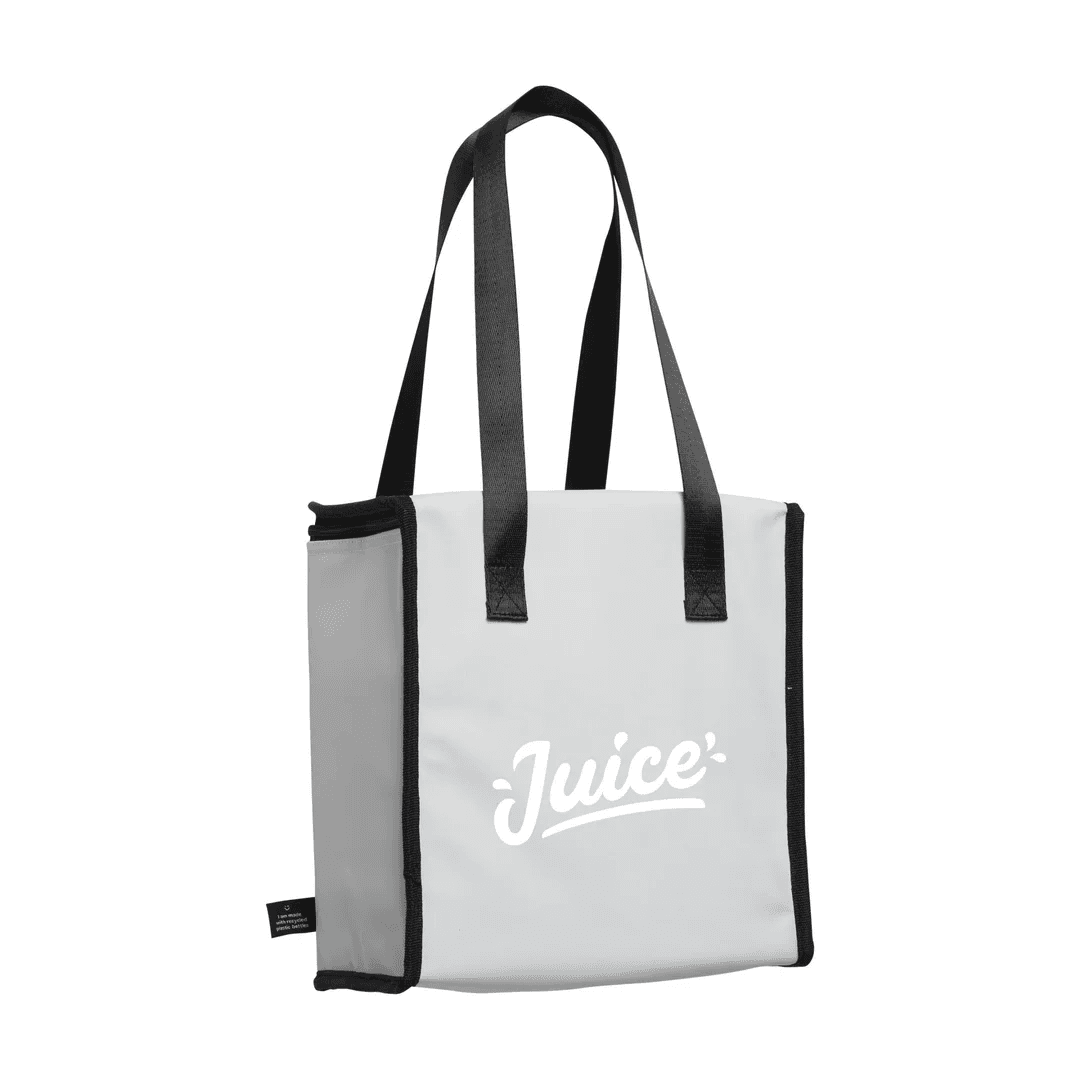
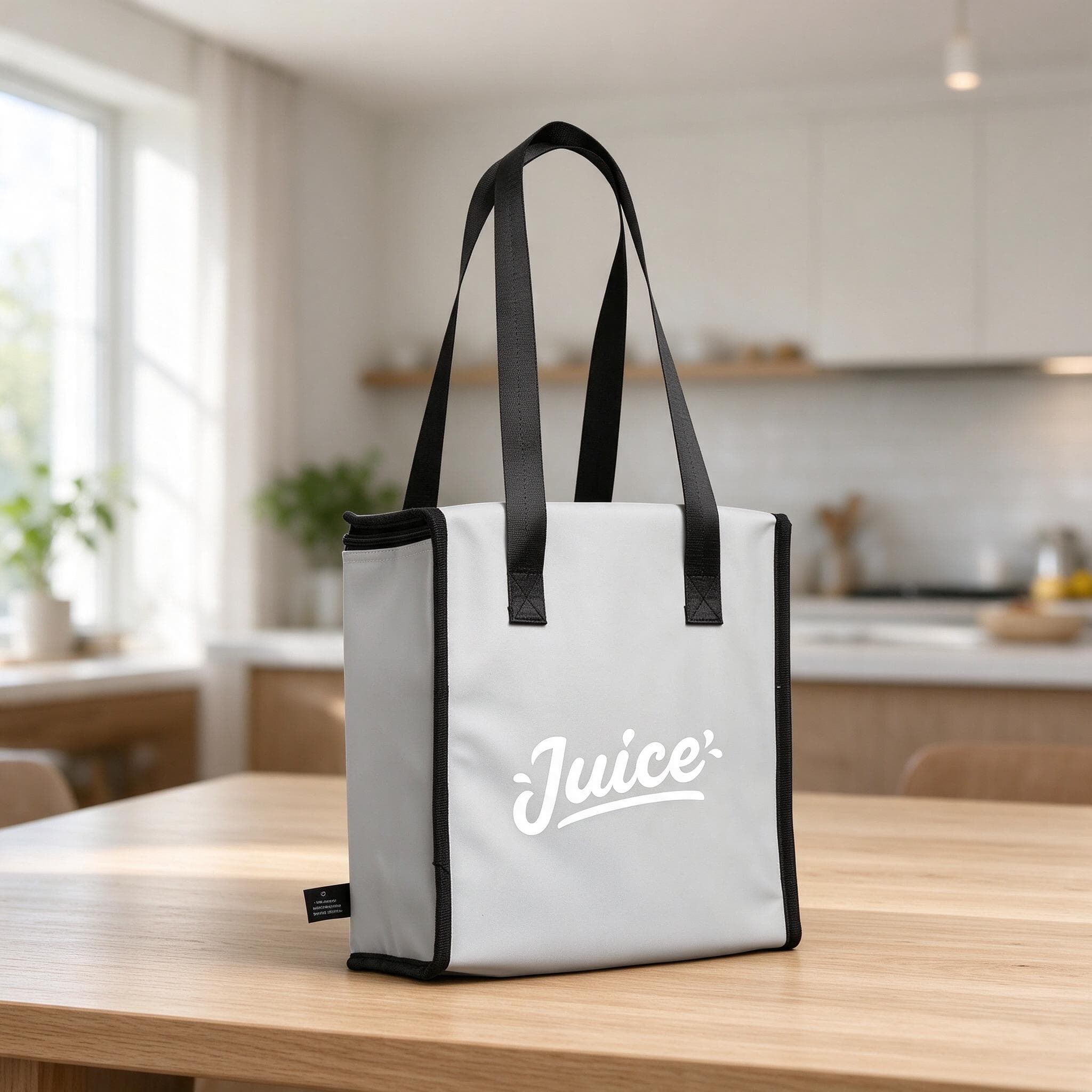
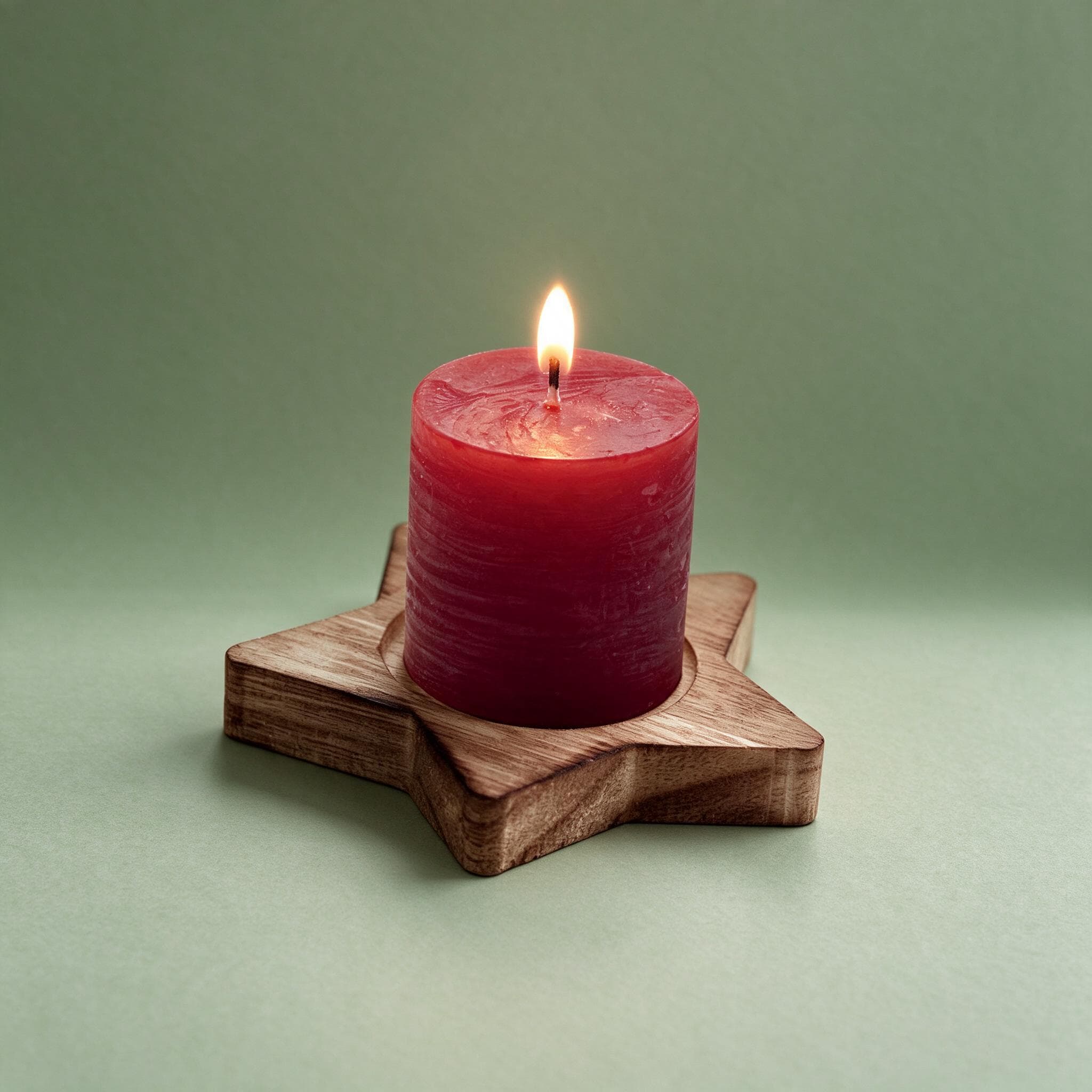
1.25×
as likely to sell with better photos
In a Cornell Tech study of real second-hand listings, run with eBay, handbags with higher-quality photos were 1.25 times as likely to sell as those with lower-quality photos. For shoes, it was 1.17 times.
3 free images. No card needed.
Etsy listing photo requirements
Etsy uses your first photo as the thumbnail in search results and on your shop page, so it decides whether a shopper clicks. These are Etsy's own recommendations:
| Etsy recommends | |
|---|---|
| Size | At least 2000 px on the shortest side |
| Thumbnail ratio | 4:3, landscape |
| Resolution | 72 PPI |
| File size | Files over 1 MB may not finish uploading on a slow connection |
| First photo | Used as the thumbnail in search and on your shop page |
The full checklist, with a photo set that sells: our Etsy listing photo requirements checklist.
Etsy's rules on original photos
Etsy's House Rules ask sellers to use original photos of the actual product buyers will receive, not renderings or stock photos. That matters whenever you use an AI tool on listing images.
StudioShot Pro starts from your own photo and keeps the product as you photographed it; only the background, light and shadows change. To stay on the safe side on Etsy:
- Make sure every image shows the product accurately: true colours, true size, true details.
- Keep at least one photo of the item exactly as buyers will receive it, on a plain backdrop.
- Don't use props or scenes that suggest something is included when it isn't.
- Check Etsy's current rules for your category, and disclose AI use wherever Etsy asks for it. StudioShot Pro images carry AI metadata and C2PA Content Credentials, a signed record of how each image was made.
Making Etsy photos with StudioShot Pro
Photograph in landscape
Hold your phone sideways and leave space around the product, so the image works as a 4:3 thumbnail.
Make a clean first photo
Pick a plain studio backdrop for the thumbnail. A simple background makes the product stand out in busy search results.
Add scenes for the other photos
Use lifestyle scenes to show scale and use: on a shelf, on a table, in a gift box. Lifestyle scenes are included from the Pro plan.
Check the size and upload
Download the largest size your plan offers (HD on Starter, up to 4K on Pro) and check that the shortest side is at least 2000 px before uploading.
Tips for better Etsy listing photos
- Crop the first photo to 4:3 and keep the product centred, so it isn't cut off in search.
- Use the same backdrop for every thumbnail in your shop for a consistent look.
- Show scale: a photo in a hand, or next to a familiar object.
- Use as many photo slots as you can. Shoppers can't pick the item up, so more angles help.
- If uploads fail on a slow connection, keep JPG files under 1 MB.
Questions about Etsy listing photos
What size should Etsy listing photos be?
Etsy recommends at least 2000 px on the shortest side, at 72 PPI. Files over 1 MB may not finish uploading on a slow connection.
What aspect ratio does Etsy use for thumbnails?
Etsy recommends a 4:3 landscape ratio. Square or portrait photos get cropped in search results, so keep the product centred with space around it.
Can I use AI-edited photos on Etsy?
Etsy requires original photos of the actual product, not renderings or stock photos. StudioShot Pro starts from your own photo and doesn't change the product, but make sure every image represents the item accurately and check Etsy's current rules for your category.
Can I sell with images made by StudioShot Pro?
Yes. Commercial use is included on every plan, the free images too, and there's no watermark.