Product photos for your Facebook shop and ads
Meta shows shop product images as squares of at least 500 × 500 px and recommends 1024 × 1024 px. Here's how to make a consistent set from a phone photo, for your shop and your catalog ads.
3 free images. No card needed.
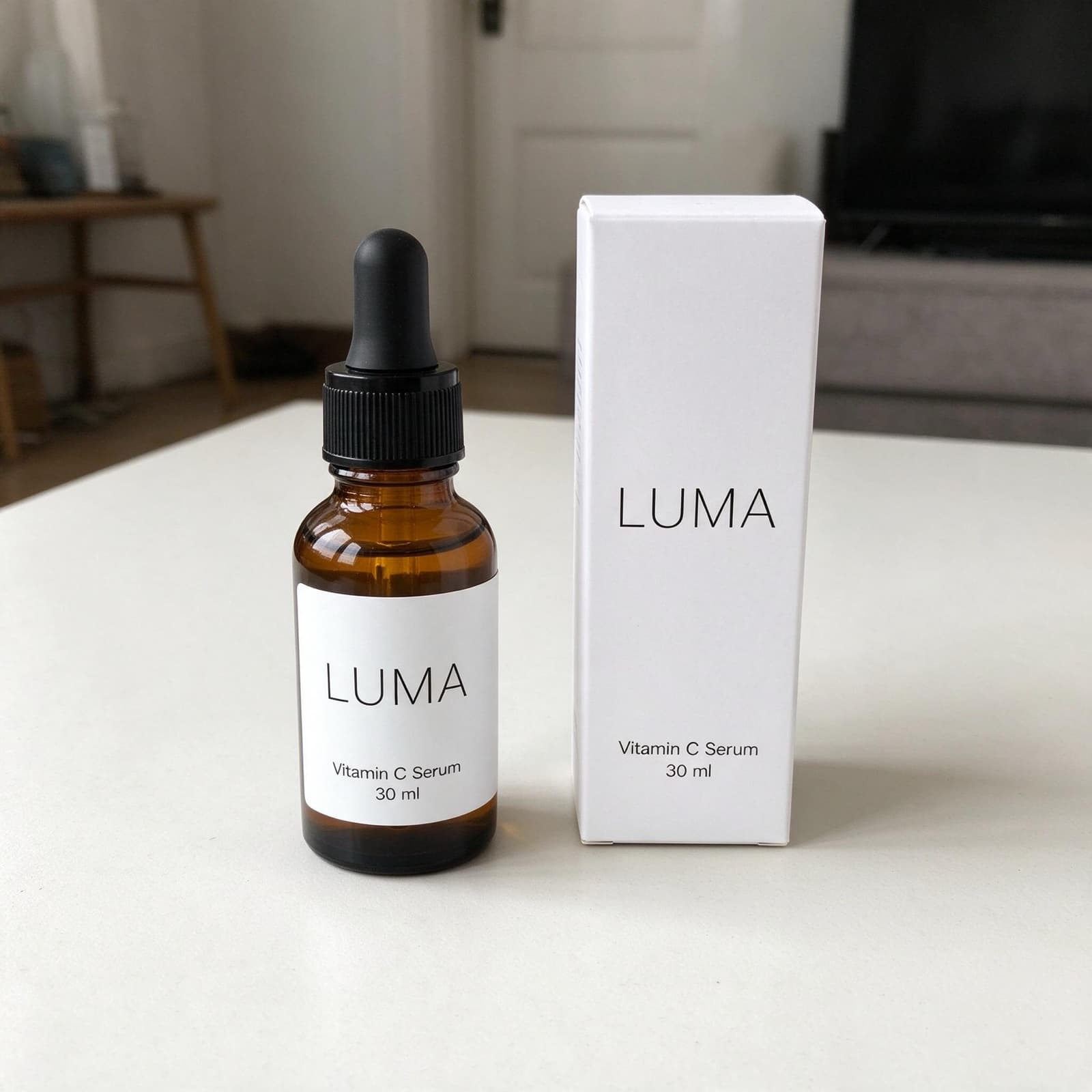

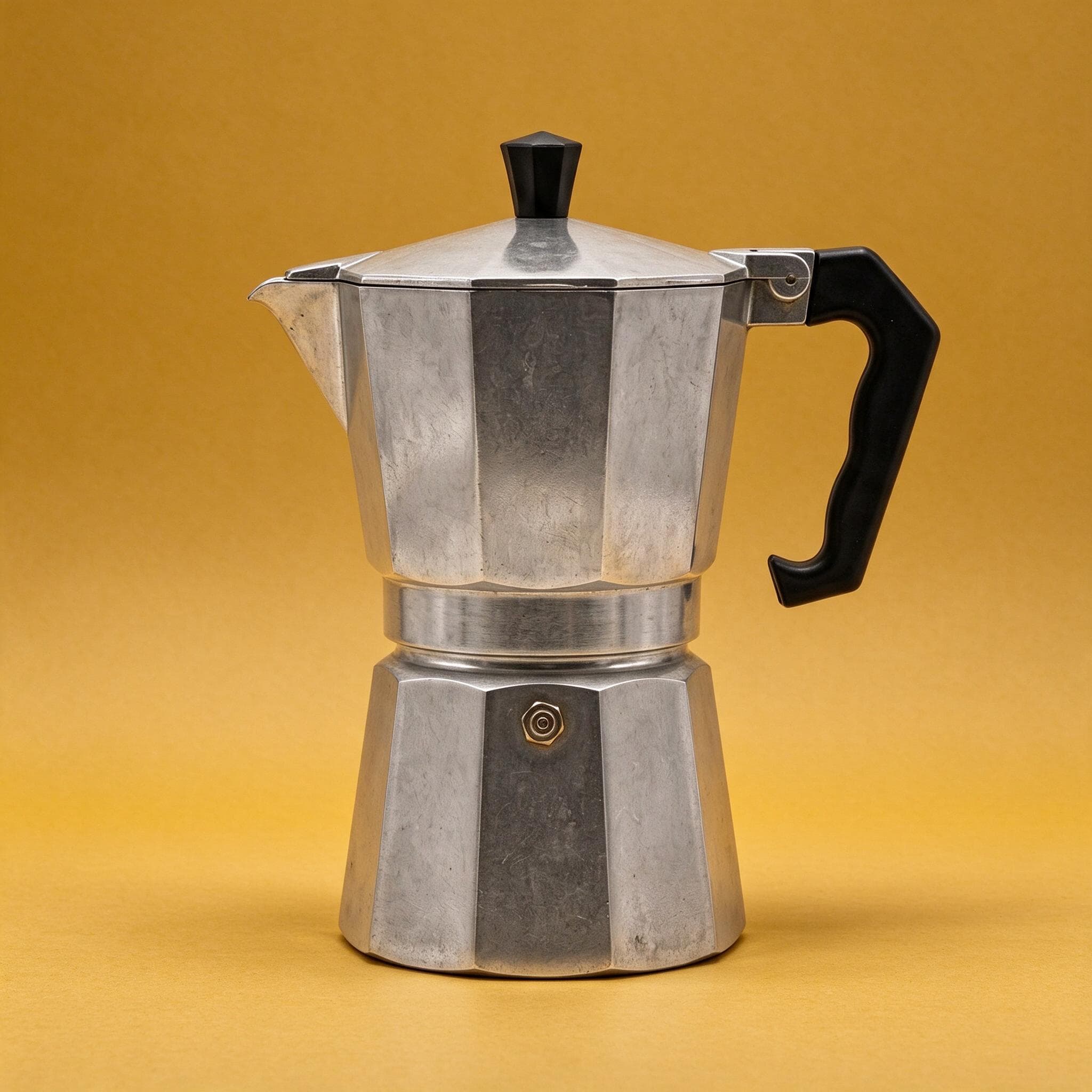
1.25×
as likely to sell with better photos
In a Cornell Tech study of real second-hand listings, run with eBay, handbags with higher-quality photos were 1.25 times as likely to sell as those with lower-quality photos. For shoes, it was 1.17 times.
3 free images. No card needed.
Meta's product image specifications
Facebook shops and catalog ads both use the product images in your Meta catalog, so one good set covers both. These are Meta's own specifications:
| Facebook shops and catalogs | |
|---|---|
| Shop images | Square (1:1), at least 500 × 500 px; 1024 × 1024 px recommended |
| Formats | JPEG or PNG, up to 8 MB; JPEG preferred for image quality |
| Images per product | At least 1; 4 or more recommended |
| Backdrop | White recommended |
| Not allowed on the image | Text over the product, calls to action, promo codes, watermarks, temporary prices |
| Carousel ads | Keep every image in the same ratio (1:1 or 4:5) to avoid automatic adjustments |
Source: Meta Business Help Center, product image specifications for catalogs.
StudioShot Pro downloads JPGs, the format Meta prefers. Meta also asks that images accurately represent the specific product for sale, which is why StudioShot Pro starts from your own photo and keeps the product unchanged.
One catalog, several placements
Meta recommends a clear main image that shows the whole product, plus a mix of angles, close-ups and lifestyle images of the product in use. A practical set:
- Main image: the whole product on a plain, light studio backdrop, square.
- Two or three lifestyle scenes: the product in a room, on a table, in a gift box.
- A close-up of a texture or detail.
Meta also suggests using the same images as on your website, so shoppers recognise the product when they click through. Our guide to product photos for ads covers the ad formats in more detail.
Making Facebook product photos with StudioShot Pro
Photograph the product
Use your phone, in daylight, with plenty of space around the product so it survives square and 4:5 crops.
Make a clean main image
Pick a light studio backdrop for every product's main image, so your shop looks consistent.
Add lifestyle scenes
Make two or three scenes for the extra image slots and for carousel and collection ads. Lifestyle scenes are included from the Pro plan.
Add them to your catalog
Upload the JPGs in Commerce Manager, or to your website if your catalog syncs from it. If you replace an image through a data feed, give the new one a different URL so Meta picks up the change.
Tips for better Facebook product photos
- Keep text off the image: put prices and offers in the ad copy.
- Use the same ratio for every image in a catalog, so carousel ads don't crop them unevenly.
- Check the image cropping setting in Commerce Manager under Catalog → Settings, which controls how images fill ad frames.
- Don't upload placeholder images such as "coming soon"; wait until the final photo is ready.
Questions about Facebook product photos
What size should Facebook shop product images be?
Meta shows shop product images as squares and requires at least 500 × 500 px, recommending 1024 × 1024 px. Files can be JPEG or PNG, up to 8 MB.
Can I put text or a discount on my product images?
Meta's specifications advise against text over the product, calls to action, promo codes, watermarks and temporary prices. Put them in the ad copy instead.
Are AI-made images labelled on Facebook?
Meta can show an "AI info" label on images whose metadata shows AI was used. StudioShot Pro images carry that metadata and C2PA Content Credentials, a signed record of how each image was made.
Can I use StudioShot Pro images in Facebook ads?
Yes. Commercial use is included on every plan, the free images too, and there's no watermark.