Product photos for Instagram
On Instagram your product photos do two jobs: they stop the scroll in the feed, and they appear on product pages when you tag them. Here's what each needs, and how to make both from one phone photo.
3 free images. No card needed.
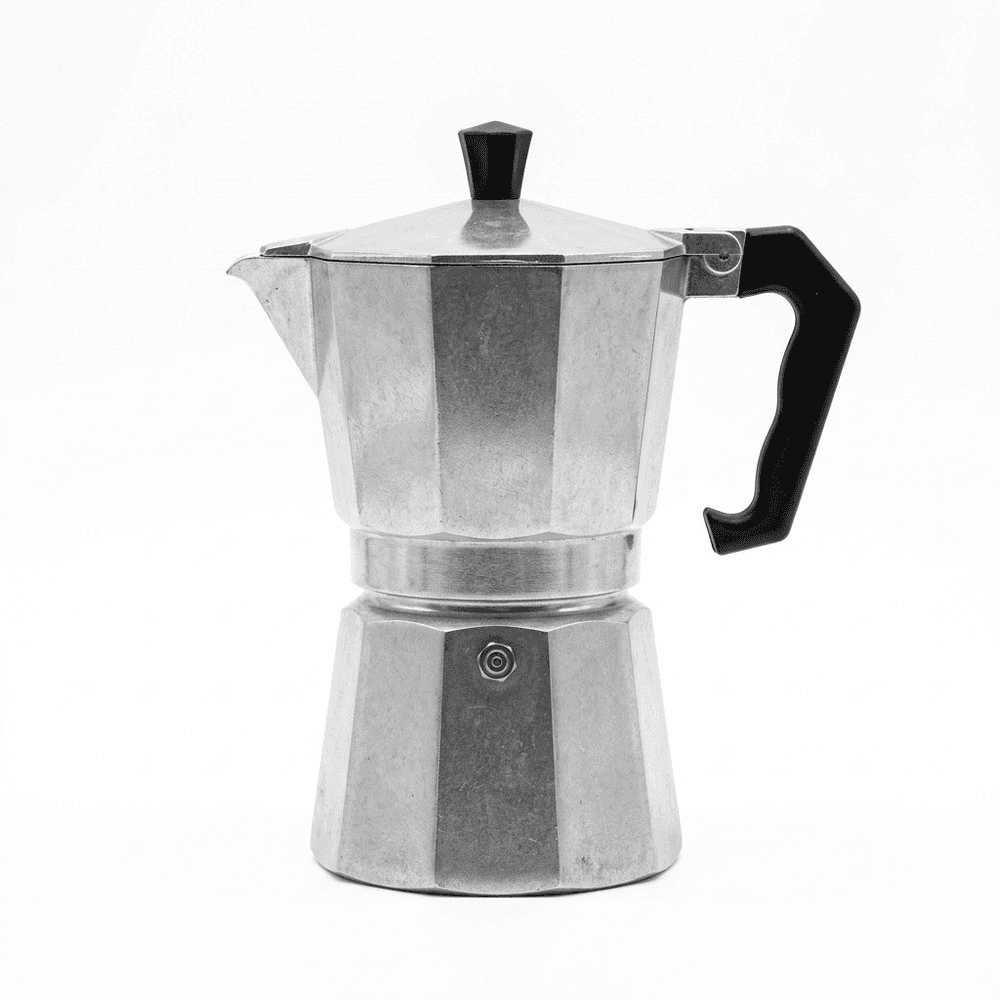
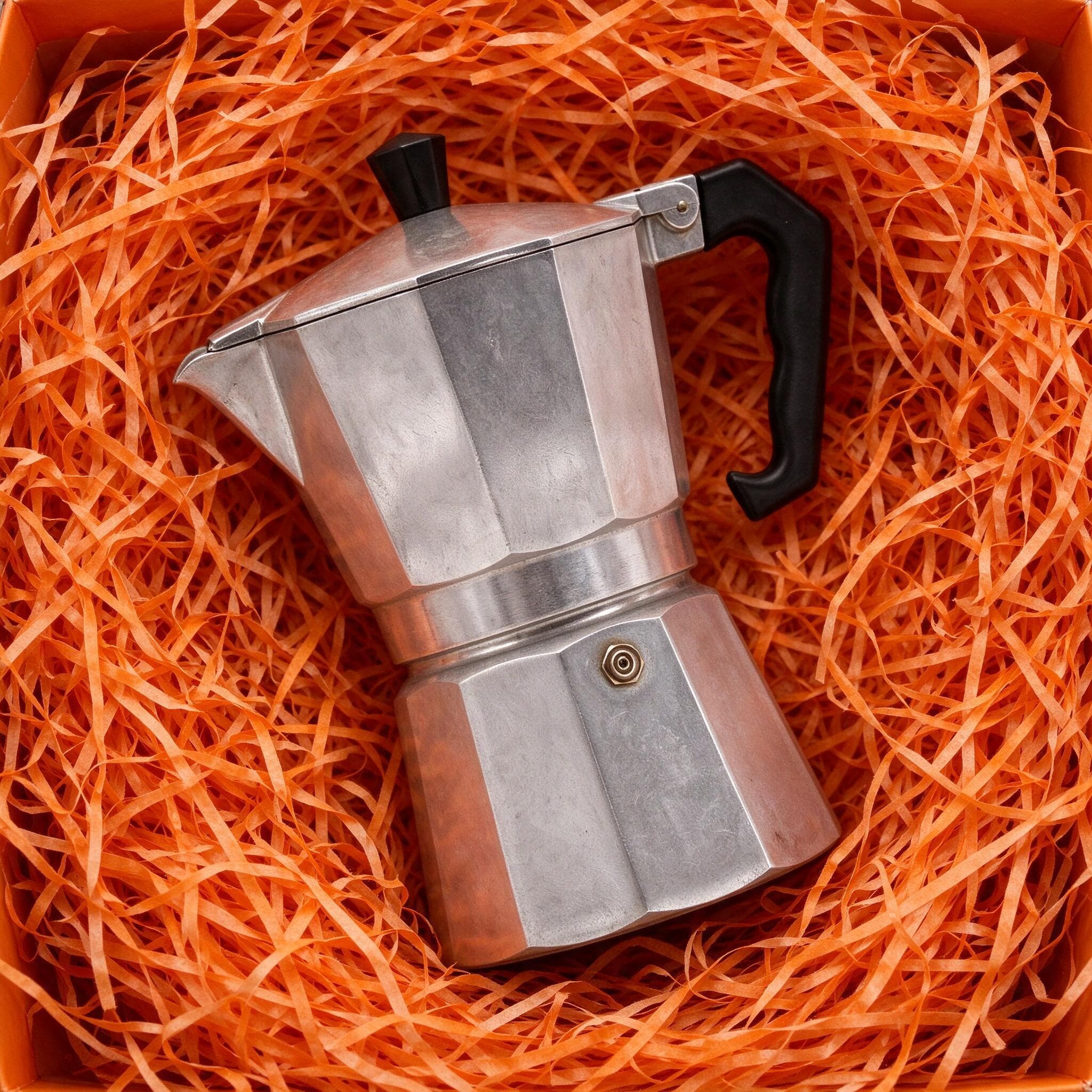
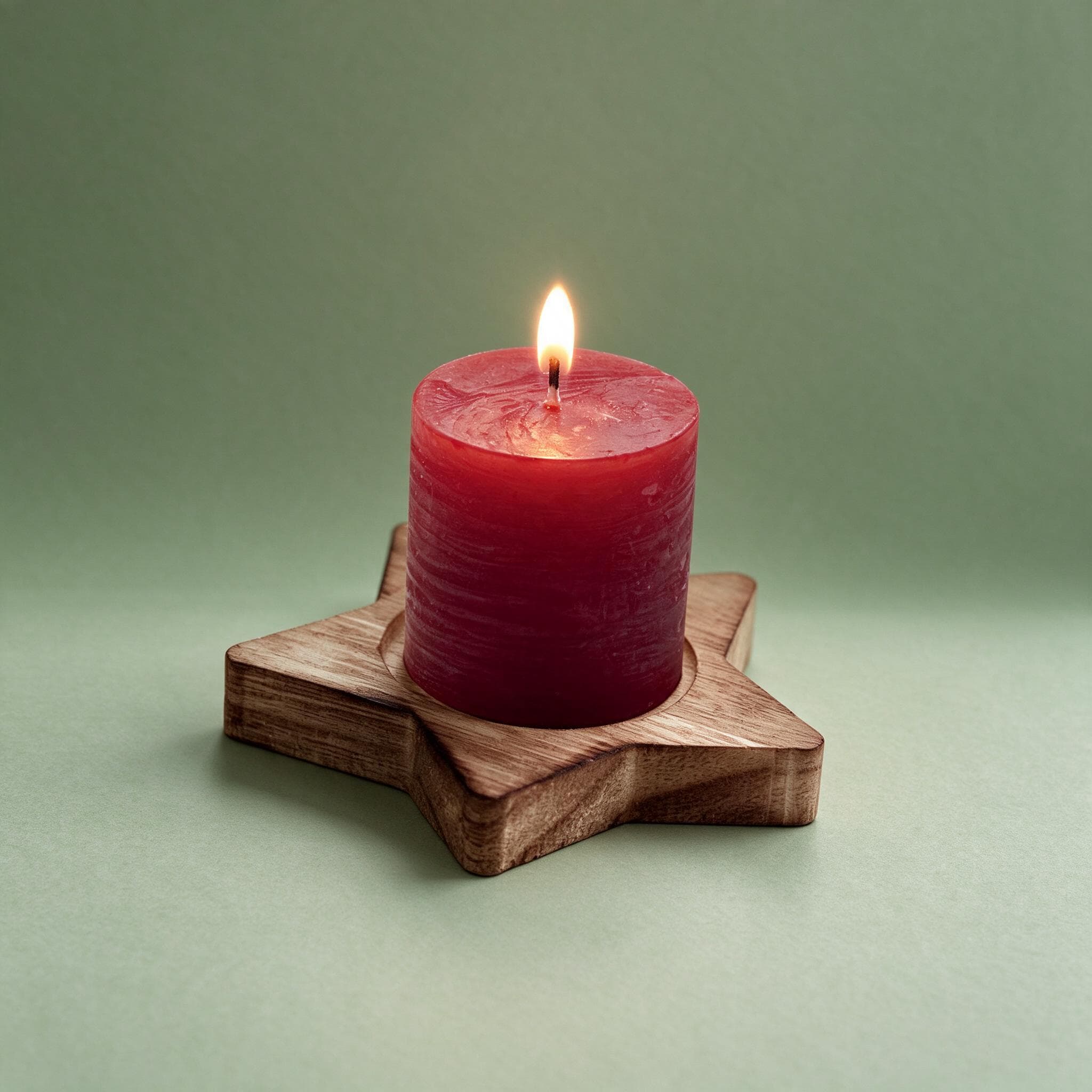
1.25×
as likely to sell with better photos
In a Cornell Tech study of real second-hand listings, run with eBay, handbags with higher-quality photos were 1.25 times as likely to sell as those with lower-quality photos. For shoes, it was 1.17 times.
3 free images. No card needed.
Images for tagged products
When you tag products in posts, Instagram shows them from your Meta catalog, the same one Facebook uses. These are Meta's specifications for catalog images:
| Instagram shopping (Meta catalog) | |
|---|---|
| Shop images | Square (1:1), at least 500 × 500 px; 1024 × 1024 px recommended |
| Formats | JPEG or PNG, up to 8 MB; JPEG preferred |
| Images per product | At least 1; 4 or more recommended |
| Product page crop | Set under Catalog → Settings in Commerce Manager; applies on Instagram only |
| Not allowed on the image | Text over the product, calls to action, promo codes, watermarks, temporary prices |
Source: Meta Business Help Center, product image specifications for catalogs.
Sizes for posts, Stories and Reels
Your own posts aren't bound by the catalog rules, but they're cropped in different ways:
- Feed posts: 4:5 (1080 × 1350 px) takes up the most space in the feed. The profile grid shows posts as 3:4, so keep the product inside a centred 3:4 area.
- Stories and Reels: 9:16, with the product away from the top and bottom edges, where buttons and captions sit.
- Carousels: every slide uses the ratio of the first, so choose before you start.
More on the new grid, carousels and turning likes into sales in our guide to product photos for Instagram.
Making Instagram product photos with StudioShot Pro
Photograph the product
Use your phone, in daylight, and leave plenty of space around the product: Instagram crops the same image square, 4:5, 3:4 and 9:16.
Make a clean catalog image
Pick a plain studio backdrop for the main image in your catalog. It's the one shoppers see on the product page.
Make two or three styles for the feed
A coloured backdrop, a prop scene and a room scene, for example. Rotate them so your feed stays varied but recognisable. Lifestyle scenes are included from the Pro plan.
Post and tag
Download the JPGs, post them, and tag the product so people can tap through to it.
Tips for better Instagram product photos
- Pick two or three styles and stick to them, so your profile looks like one brand.
- Keep the product near the centre, so no crop cuts it off.
- Start a carousel with your strongest image, then add a close-up, a scale shot and the product in use.
- Use the same images in your ads and on your product pages, so people recognise the product.
Questions about Instagram product photos
What size should Instagram product photos be?
For tagged products, Meta's catalog needs square images of at least 500 × 500 px, with 1024 × 1024 px recommended. For feed posts, 1080 × 1350 px (4:5) is a safe choice; Stories and Reels are 9:16.
Does Instagram label AI-edited images?
Meta can show an "AI info" label on images whose metadata shows AI was used. StudioShot Pro images carry that metadata and C2PA Content Credentials.
Can I tag products without a website?
Tagging uses a Meta catalog, which you can fill in by hand in Commerce Manager. Check Meta's current requirements for your country, as shopping features differ by region.
Can I use the images in Instagram ads?
Yes. Images made with StudioShot Pro have no watermark and can be used commercially on every plan, the free ones included.