eBay
Product photos for your eBay listings
eBay asks for photos at least 500 px on the longest side and recommends about 1600 × 1600 px, on an uncluttered, neutral backdrop. Here's how to get there from a phone photo, within eBay's picture policy.
3 free images. No card needed.
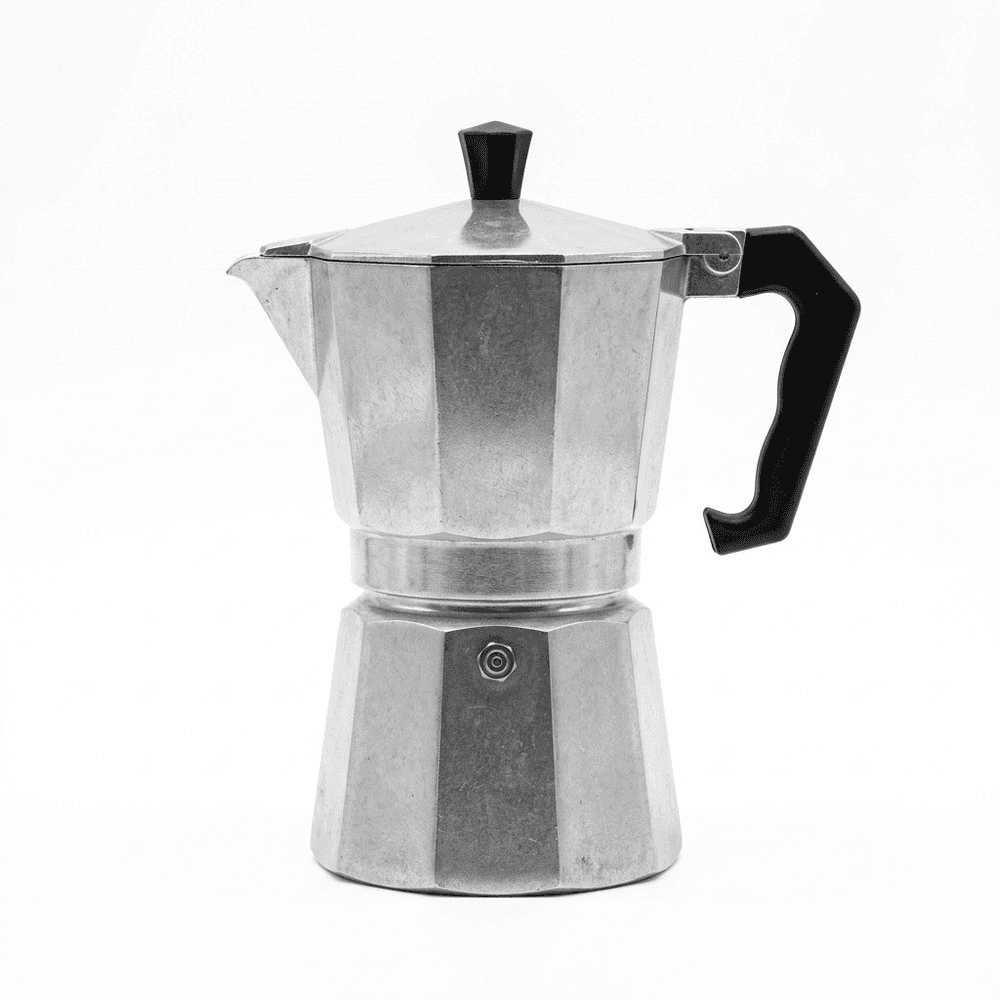
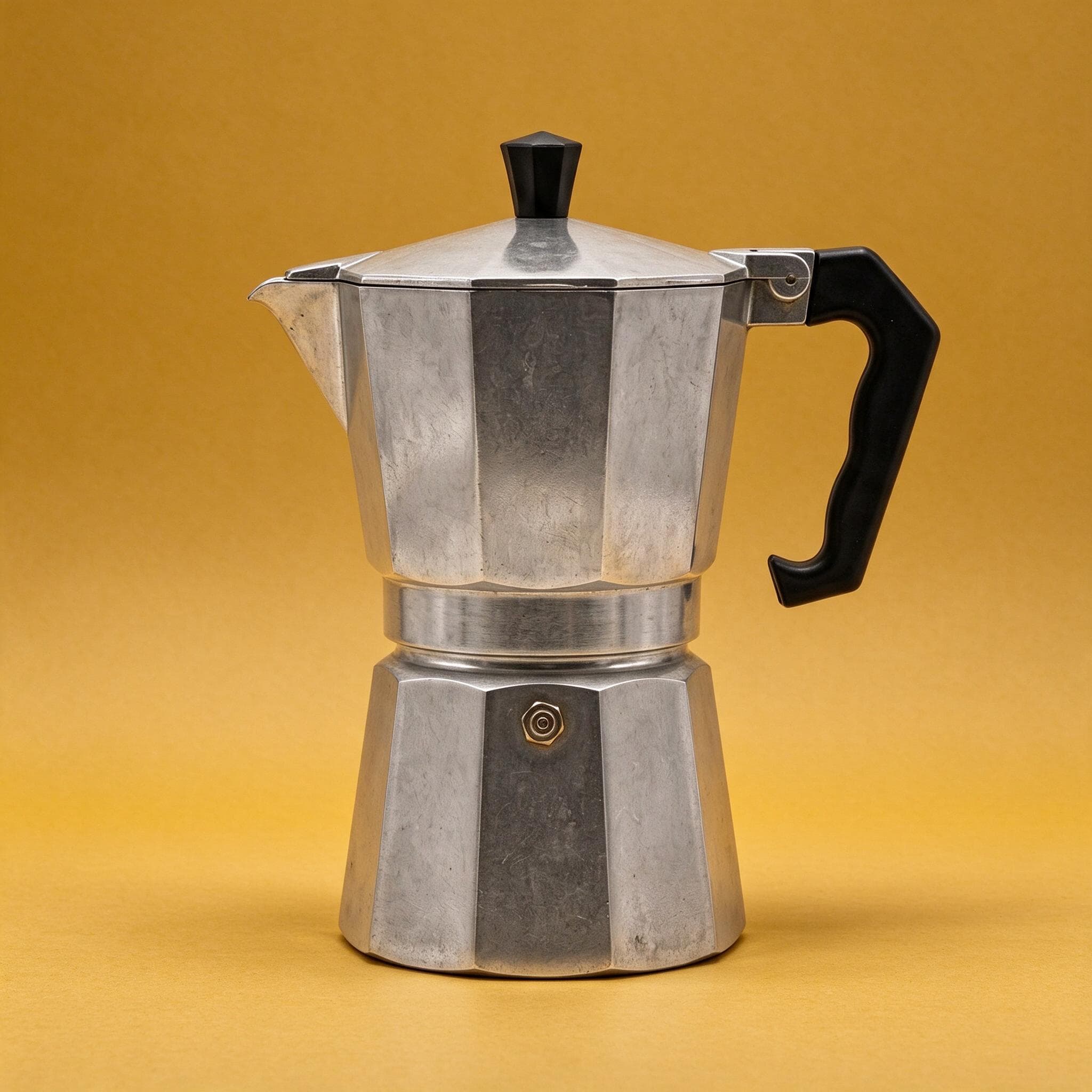
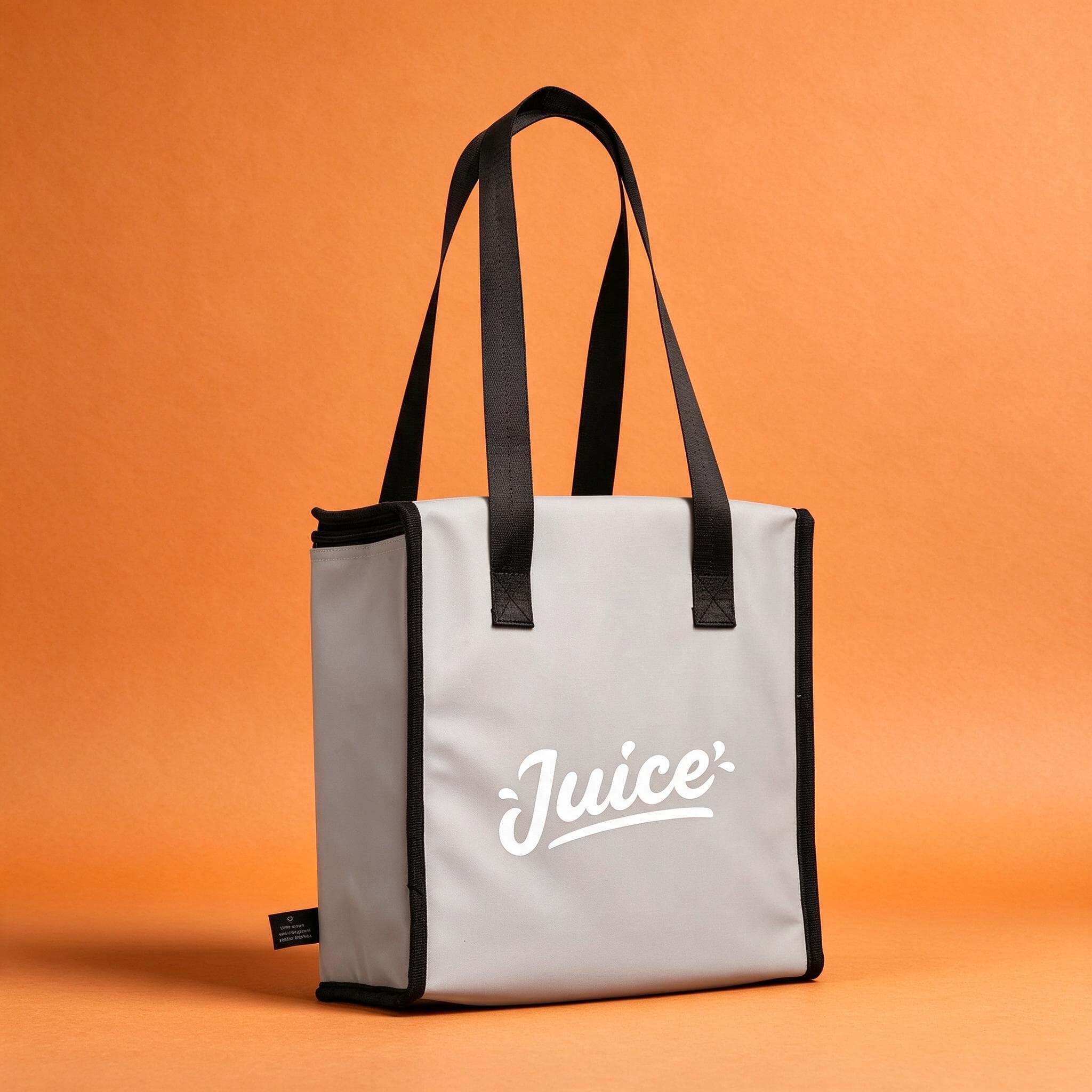
1.25×
as likely to sell with better photos
In a Cornell Tech study of real second-hand listings, run with eBay, handbags with higher-quality photos were 1.25 times as likely to sell as those with lower-quality photos. For shoes, it was 1.17 times.
3 free images. No card needed.
eBay picture requirements
Your first photo is the one shoppers see in search results, so it decides whether they open the listing. These are eBay's own rules and recommendations:
| eBay | |
|---|---|
| Minimum size | 500 px on the longest side |
| Recommended size | About 1600 × 1600 px |
| Aspect ratio | 1:1 or 16:9 look best in listings and search |
| Photos per listing | At least 1, up to 24 |
| File size | Up to 12 MB each |
| Formats | JPEG, PNG, GIF, TIFF, BMP, WEBP, HEIC or AVIF |
| Not allowed | Added borders, text, artwork or watermarks; stock photos of used items |
Sources: eBay picture policy and adding pictures to your listings.
StudioShot Pro downloads JPGs, which eBay accepts. Download the largest size your plan offers and check that it's around 1600 px or more, so eBay's zoom shows the detail.
Keeping your photos accurate
eBay's picture policy says photos must accurately show the item, and stock photos aren't allowed for used, damaged or defective items. The policy doesn't mention AI tools; what counts is that the buyer gets what the photos show.
StudioShot Pro starts from your own photo and keeps the product as you photographed it; only the background, light and shadows change. To stay on the safe side:
- For used items, add photos that show the real condition, including any marks or wear.
- Check that colours and details in the edited image match the item in your hand.
- Don't add text, badges, logos or borders to the photo. eBay doesn't allow them.
- Don't use props or scenes that suggest something is included when it isn't.
Making eBay photos with StudioShot Pro
Photograph the product
Use your phone, in daylight, with space around the product so it can be cropped square without cutting anything off.
Pick a plain backdrop for the first photo
eBay recommends an uncluttered, neutral backdrop, and says white generally works best. A light studio backdrop makes the product stand out in search.
Add detail and scale shots
Use your other photo slots for close-ups, the back and the base, and a lifestyle scene that shows size and use. Lifestyle scenes are included from the Pro plan.
Upload to eBay
Download the JPGs and add them when you create or revise the listing. Drag the studio shot to the first position.
Tips for better eBay listing photos
- Use as many of the 24 photo slots as the item deserves. Buyers can't pick it up, so more angles help.
- Keep the product large in the frame: the first photo shows small in search results.
- Photograph labels, model numbers and maker's marks clearly. They answer questions before buyers ask them.
- Use the same backdrop for every first photo in your shop, so your listings look like they come from one seller.
Questions about eBay listing photos
What size should eBay photos be?
At least 500 px on the longest side, and eBay recommends about 1600 × 1600 px. Each file can be up to 12 MB.
Can I use AI-edited photos on eBay?
eBay's picture policy requires photos that accurately show the item and doesn't allow stock photos of used items. StudioShot Pro starts from your own photo and doesn't change the product, but for used items, add photos that show the real condition too.
Can I add my logo or a watermark to eBay photos?
No. eBay's picture policy doesn't allow watermarks of any kind, or added text, artwork or borders. StudioShot Pro images come without a watermark.
What background is best for eBay?
eBay recommends an uncluttered, neutral backdrop and says white generally works best, though a darker one can suit shiny items like jewellery.