Vinted
Photos for your Vinted listings
Vinted asks for your own photos of the item, with the whole item in the first one. Here's what that means, and where a clean studio photo helps without hiding anything.
3 free images. No card needed.
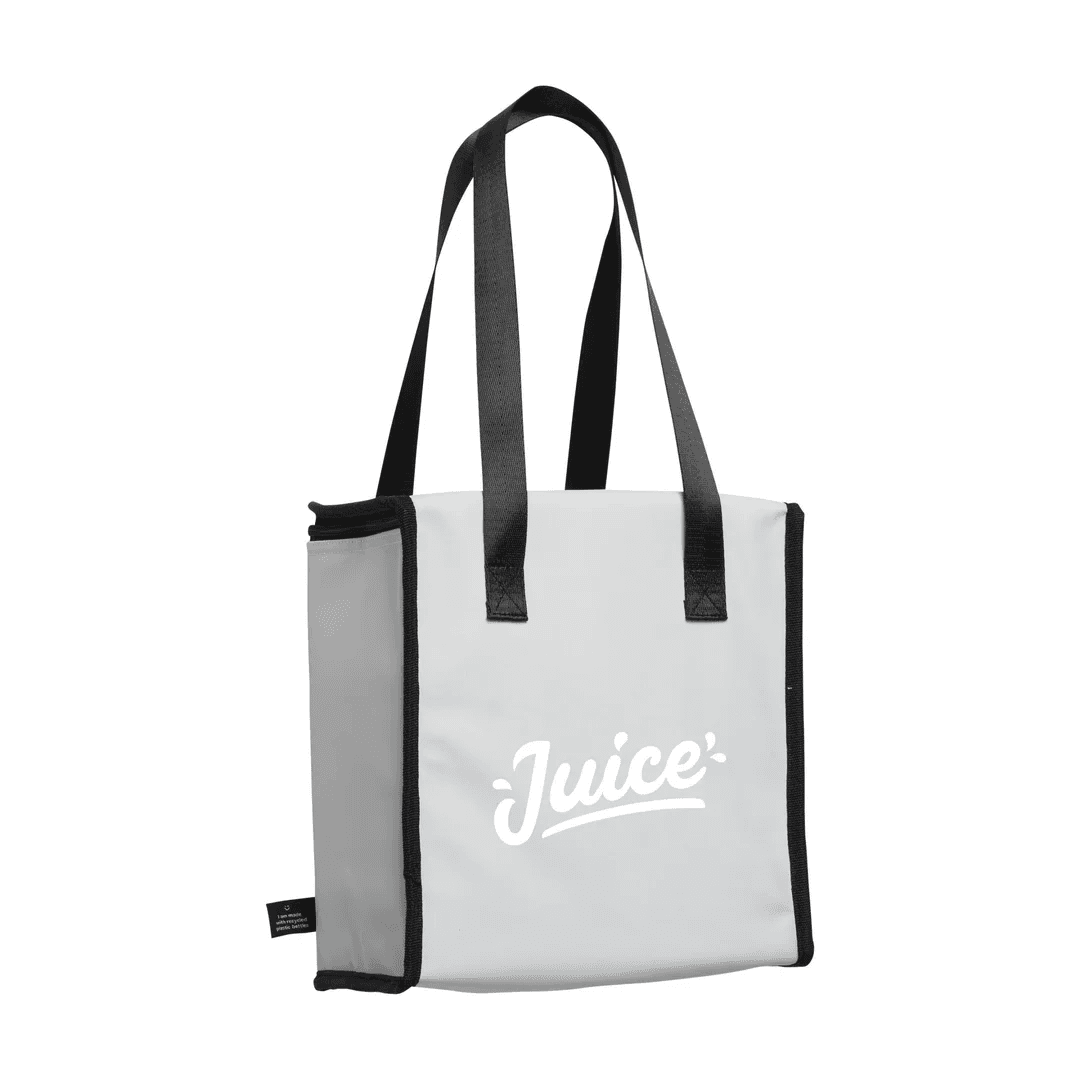
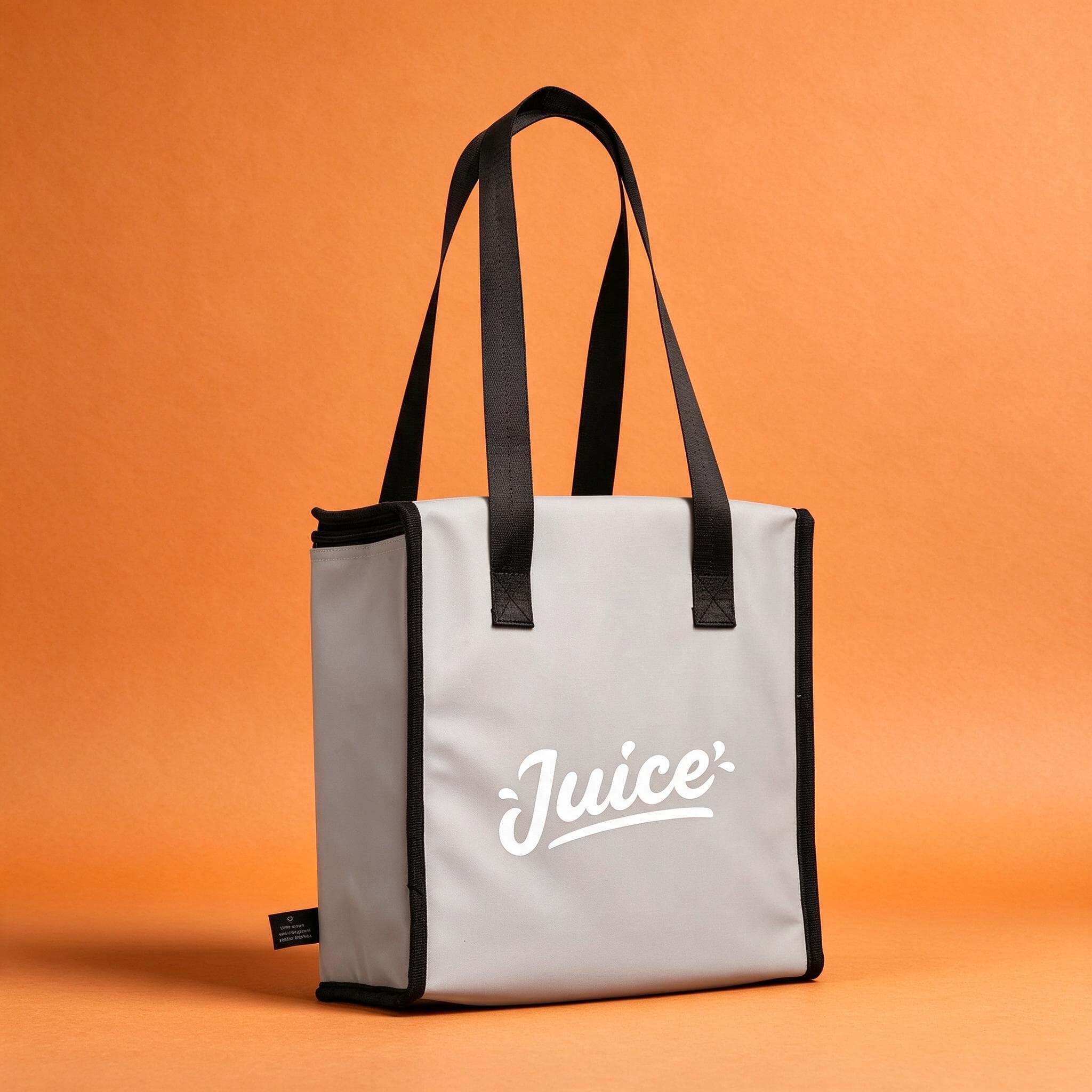
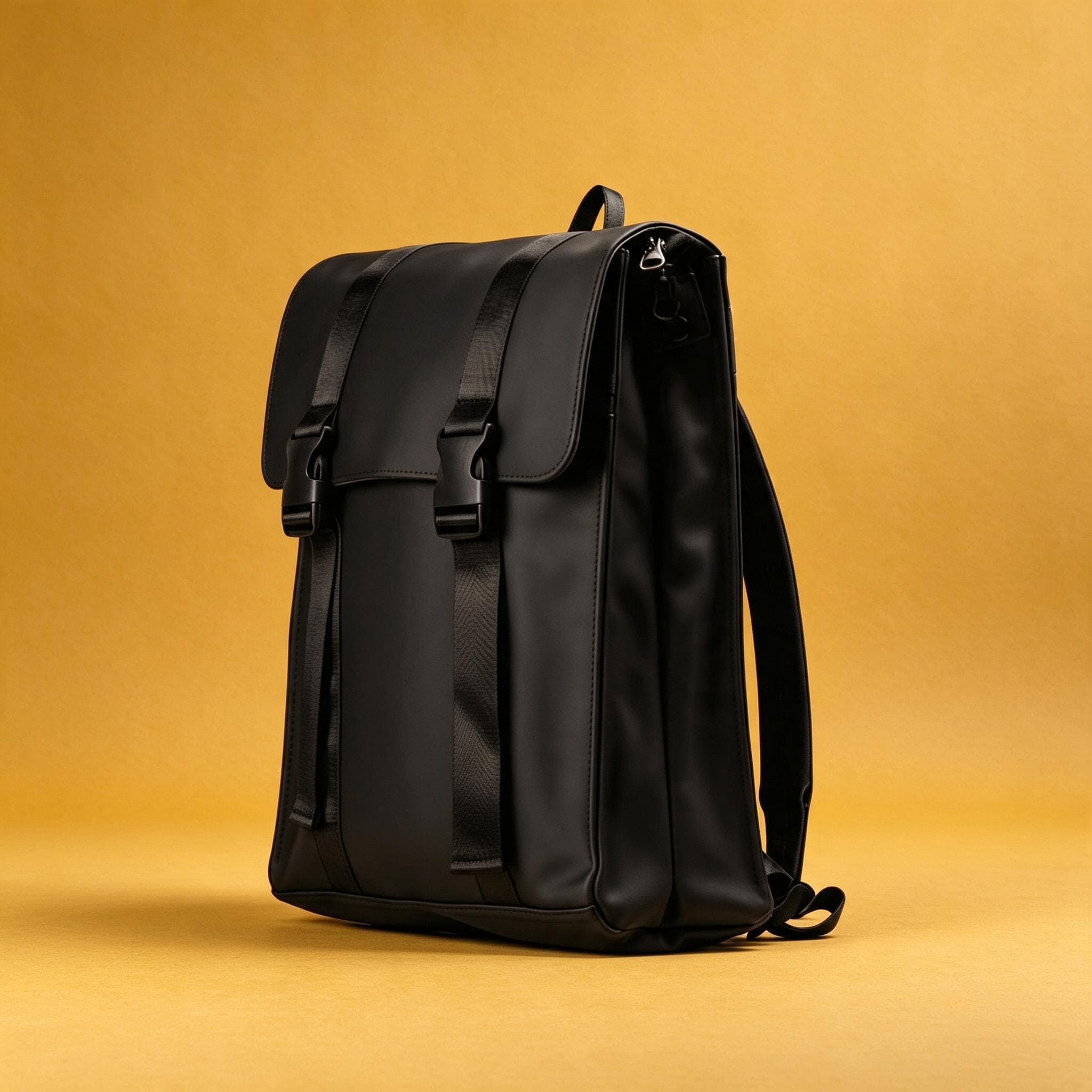
1.25×
as likely to sell with better photos
In a Cornell Tech study of real second-hand listings, run with eBay, handbags with higher-quality photos were 1.25 times as likely to sell as those with lower-quality photos. For shoes, it was 1.17 times.
3 free images. No card needed.
What Vinted asks for
Vinted's advice is short and practical. Buyers can't touch the item, so the photos have to answer their questions about it:
| Vinted | |
|---|---|
| Photos per listing | Up to 20 |
| First photo | The whole item, no collages |
| Source | Your own photos: no stock, watermarked or online images |
| Light and colour | Natural daylight, no flash or filters |
| Details | Labels, logos and stitching close up; any flaws shown |
Where AI helps on Vinted, and where it doesn't
Vinted wants buyers to see the item as it is today. That's why it asks for your own photos and no filters: stock or borrowed images may not show the item's current condition, and filters change its colours.
StudioShot Pro starts from your own photo and keeps the item as you photographed it; only the background, light and shadows change. That makes it useful for one job: a clean, eye-catching first photo of the whole item. The rest of your photos should stay as they are.
- Check that the colours in the edited photo match the item in your hand. If they don't, use the original.
- Keep plain, unedited photos of labels, logos and stitching close up.
- Show every flaw in its own photo. Buyers who weren't told about a flaw may cancel and return the item.
- Don't use props or scenes that suggest something is included when it isn't.
Making a Vinted cover photo with StudioShot Pro
Photograph the whole item
In daylight, without flash, with the whole item in the frame. Lay clothes flat or hang them, rather than wearing them, if you'd rather not show your face.
Pick a plain backdrop
A simple studio backdrop makes the item stand out in the feed. Keep the same one for all your listings so your wardrobe looks tidy.
Compare it with the item
Hold the item next to the screen and check the colour and details. The photo should show exactly what the buyer will receive.
Add your real photos
Upload the studio photo first, then your unedited photos of the back, the details, the labels and any flaws.
Tips for better Vinted photos
- Use several photos from different angles. You have up to 20 slots.
- For branded items, add close-ups of labels and logos, and proof of purchase if you have it.
- Photograph by a window: daylight shows colours truly.
- Iron or steam clothes before photographing them. Creases look worse in photos than in person.
Questions about Vinted photos
How many photos can I add on Vinted?
Up to 20 per listing. Vinted recommends many informative photos, with the whole item in the first one.
Can I use AI-edited photos on Vinted?
Vinted asks for your own photos of the item, without filters, so buyers see its true condition and colours. A studio background made from your own photo can work as the first photo if the item looks exactly as it does in reality, but keep real, unedited photos of the details and any flaws.
Can I use photos from the brand's website?
No. Vinted asks you not to use stock, watermarked or other online images: they may be copyrighted, and they don't show your item's current condition.
What's the best light for Vinted photos?
Natural daylight, near a window. Vinted advises against flash and filters, which change how colours look.