Candles & home fragrance
Give every candle collection a look of its own
Turn phone photos of your candles, wax melts and diffusers into clean catalogue images and warm lifestyle scenes. Prepare your next scent launch without building a new set.
3 free images. No card needed.
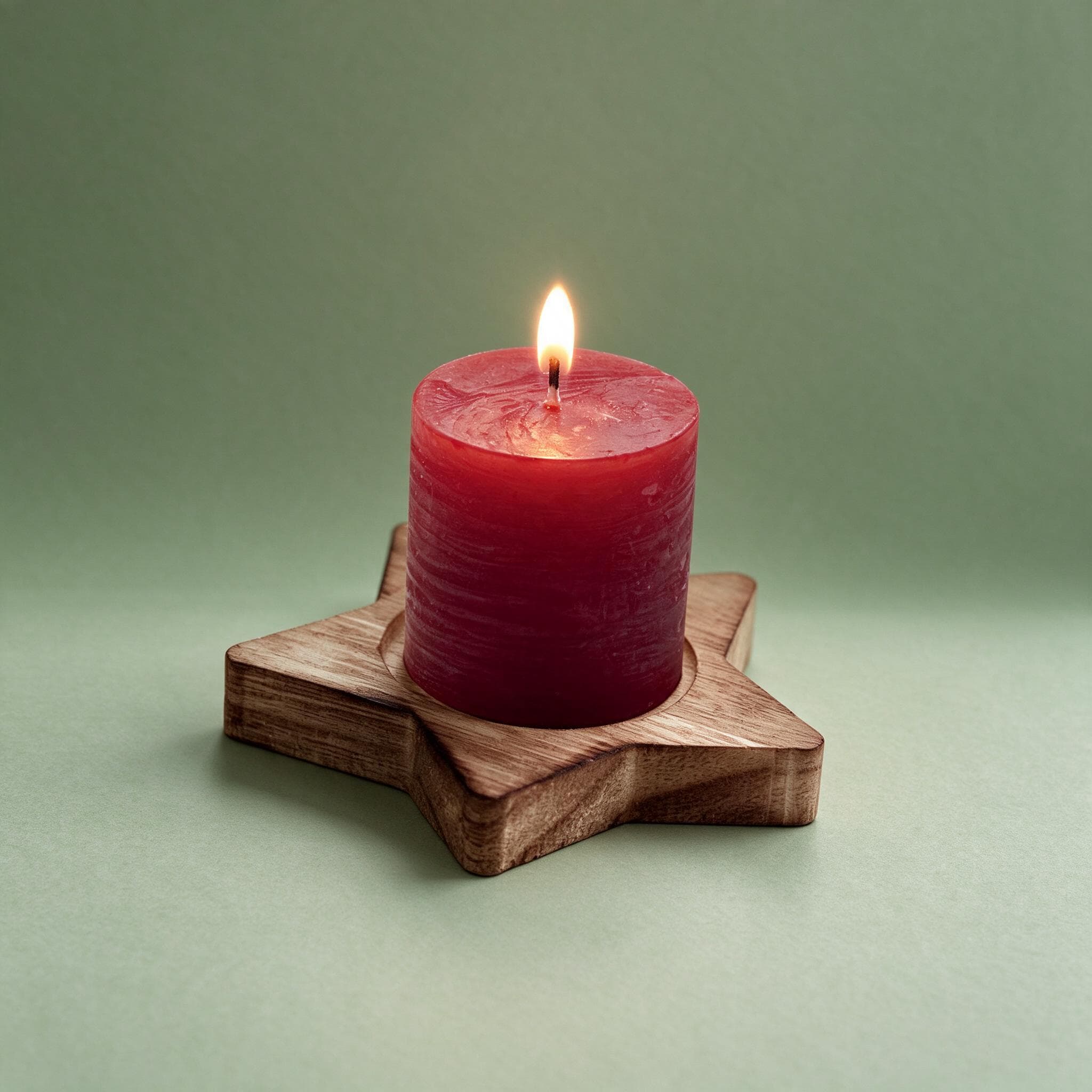
Your next launch needs photos, too
You have poured a new scent, changed a label or packed a seasonal gift. Now you need images for the listing, the launch post and the wholesale sheet. Rebuilding a cosy set for every jar takes time, and changing daylight can make one collection look like several different brands.
Three ways StudioShot Pro helps
Bring the scent range together
Use the same studio backdrop for each photographed jar, wax melt or diffuser. Keep labels visible and let scent names distinguish the range.
Set a mood for the season
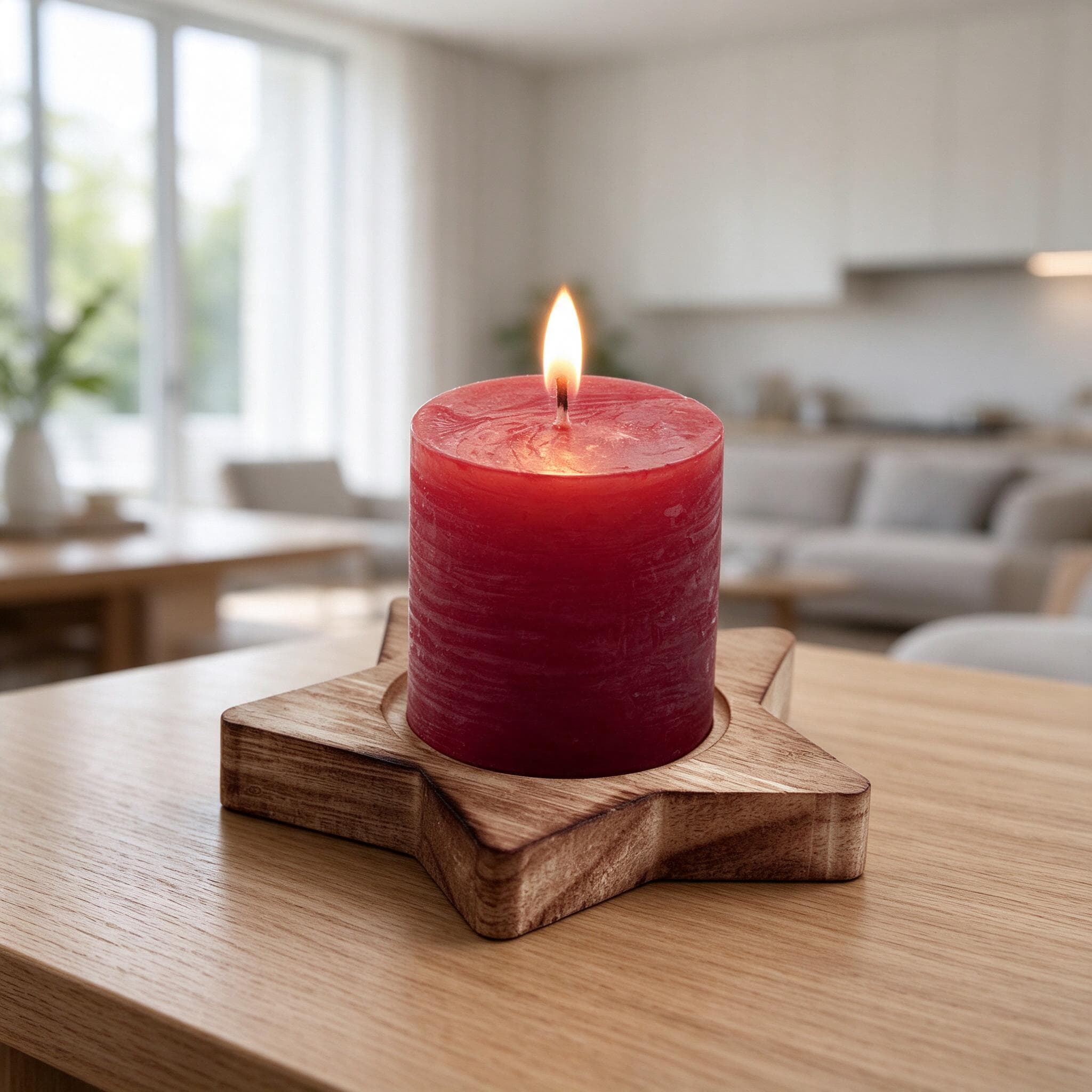
On Pro or Business, put the same product photo into a warm room or gift scene. Prepare autumn launches, winter promotions and housewarming content.
Prepare your wholesale sheet
Make clean images for stockist catalogues, then use batch editing on Pro or Business to apply a consistent setting across the range.
Why product images deserve attention
56%
Images were the first stop
In Baymard’s product-page usability testing, 56% of users first explored the product images. This is general ecommerce research, reported in April 2020, rather than a study of this product category or StudioShot Pro.
Give shoppers a clear view of the jar and label first. Add atmosphere in supporting images so the scent story does not obscure what they are buying.
≈35%
Candle sales in the holiday season
The National Candle Association estimates that approximately 35% of US candle sales occur during the Christmas/holiday season. This is an undated industry estimate, not a current-year sales measurement.
That seasonal concentration makes an organised image library useful. Prepare clean listing photos and gift-themed campaign images before your busiest launches.
These figures describe shopping behaviour and market context. They do not measure a sales increase from using StudioShot Pro.
From your phone to your shop
Photograph the actual jar
Use soft window light, wipe the vessel and turn the label towards the camera. Photograph packaging separately if it is part of the offer.
Choose the image’s job
Pick a studio backdrop for the listing, or a lifestyle scene on Pro or Business for your seasonal promotion.
Review, download, publish
Check the scent name, jar shape, wax colour and wick against your original. Download the JPG and upload it to your shop or campaign.
Choose a setting for each job
| Image purpose | Suggested setting | What to check |
|---|---|---|
| Main listing | Plain studio backdrop | Readable scent name and complete jar |
| Seasonal social post | Warm room or sunlit shelf | Product stays visible; props are not included |
| Gifting promotion | Gift setting | Only show your actual packaging as part of the offer |
| Wholesale catalogue | One backdrop across the collection | Consistent crop and accurate labels |
Take a better original, get a better result
- Avoid reflections across the label on glass jars.
- Photograph every scent and vessel you sell; do not recolour one jar to represent another.
- Keep diffuser reeds and wax-melt edges fully inside the frame.
- Check fine label text and wick details after editing. A new background cannot recover blurred text.
A styled scene creates atmosphere; it is not reliable proof of size. Include dimensions in your listing and use a real reference photo for scale. Take a separate source photo for every new angle or close-up, and review the finished image against the original before publishing.
Start small, build a consistent catalogue
Try 3 free images with no card. Starter covers clean studio backdrops and HD downloads. Choose Pro or Business for lifestyle scenes, batch editing and downloads up to 4K. Every plan allows commercial use and downloads without a watermark.
| Plan | Monthly price | Images per month | Included tools |
|---|---|---|---|
| Starter | €9 | 50 | Studio backdrops, background removal, HD |
| Pro | €24 | 300 | Studio + lifestyle scenes, batch editing, up to 4K |
| Business | €59 | Unlimited | Studio + lifestyle scenes, batch editing, up to 4K |
At the full monthly allowance, that is about €0.18 per image on Starter and €0.08 on Pro. These are subscription price ÷ included images, not pay-as-you-go rates. Yearly billing is €7/month for Starter (€84/year), €19/month for Pro (€228/year) and €47/month for Business (€564/year). See all plans.
Prepare your images for Etsy, Shopify or WooCommerce, then adapt your promotional images for Instagram. Start with our phone photography guide.
Questions from makers
Can I use one candle photo for several seasons?
Yes. Reuse the same source photo in different settings. That creates several scenes, not new views of the jar; shoot another angle separately.
Can I include my gift box?
Photograph the actual box with the product if both are included. Decorative props in a generated scene should not imply that extra items come with the candle.
Will it preserve my scent label?
Start with a sharp, readable label and check the result against the source photo. Do not publish if lettering, vessel details or wax colour have changed.
Which plan suits a full scent collection?
Starter suits clean studio images. Pro and Business add lifestyle scenes and batch editing, useful for applying one setting across many products.