Skincare & cosmetics
Make your next skincare launch look like one collection
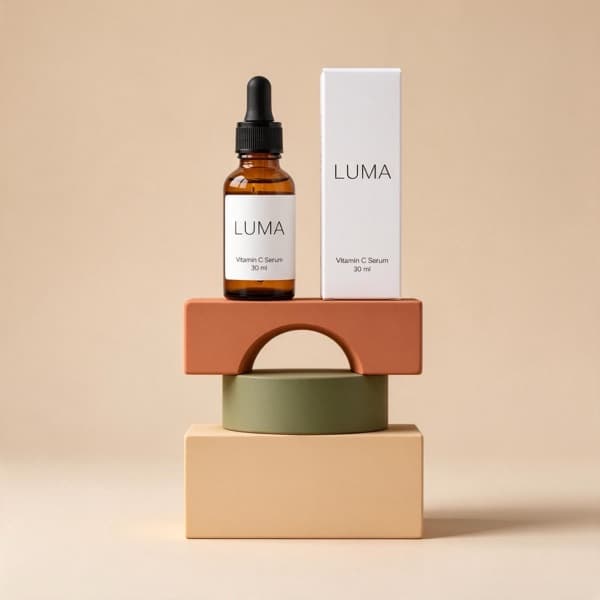
Give serums, creams and cosmetics a consistent studio look, then create supporting lifestyle images for launch posts and ads. Start with a clear phone photo of your actual packaging.
3 free images. No card needed.
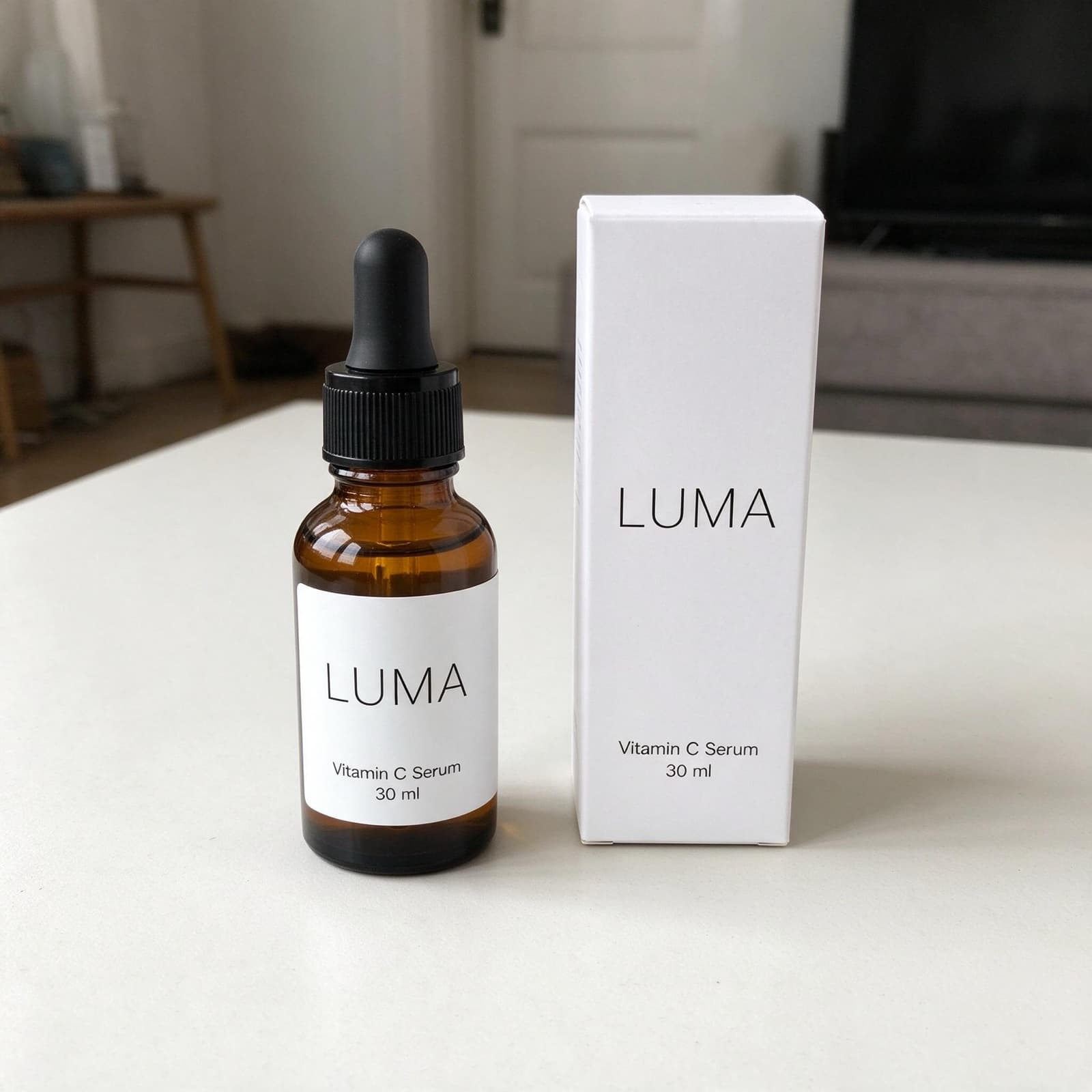
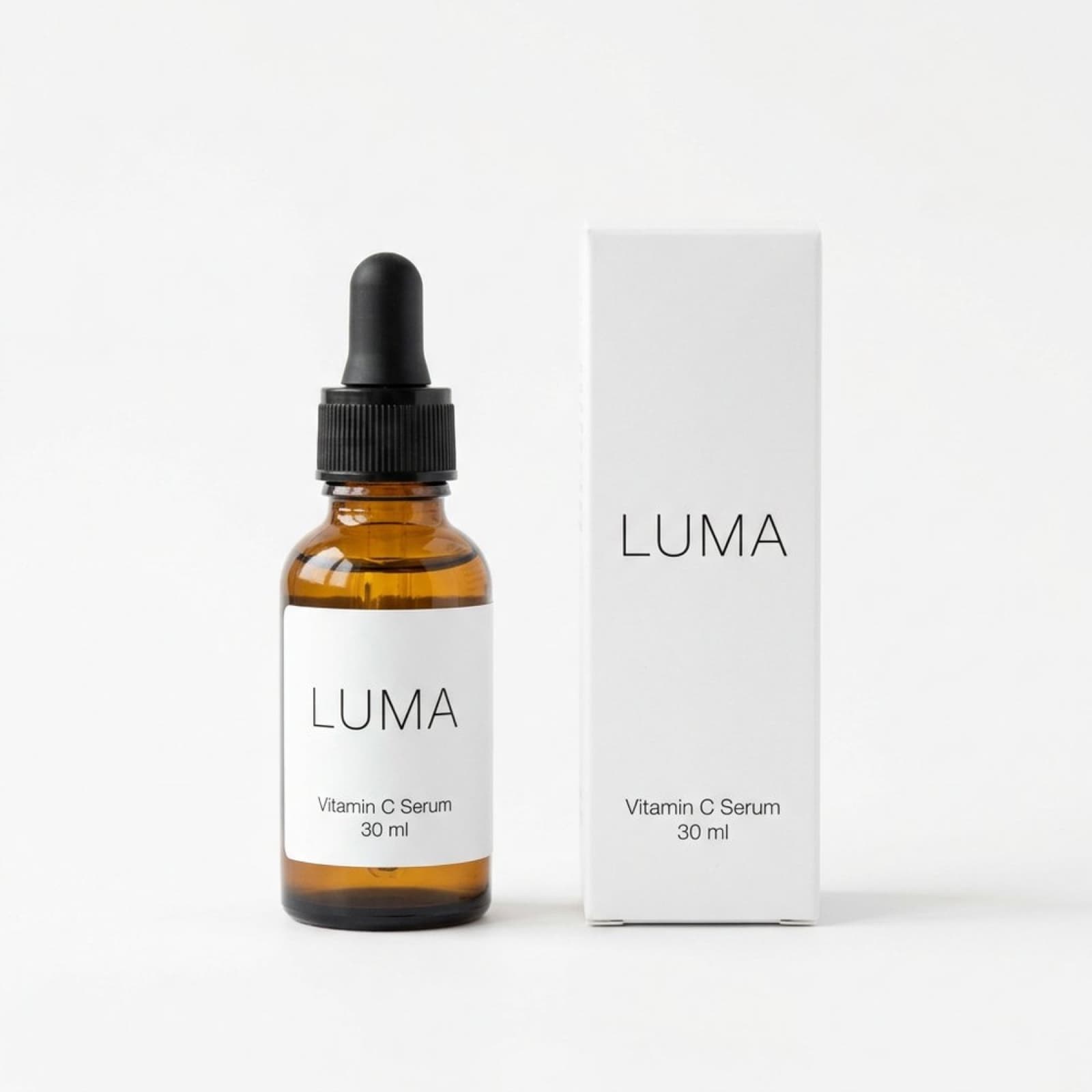
Your next launch needs photos, too
A serum, a moisturiser and a new lip balm may share your brand, but different shooting days can leave them with different backgrounds and light. Every launch also needs images for product pages, email and social channels. Small teams have to keep that content moving alongside formulation, packaging and fulfilment.
Three ways StudioShot Pro helps
Build a recognisable range
Choose one studio background for your photographed bottles and jars. Give each listing a consistent starting point while keeping the actual packaging visible.
Create launch variations
Use Pro or Business lifestyle scenes to make supporting images from the same source. Try a styled surface or room scene for a launch email and social campaign.
Refresh the catalogue together
When packaging changes, photograph the updated products and use batch editing on Pro or Business to apply a shared scene across the range.
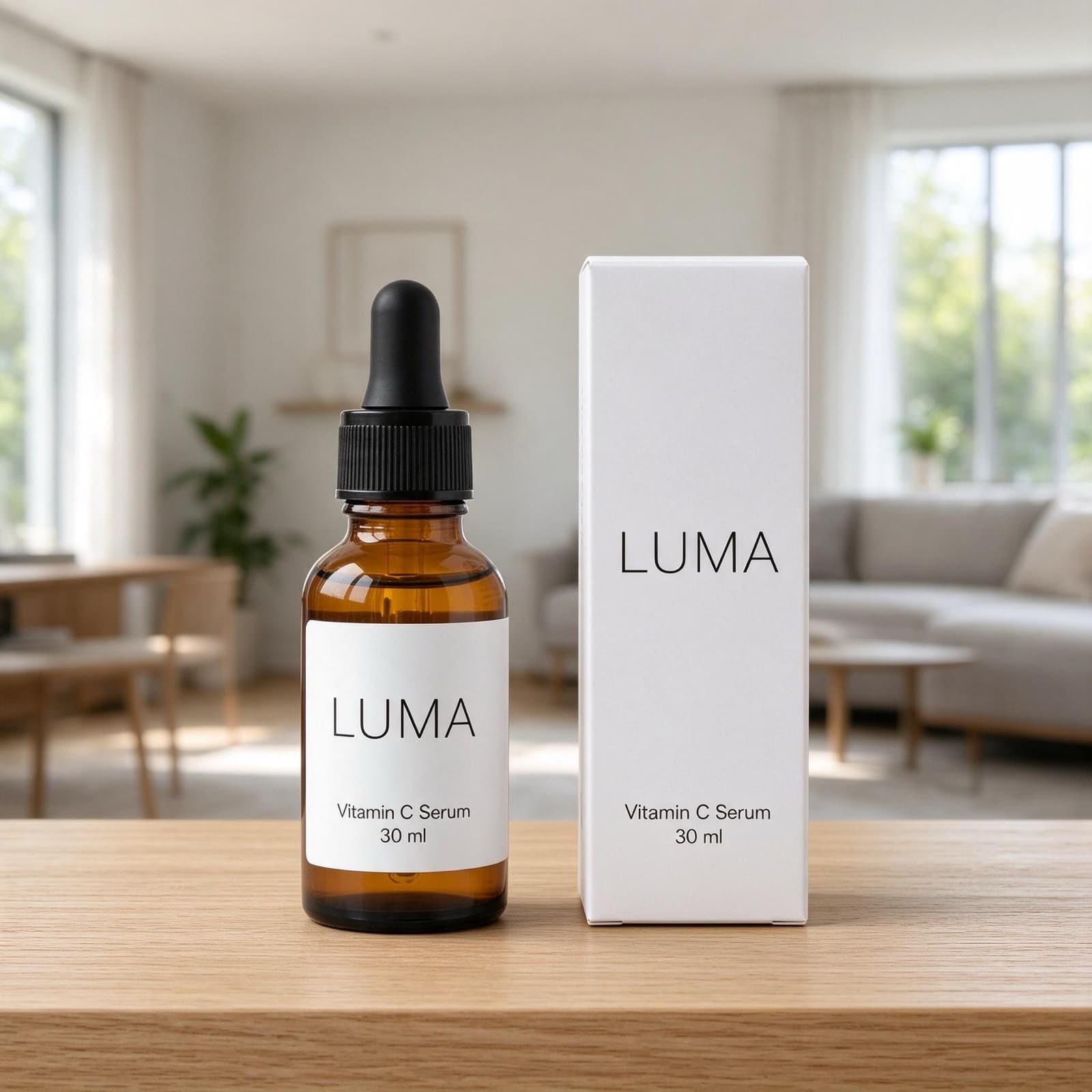
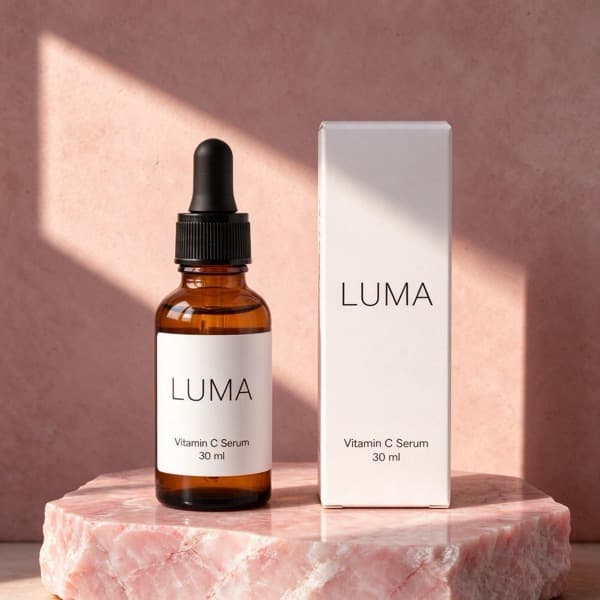
Why product images deserve attention
56%
Images were the first stop
In Baymard’s product-page usability testing, 56% of users first explored the product images. This is general ecommerce research, reported in April 2020, rather than a study of this product category or StudioShot Pro.
Your product image has to do more than look polished. Let customers inspect the dispenser, bottle and label, and use a separately photographed close-up when small packaging details matter.
+9%
US prestige skincare sales, H1 2026
Circana reported 9% growth in US prestige skincare retail dollar sales in the first half of 2026 versus the first half of 2025. This covers the broader prestige category, not independent brands alone.
This is context for an active category, not evidence that new backgrounds drive growth. StudioShot Pro helps you prepare the image assets you need to present your own range consistently.
These figures describe shopping behaviour and market context. They do not measure a sales increase from using StudioShot Pro.
From your phone to your shop
Make the packaging readable
Wipe bottles and photograph them in diffused window light. Move the product until reflections stop crossing the label; keep the cap and dispenser in frame.
Set the catalogue look
Pick a clean studio backdrop first. Add lifestyle scenes on Pro or Business for campaign assets while keeping the source product the same.
Check the details
Compare label text, bottle colour, cap and dispenser with your source. Download the JPG after review, and use the crop appropriate to each channel.
Choose a setting for each job
| Image purpose | Suggested setting | What to check |
|---|---|---|
| Product page | Plain studio backdrop | Readable label and complete packaging |
| Launch email | Styled surface | Product remains the focal point |
| Social campaign | Colour backdrop or lifestyle scene | Brand colours and accurate bottle details |
| Stockist catalogue | Same backdrop throughout | Current packaging and consistent crop |
Take a better original, get a better result
- Move the bottle or soften the light to reduce glare; do not expect background editing to remove every reflection.
- Capture reflective caps and transparent bottles carefully before uploading.
- Photograph actual shade variants individually instead of changing product colours digitally.
- Check small print, packaging colours and dispenser shapes. Scene props should not imply ingredients or skincare benefits that the product does not have.
A styled scene creates atmosphere; it is not reliable proof of size. Include dimensions in your listing and use a real reference photo for scale. Take a separate source photo for every new angle or close-up, and review the finished image against the original before publishing.
Start small, build a consistent catalogue
Try 3 free images with no card. Starter covers clean studio backdrops and HD downloads. Choose Pro or Business for lifestyle scenes, batch editing and downloads up to 4K. Every plan allows commercial use and downloads without a watermark.
| Plan | Monthly price | Images per month | Included tools |
|---|---|---|---|
| Starter | €9 | 50 | Studio backdrops, background removal, HD |
| Pro | €24 | 300 | Studio + lifestyle scenes, batch editing, up to 4K |
| Business | €59 | Unlimited | Studio + lifestyle scenes, batch editing, up to 4K |
At the full monthly allowance, that is about €0.18 per image on Starter and €0.08 on Pro. These are subscription price ÷ included images, not pay-as-you-go rates. Yearly billing is €7/month for Starter (€84/year), €19/month for Pro (€228/year) and €47/month for Business (€564/year). See all plans.
Prepare your images for Etsy, Shopify or WooCommerce, then adapt your promotional images for Instagram. Start with our phone photography guide.
Questions from makers
Can I show a whole skincare range consistently?
Yes. Photograph each actual item and use one scene across the range. Pro and Business include batch editing to apply that setting to several photos.
Can the app rescue a blurry label?
A new scene cannot reliably recover missing label detail. Retake the photo with sharp focus and softer light, then check the edited lettering before publishing.
Does a lifestyle image demonstrate results on skin?
No. It shows your product in a setting. It is not evidence of efficacy and should not stand in for genuine, substantiated before-and-after skin results.
Do I need Pro for promotional scenes?
Starter includes studio backdrops and HD images. Lifestyle scenes, batch editing and downloads up to 4K are included with Pro and Business.