Product photos for Pinterest
Pinterest recommends tall 2:3 images of 1000 × 1500 px, and product images in a catalog must be at least that size. Here's how to make Pins that fit, from a phone photo.
3 free images. No card needed.
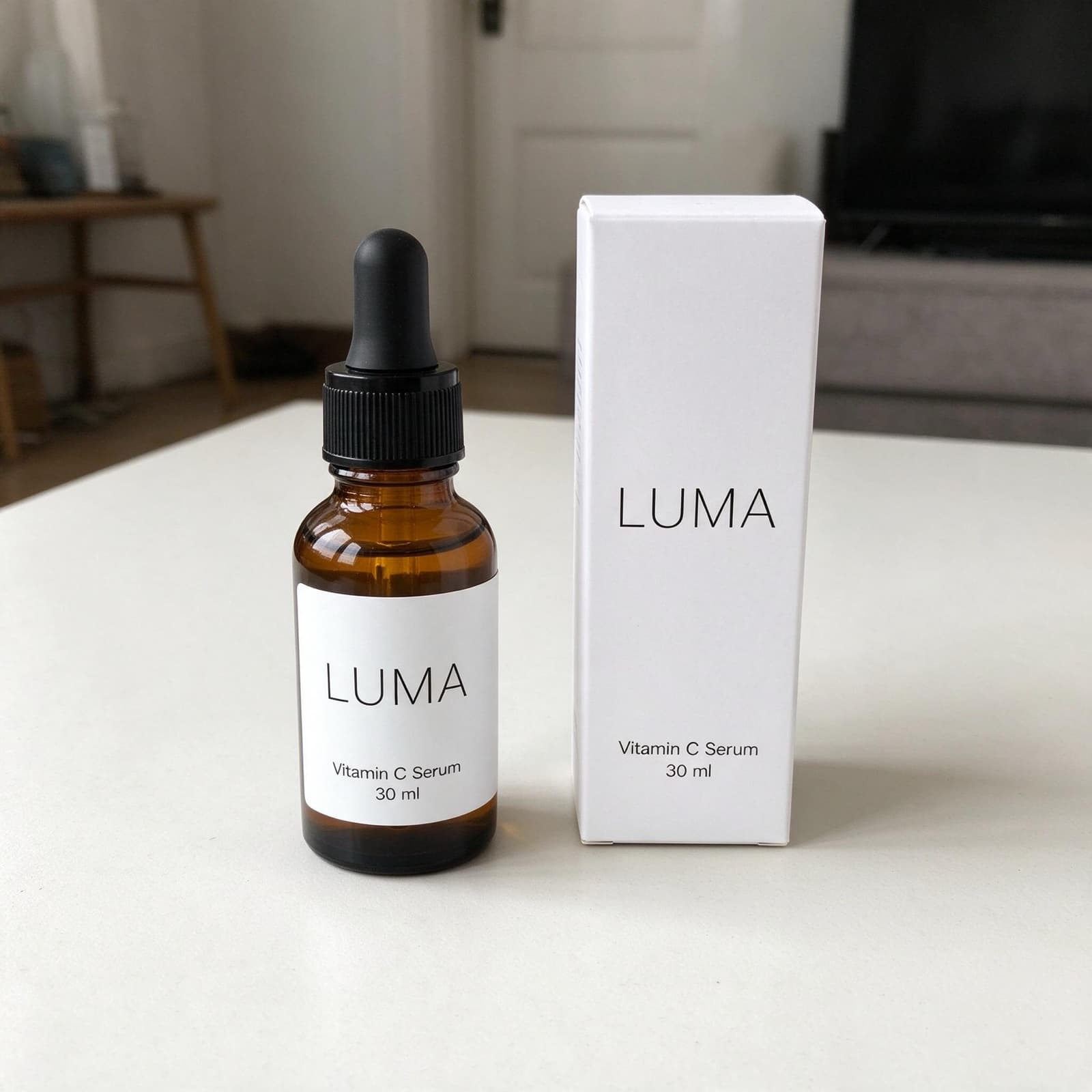
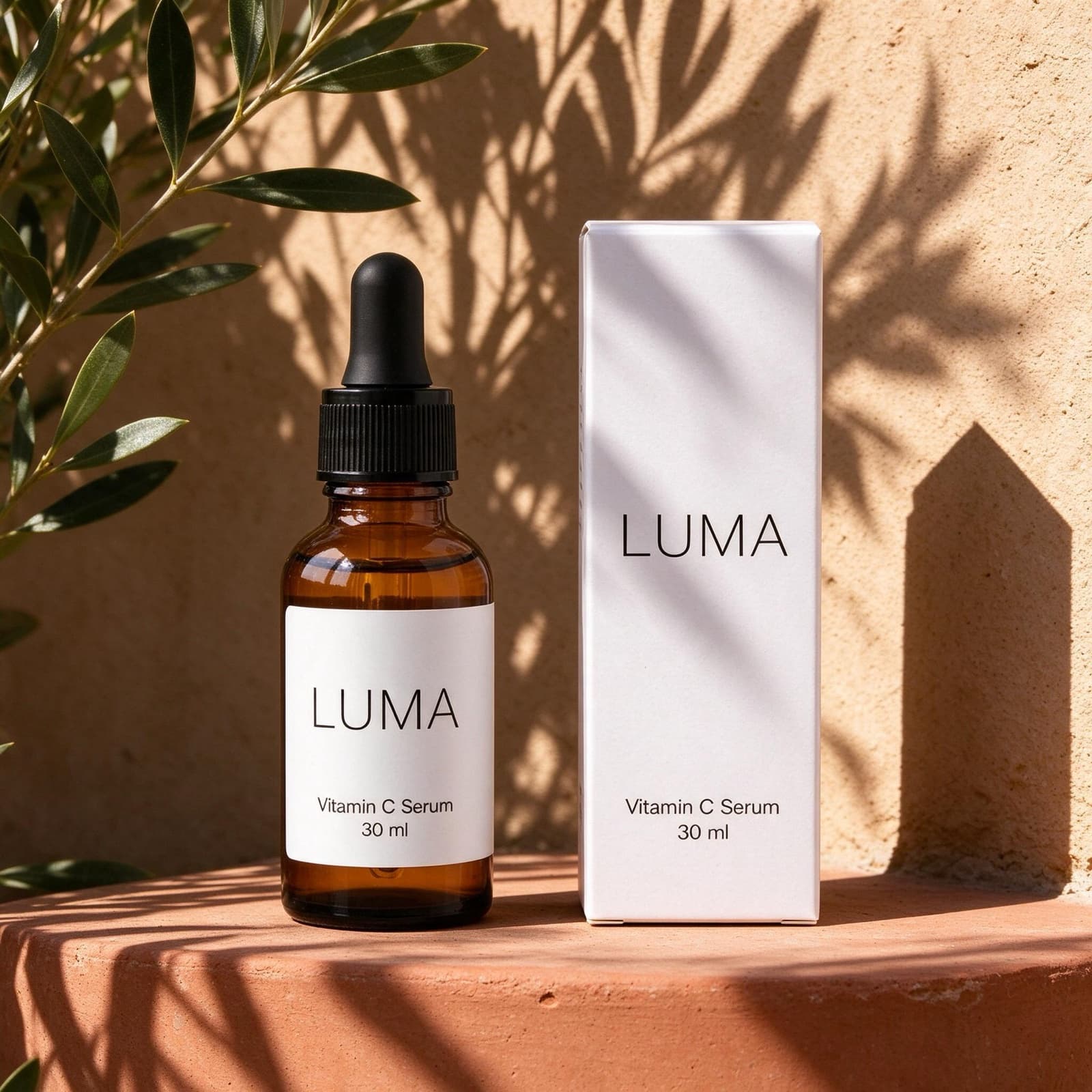
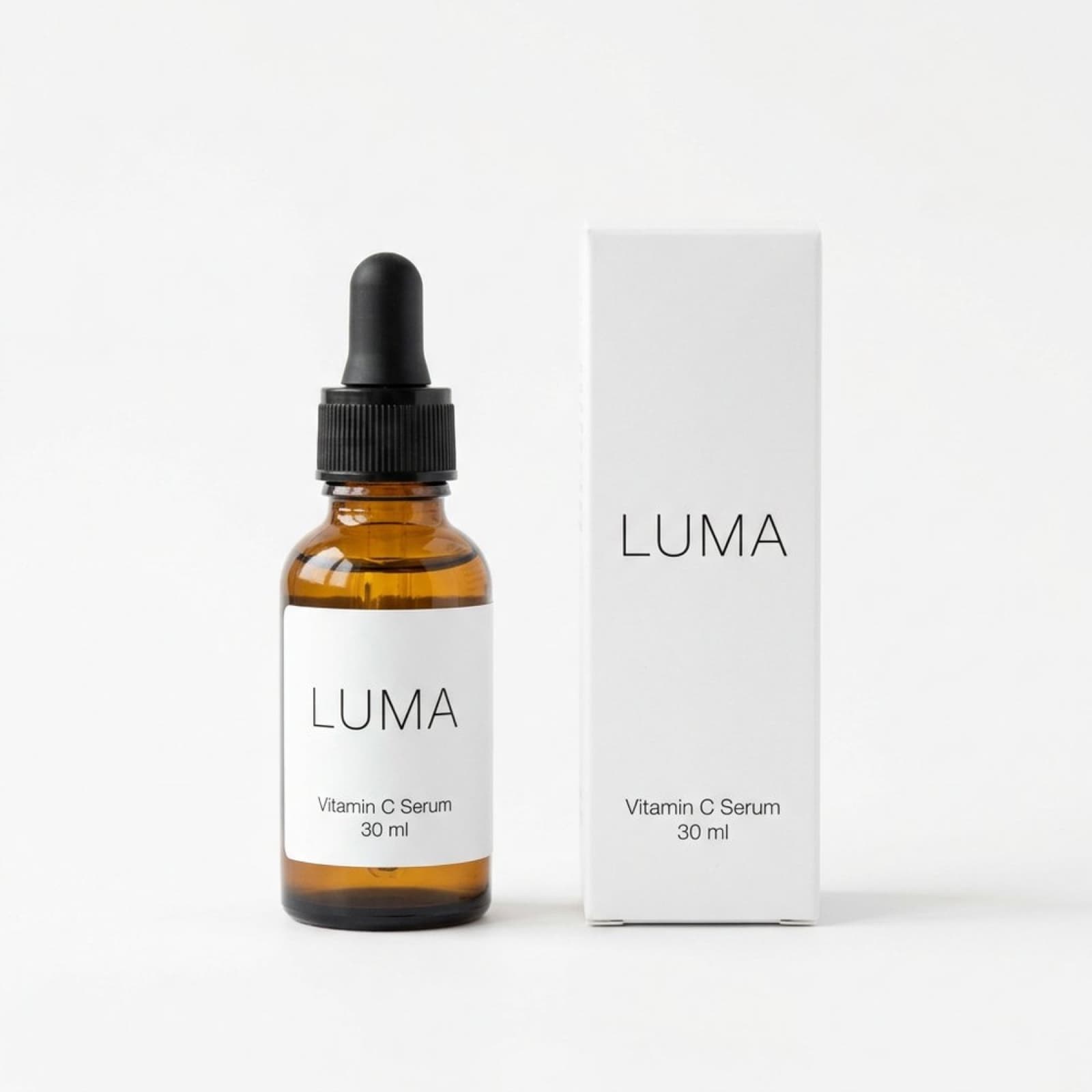
1.25×
as likely to sell with better photos
In a Cornell Tech study of real second-hand listings, run with eBay, handbags with higher-quality photos were 1.25 times as likely to sell as those with lower-quality photos. For shoes, it was 1.17 times.
3 free images. No card needed.
Pinterest image requirements
Pinterest is a visual search engine: people save Pins to plan what they'll buy later. These are Pinterest's own specifications for standard Pins and for catalog product images:
| Aspect ratio | 2:3 recommended; taller Pins may be cut off in the feed |
|---|---|
| Recommended size | 1000 × 1500 px |
| Formats | PNG or JPEG |
| File size | Up to 20 MB on desktop, 32 MB in the app |
| Catalog main image | At least 1000 × 1500 px; no template or placeholder images |
| Catalog extra images | Up to 10, at least 75 × 75 px each |
Sources: Pinterest ad specs and getting started with retail catalogs.
StudioShot Pro downloads JPGs, which Pinterest accepts. Download the largest size your plan offers, crop to 2:3, and check that the result is at least 1000 × 1500 px before adding it to a catalog.
Product Pins and catalogs
A catalog turns every product in your shop into a product Pin, with its price and availability. Pinterest reads the catalog daily, so the image at each product's image link is what people see. If you change an image later, use a new link, or Pinterest won't update it.
Each additional image becomes a Pin of its own, so lifestyle scenes give a product more ways to be found. Pinterest's catalog format also has an ai_disclosures field for marking AI-modified images; use it where it applies. StudioShot Pro images also carry AI metadata and C2PA Content Credentials.
Making Pinterest photos with StudioShot Pro
Photograph in portrait
Hold your phone upright and leave space above and below the product, so the image can be cropped to 2:3.
Pick scenes that inspire
Pinterest is about ideas: a sunlit table, a styled shelf, a gift ready to wrap. Lifestyle scenes are included from the Pro plan.
Make a clean product image too
Use a plain studio backdrop for the catalog's main image, so the product is clear in shopping results.
Crop and upload
Crop to 2:3, check the size, and add the images to your Pins or your catalog.
Tips for better product Pins
- Stay at 2:3. Taller images may be cut off in people's feeds.
- Use a few scenes per product: each extra catalog image becomes its own Pin.
- Write a clear Pin title. Depending on the device, only the first 40 characters may show in the feed.
- Keep the product large and clear, so Pinterest's visual search can match it.
Questions about Pinterest product photos
What size should Pinterest product images be?
Pinterest recommends a 2:3 ratio at 1000 × 1500 px, and catalog main images must be at least 1000 × 1500 px. PNG or JPEG, up to 20 MB on desktop.
Can I use square photos on Pinterest?
Yes, but Pinterest recommends 2:3, and a taller Pin takes up more room in the feed. Make a 2:3 version of your best images.
Does Pinterest allow AI-edited product images?
Pinterest's catalog format includes an ai_disclosures field for AI-modified images. StudioShot Pro starts from your own photo and keeps the product unchanged, and its images carry AI metadata.
Can I use StudioShot Pro images in Pinterest ads?
Yes. Commercial use is included on every plan, the free images too, and there's no watermark.