Product photos for Instagram: how to turn followers into customers
Instagram is where many people discover what they buy next. How to create product photos that stop the scroll, fit the format and lead to sales.
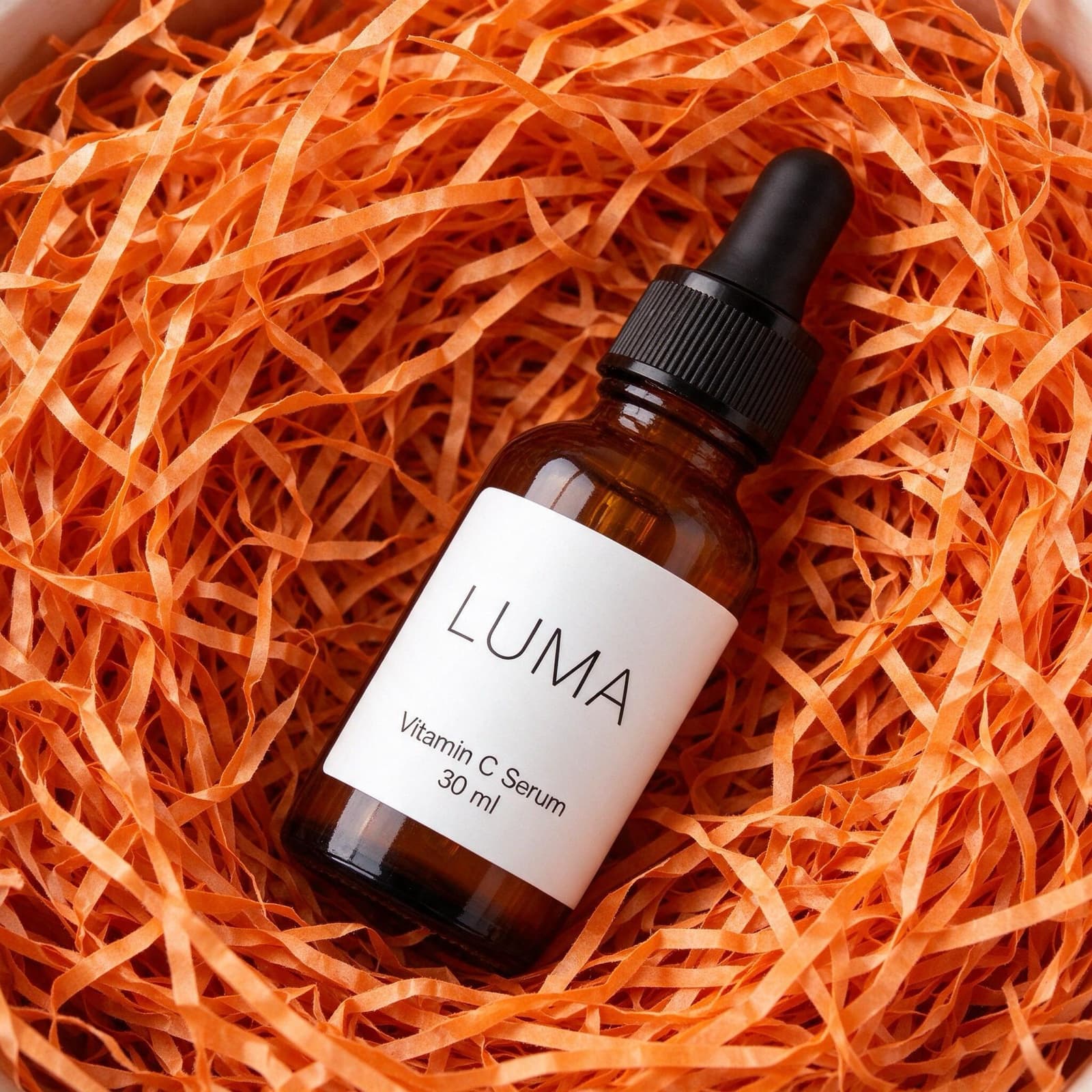
For many small brands, Instagram is the shop window, the catalogue and the customer service desk in one. People follow you for your images, and they buy when an image makes them want the product. That makes your photos the most important part of your Instagram strategy.
The feed rewards images that stop the scroll
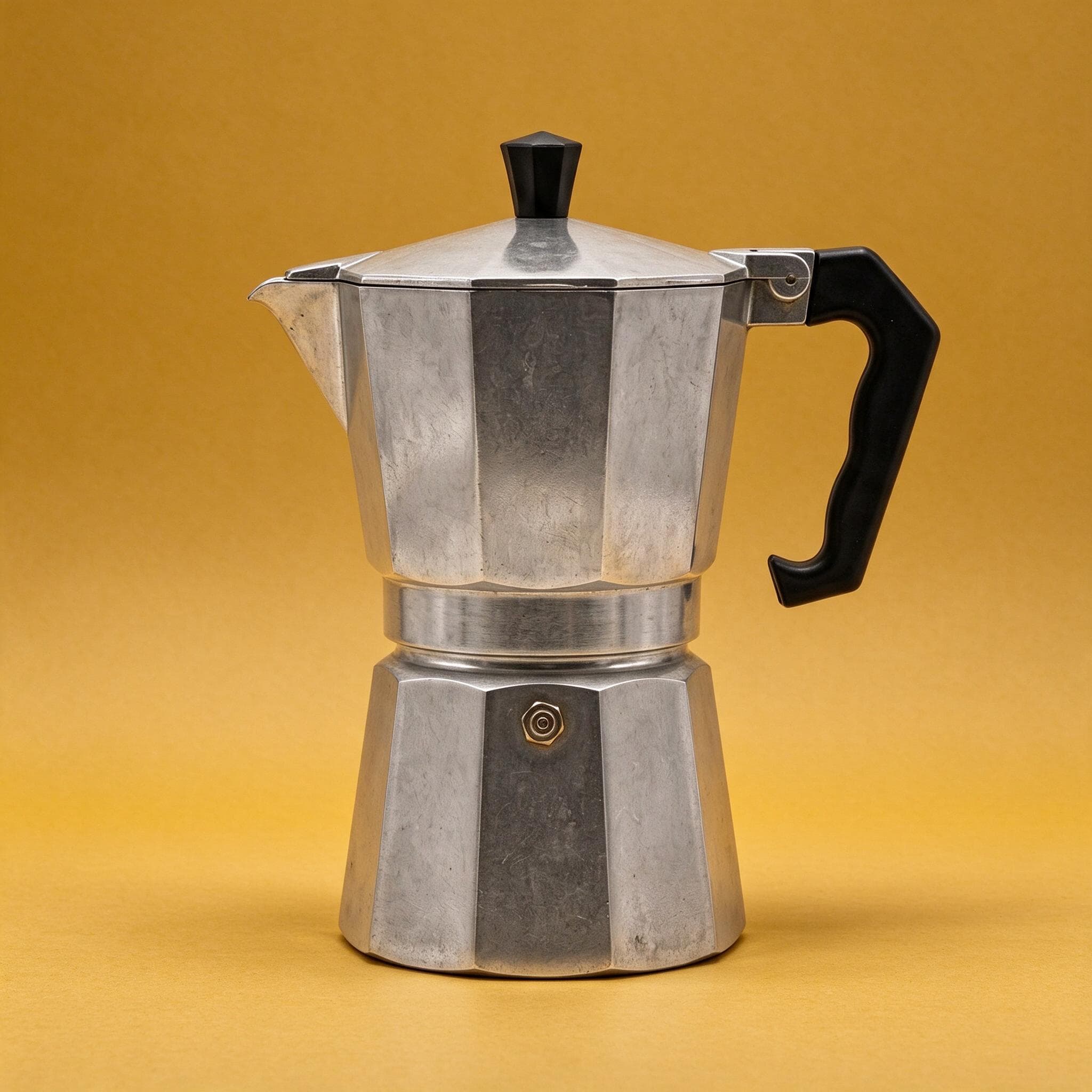
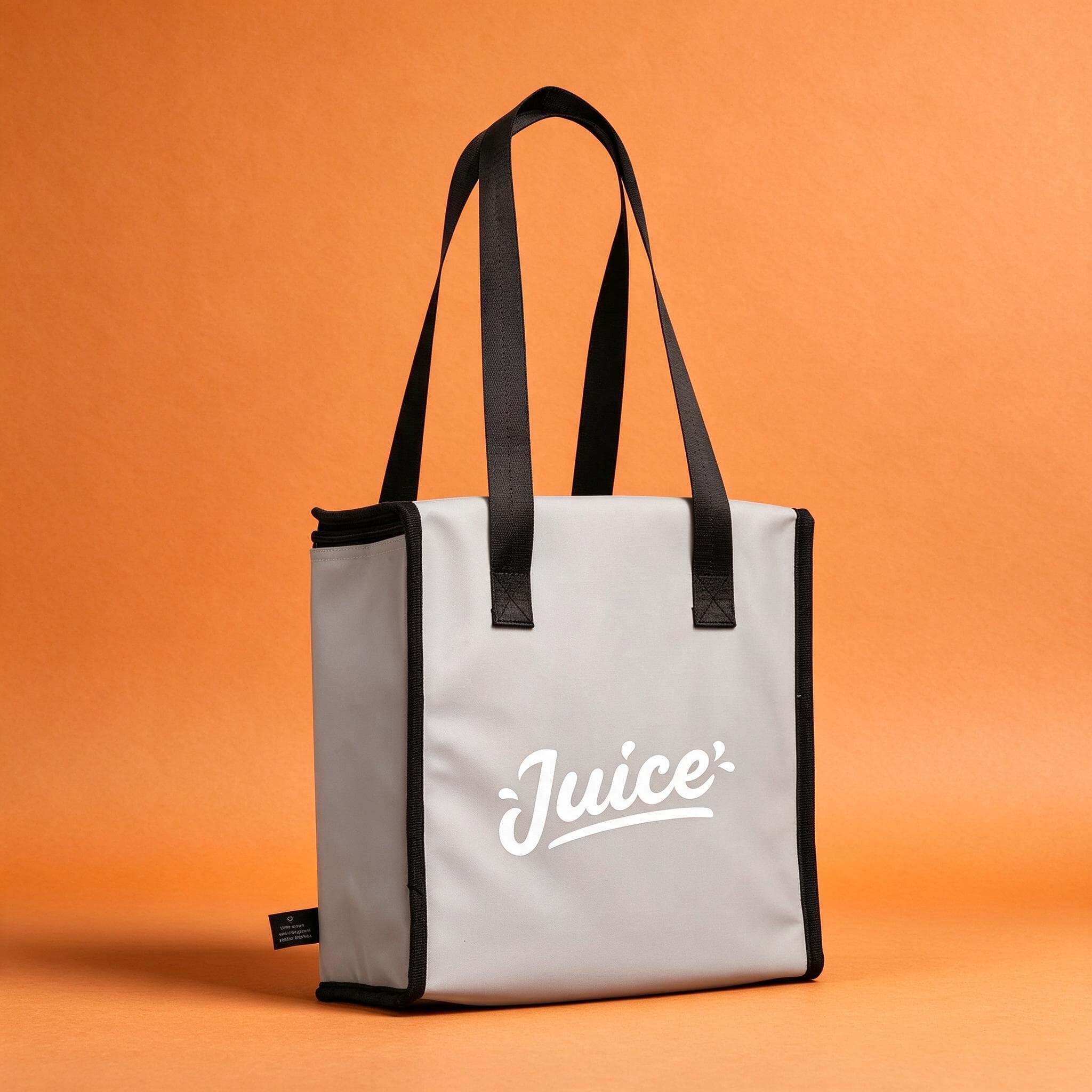
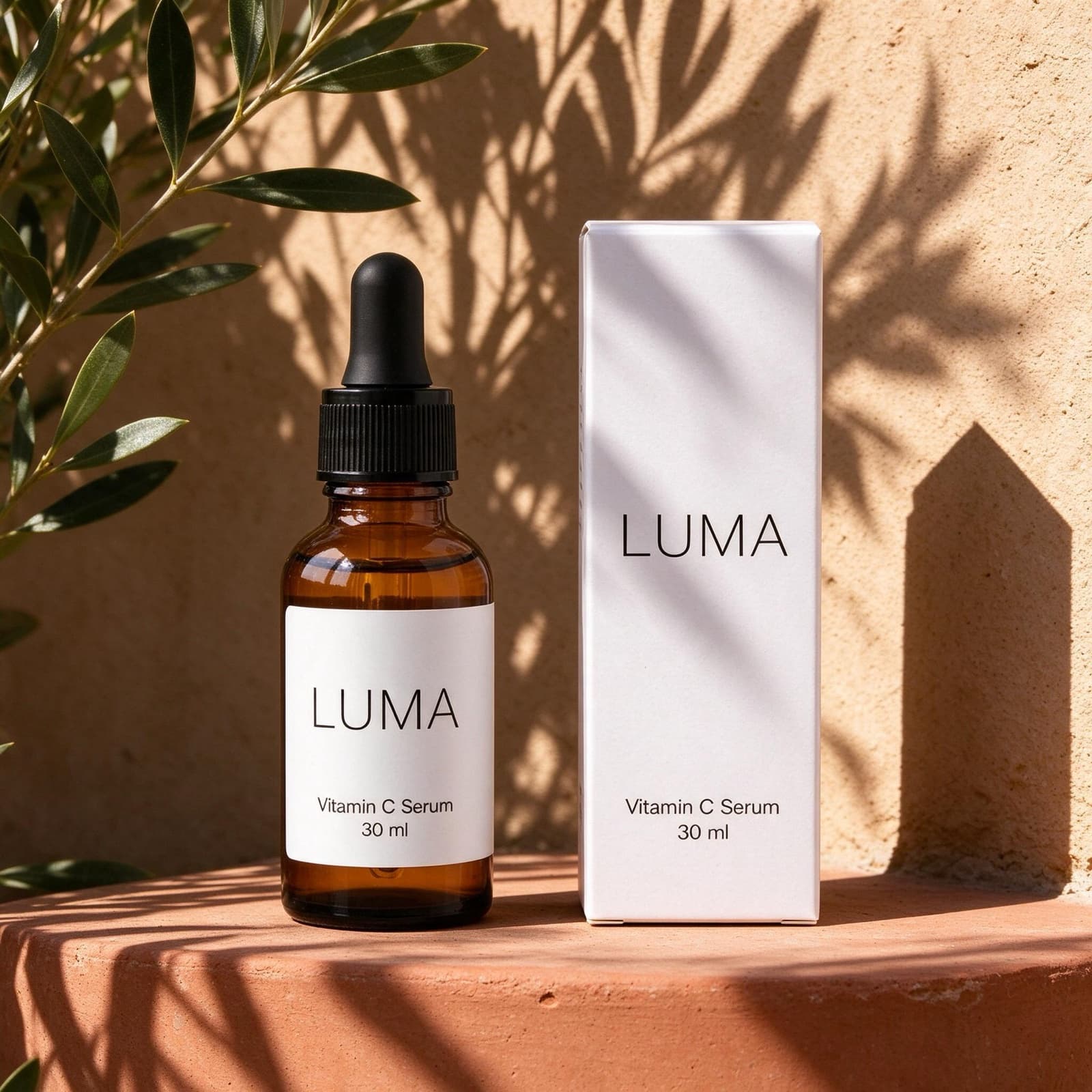
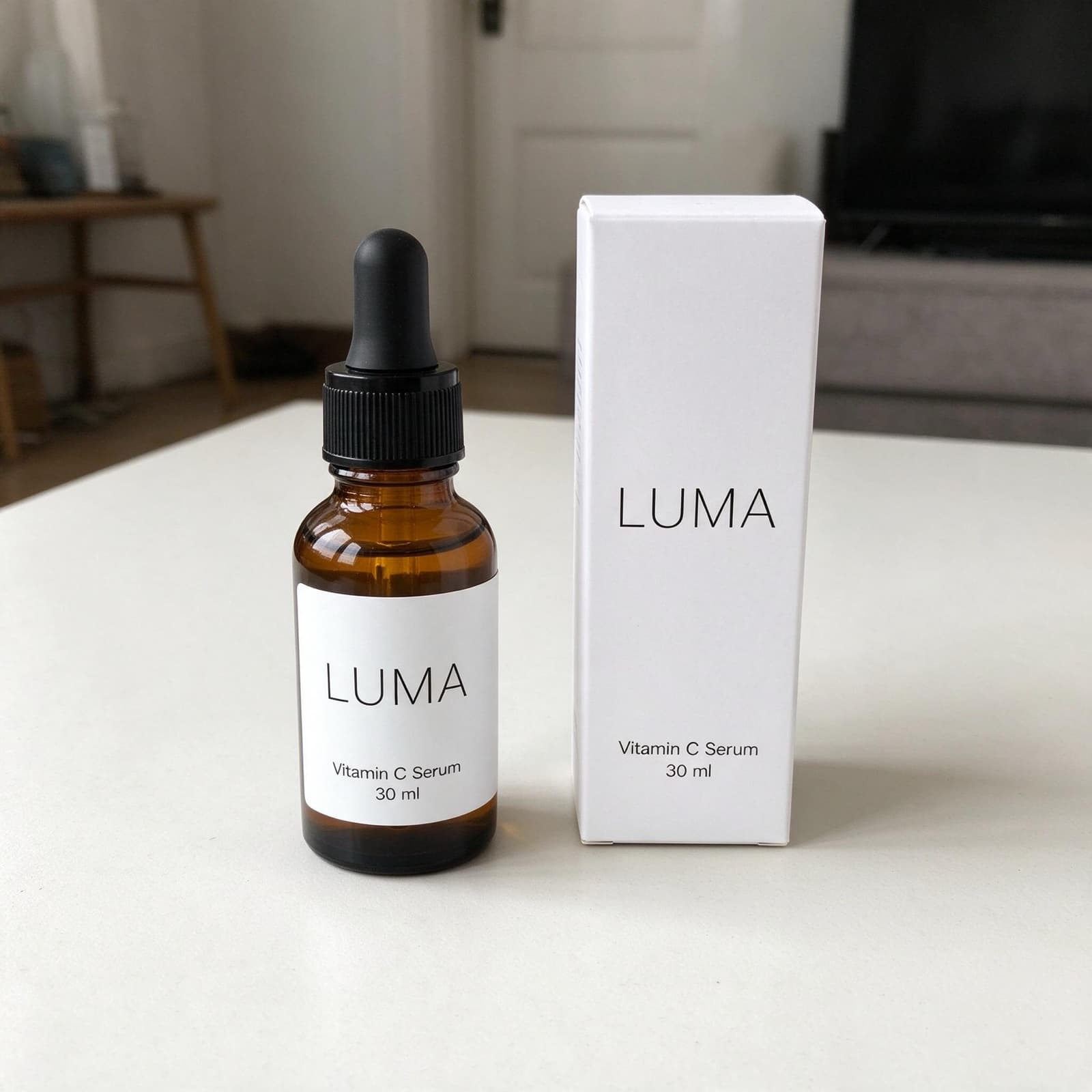
On Instagram, your post competes with friends, creators and every other brand. Product photos that look like plain catalogue shots or casual phone snaps tend to blend in. A styled scene, with colour, texture and a clear focus on the product, gives people a reason to pause, like and save.
Fit the format
Most feed posts work best in a vertical 4:5 format, while Stories and Reels use 9:16. Keep the product near the centre with space around it, so it stays in frame when the image is cropped. In carousels, start with your strongest image and follow with details and scenes of the product in use.
Your profile is your shop window. Every post should look like it belongs to the same brand.
Variety without losing your look
Post the same photo again and again and people scroll past it. Make every post look completely different and your profile feels messy. Pick two or three styles, for example a coloured studio backdrop, a prop scene and a room scene, and rotate between them. Your profile stays recognisable while every post feels fresh.
From like to purchase
Make the next step easy: add a link sticker to the product in your Stories and keep the link in your bio pointing to your e-shop. Use the same images in your ads, so people recognise the product when they see it again. With StudioShot Pro you can create a week of posts from a single phone photo, in scenes that match your brand.