How better product photos make your Facebook, Instagram and Google ads perform
Targeting and budget get the attention, but the image decides whether people stop scrolling. How to turn one product photo into ads that get clicked.
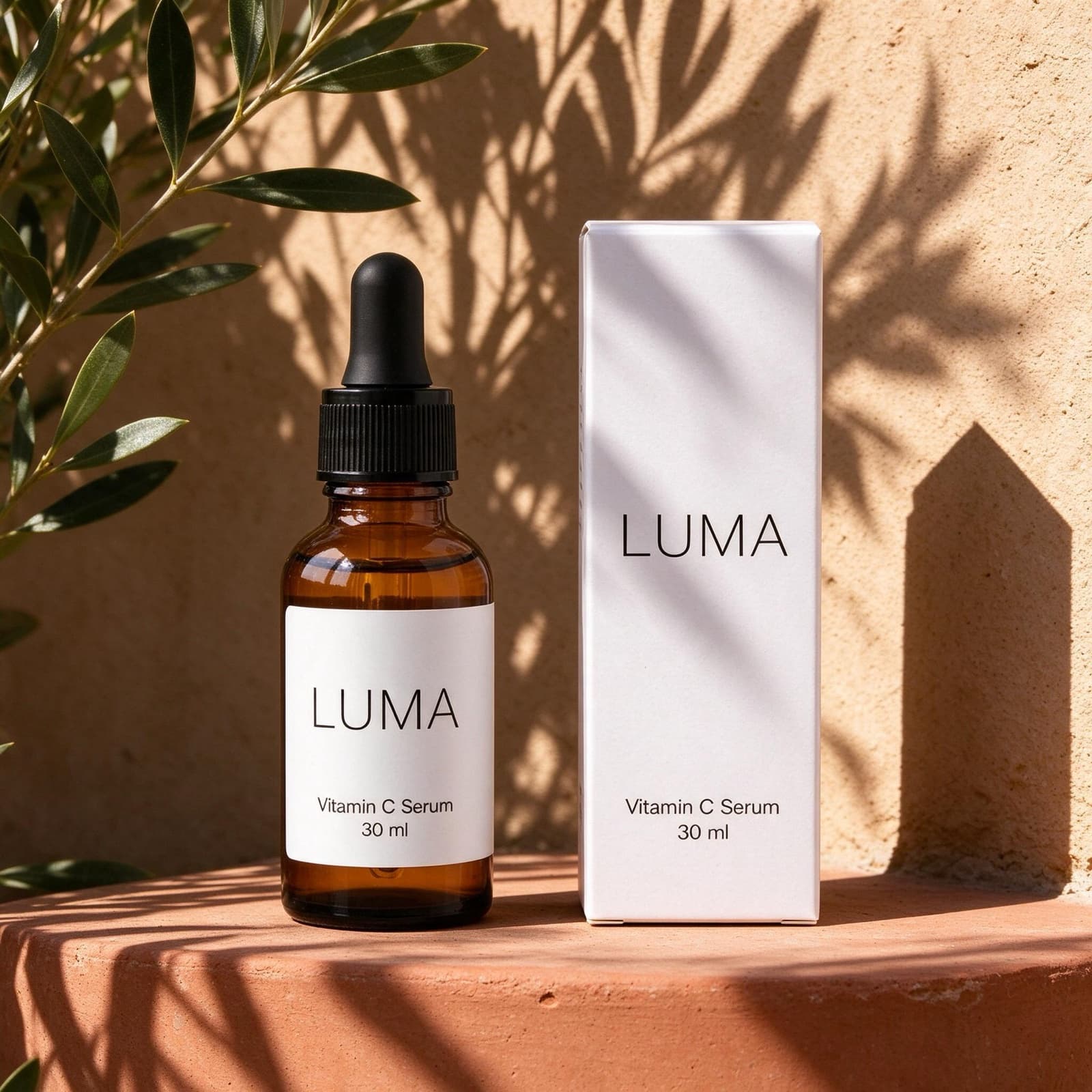
When an ad doesn't perform, the first instinct is to change the audience or raise the budget. Often the problem is the image. On a busy feed, people decide in a fraction of a second whether to stop, and the photo is the first thing they see.
The creative drives most of the result
In an analysis of around 500 campaigns, Nielsen found that the creative itself accounted for about 47% of the sales lift from advertising, more than reach or targeting. You can't spend your way past a weak image. A better photo makes every euro in your budget work harder.
What makes a product photo work as an ad
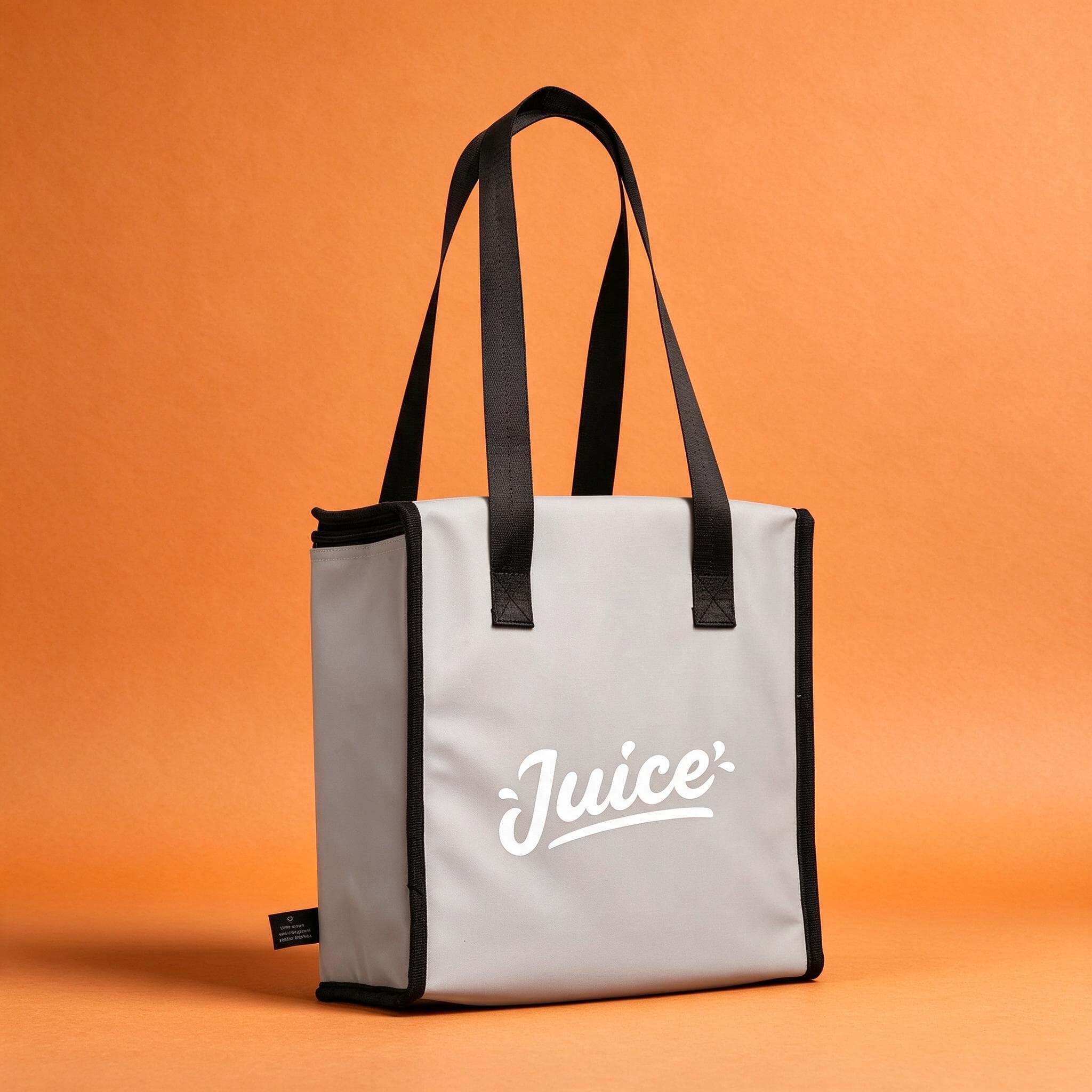
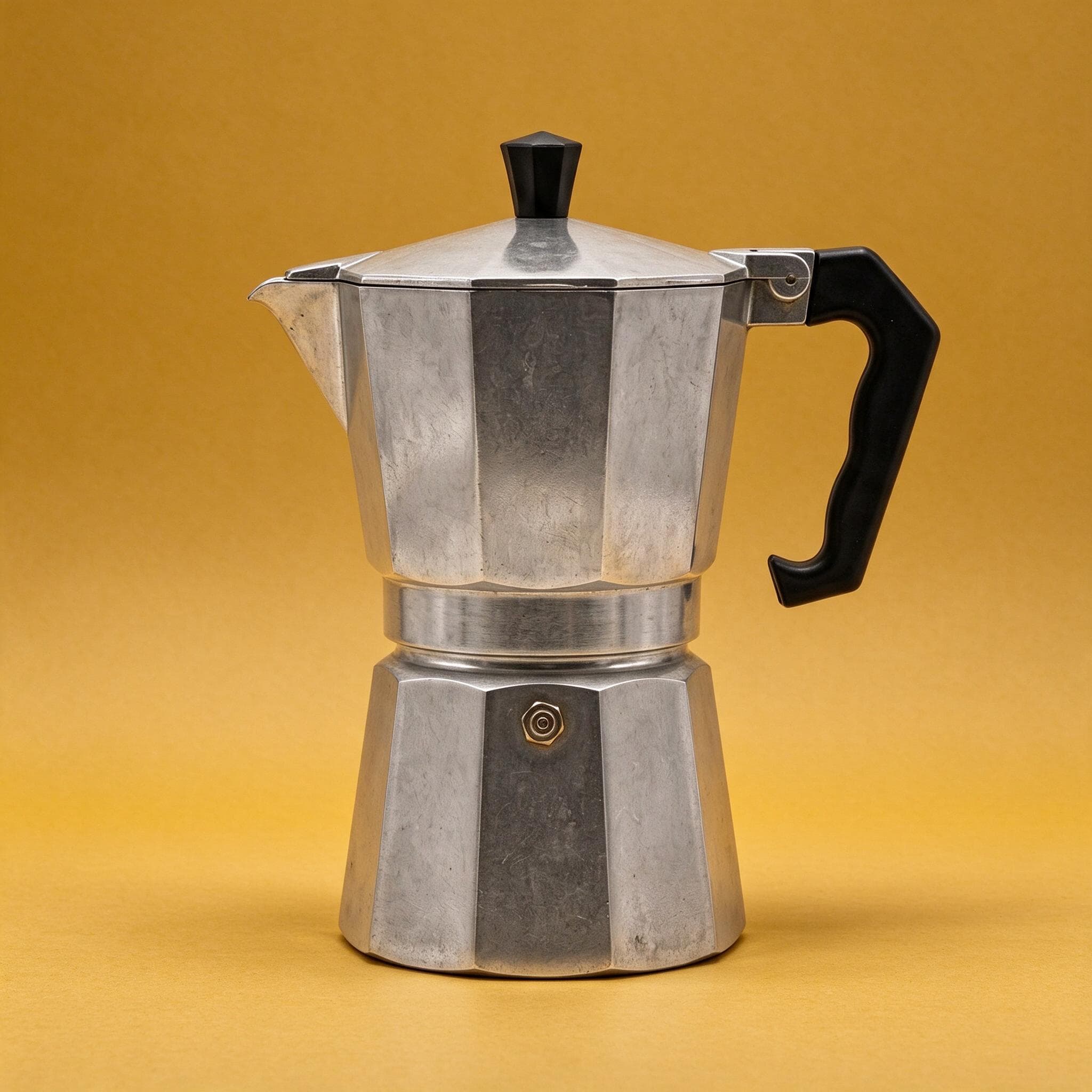
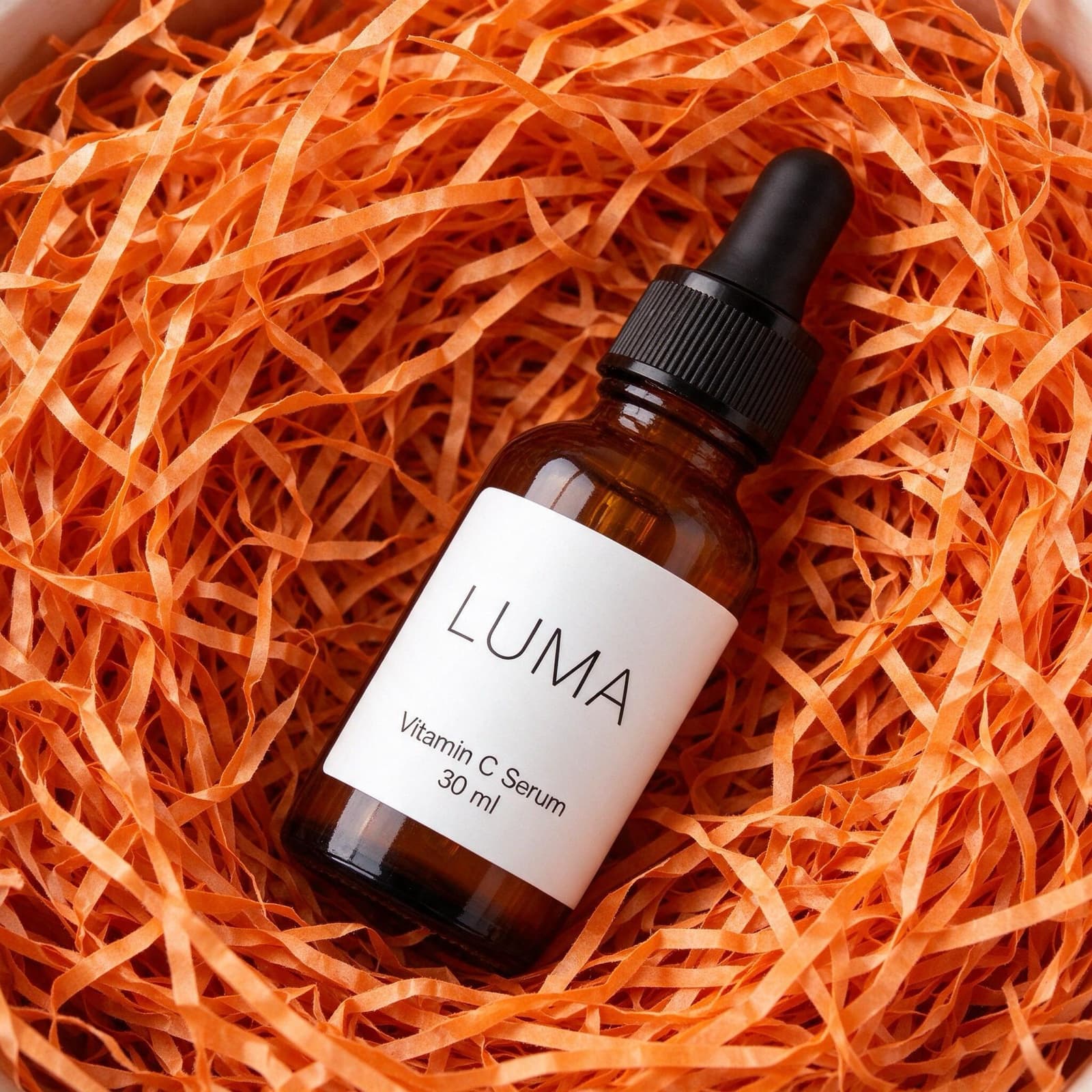
The product should be recognisable at a glance, even on a phone screen. Choose a scene that matches the feeling you are selling: sunlight and natural textures for summer products and skincare, a warm interior for homeware, a bold colour for something playful. Leave space around the product, because Facebook and Instagram crop the same image differently for the feed, Stories and Reels.
People scroll past products. They stop for a picture they would like to be part of.
Test more versions without more shoots
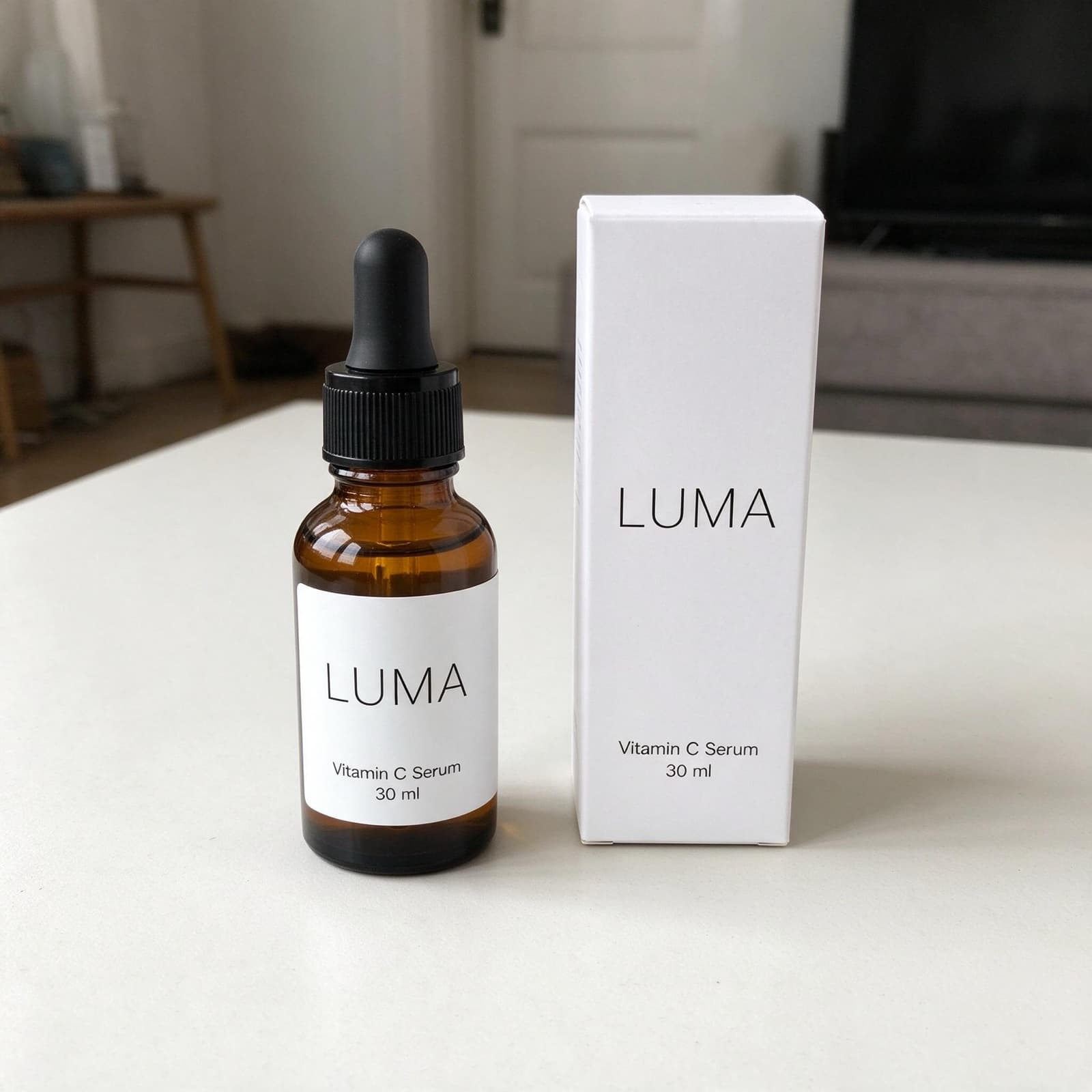
Ad platforms reward testing. Instead of one image, run three or four scenes of the same product and let the results show you which one wins. With a photographer, that means several shoots. With StudioShot Pro, you create every version from the same phone photo in a few minutes.
Keep Google Shopping clean
Shopping ads work differently. Google doesn't allow watermarks or promotional text on product images and recommends a plain, light background. Use a clean studio version of the photo here, and save the styled scenes for your social media ads.