Comparison
Lightning-fast product photos, made to sell
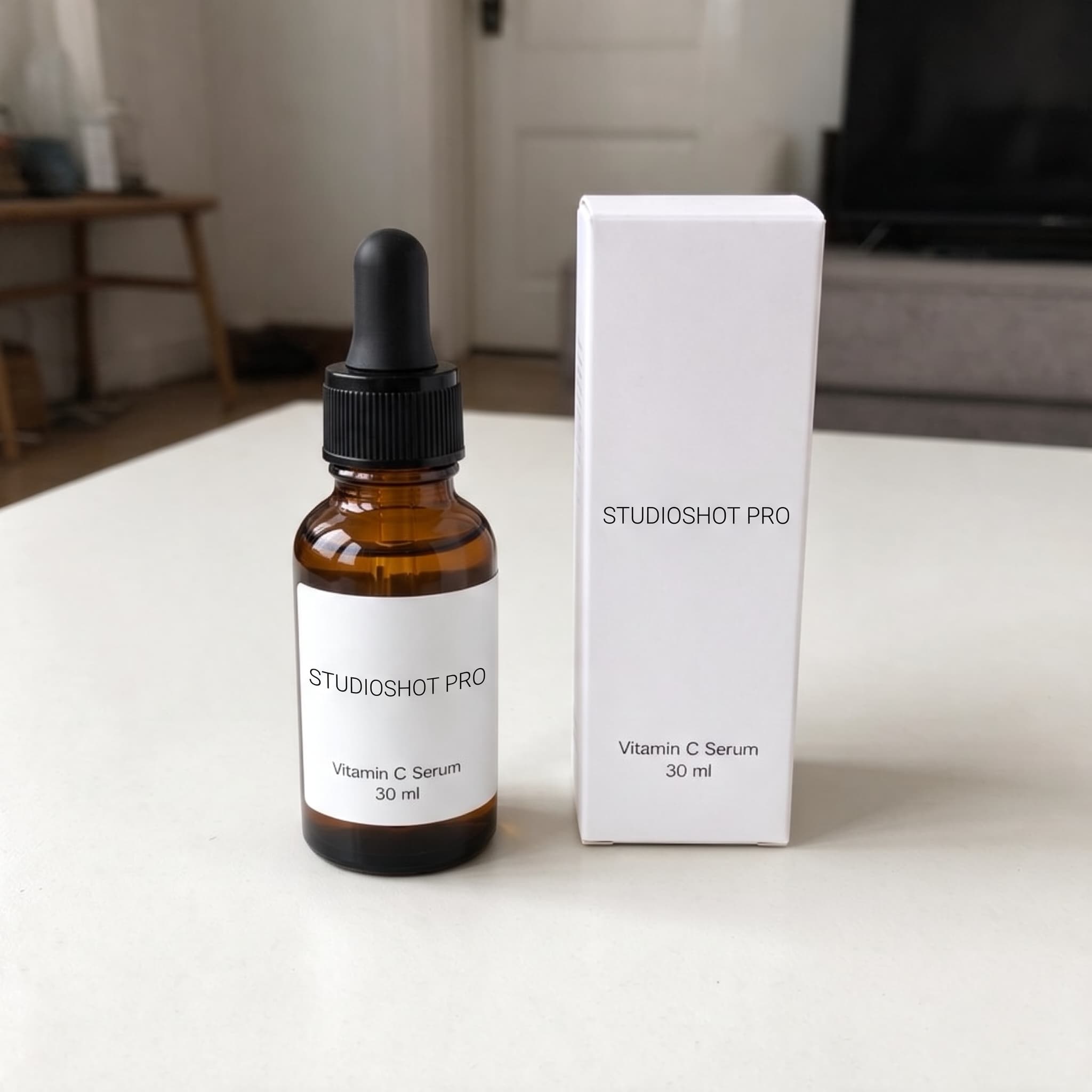
ChatGPT and Gemini can edit almost any image. StudioShot Pro is designed for one job: turning your phone photos into studio-quality product shots in under 30 seconds, ready to sell in your shop, on marketplaces and in ads.
5 free images. No card needed.
Side by side
 StudioShot Pro StudioShot Pro | ChatGPT or Gemini | |
|---|---|---|
| No prompt writing | ||
| Finished photo | < 30 sec | Varies |
| Sized for Instagram, Pinterest & shops | ||
| Ready-made product scenes | 135+ | |
| New scenes added all the time | ||
| Light and shadows matched for you | ||
| Cleanup of text and stickers on the photo | ||
| 10+ scenes from one photo at once | Pro | |
| Catalogue upgrade | Up to 50 products at once | |
| Custom scenes, saved and reusable | Pro | |
| Download | 2K HD | Varies |
| Built for product photos |
Pro: from the Pro plan. The catalogue of up to 50 products is also on Pro.
Seconds, not a back-and-forth
In ChatGPT or Gemini, every product photo is a round of prompts and retries, and the next product starts from zero. In StudioShot Pro you upload a photo, tap a scene and it's ready in under 30 seconds.
A whole photoshoot from one photo
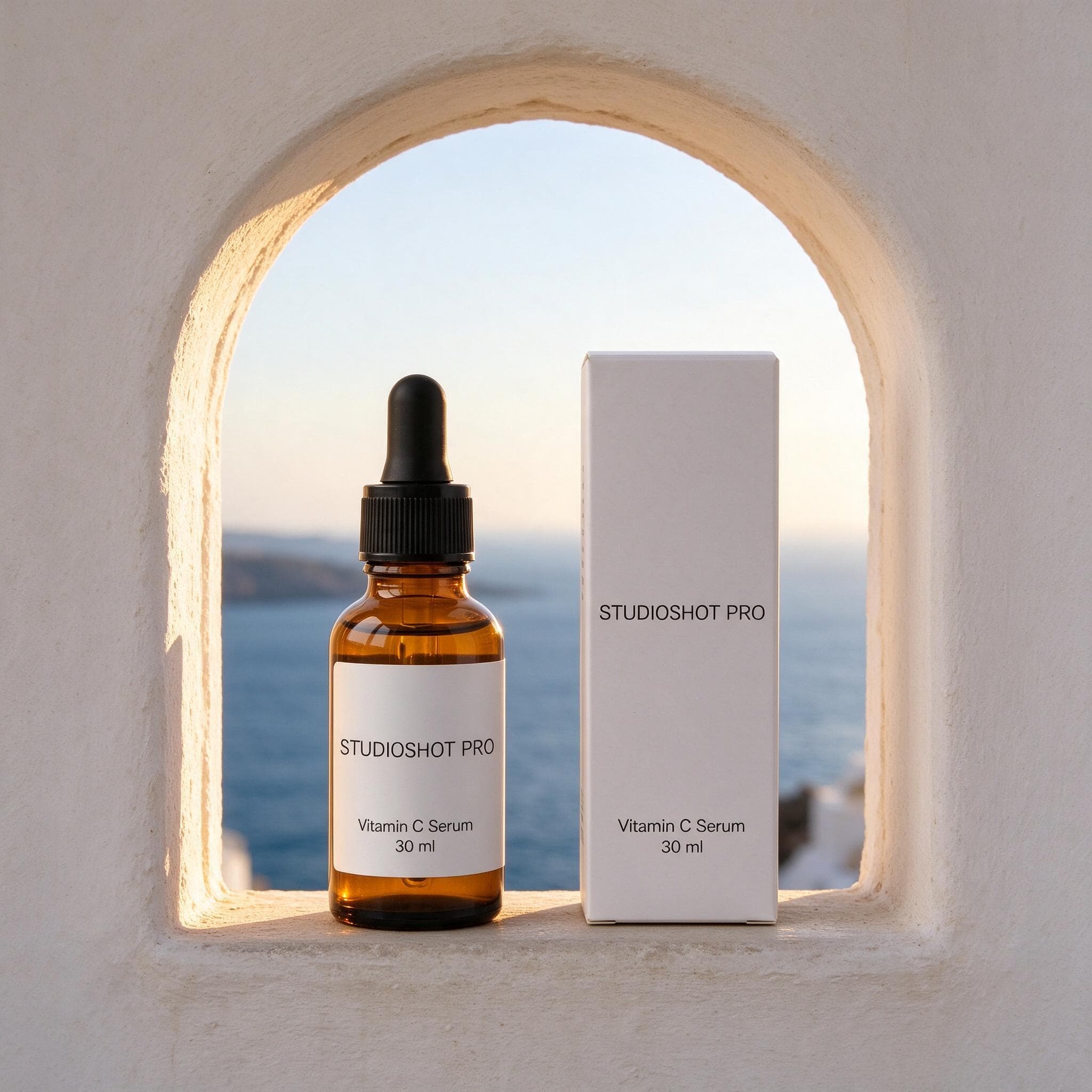
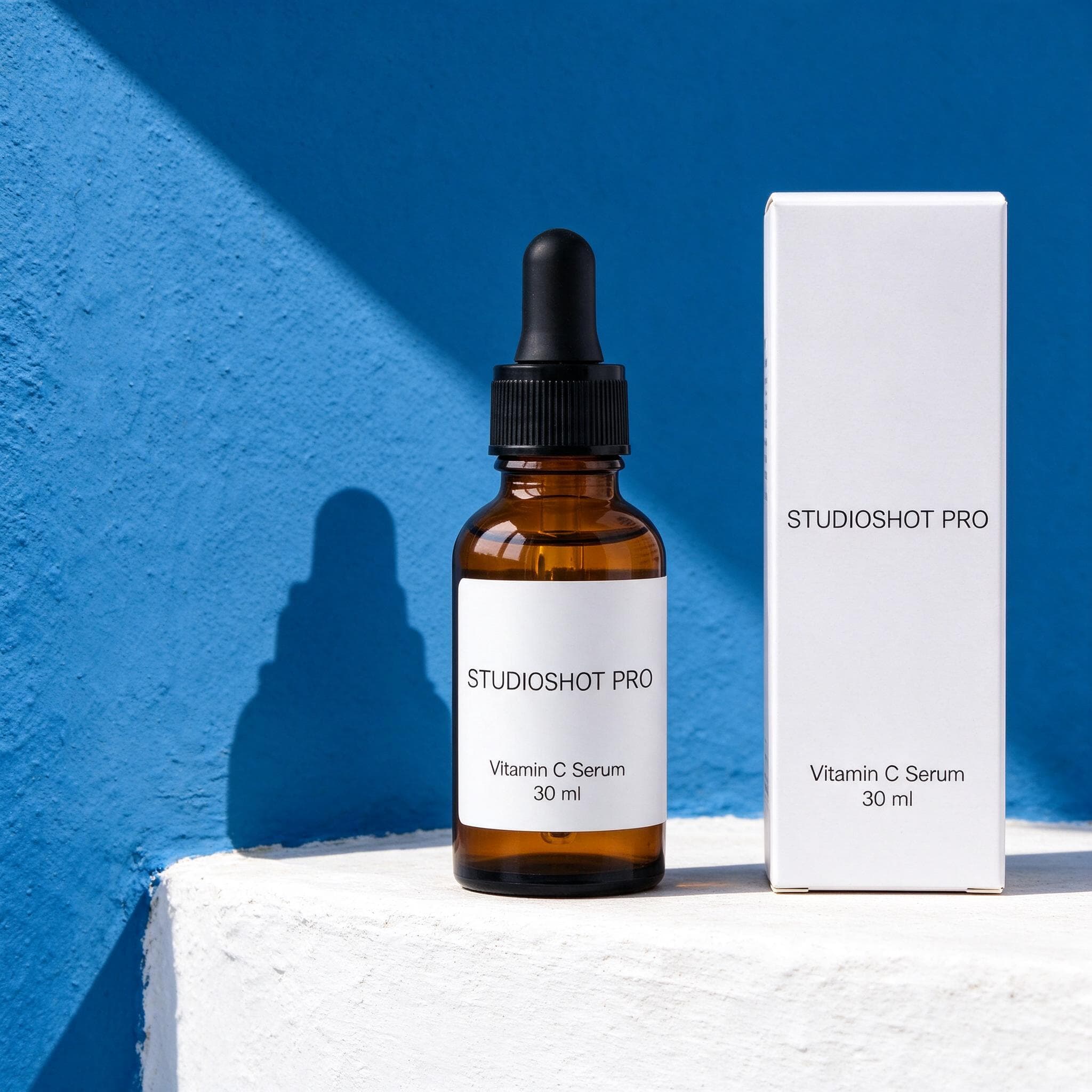
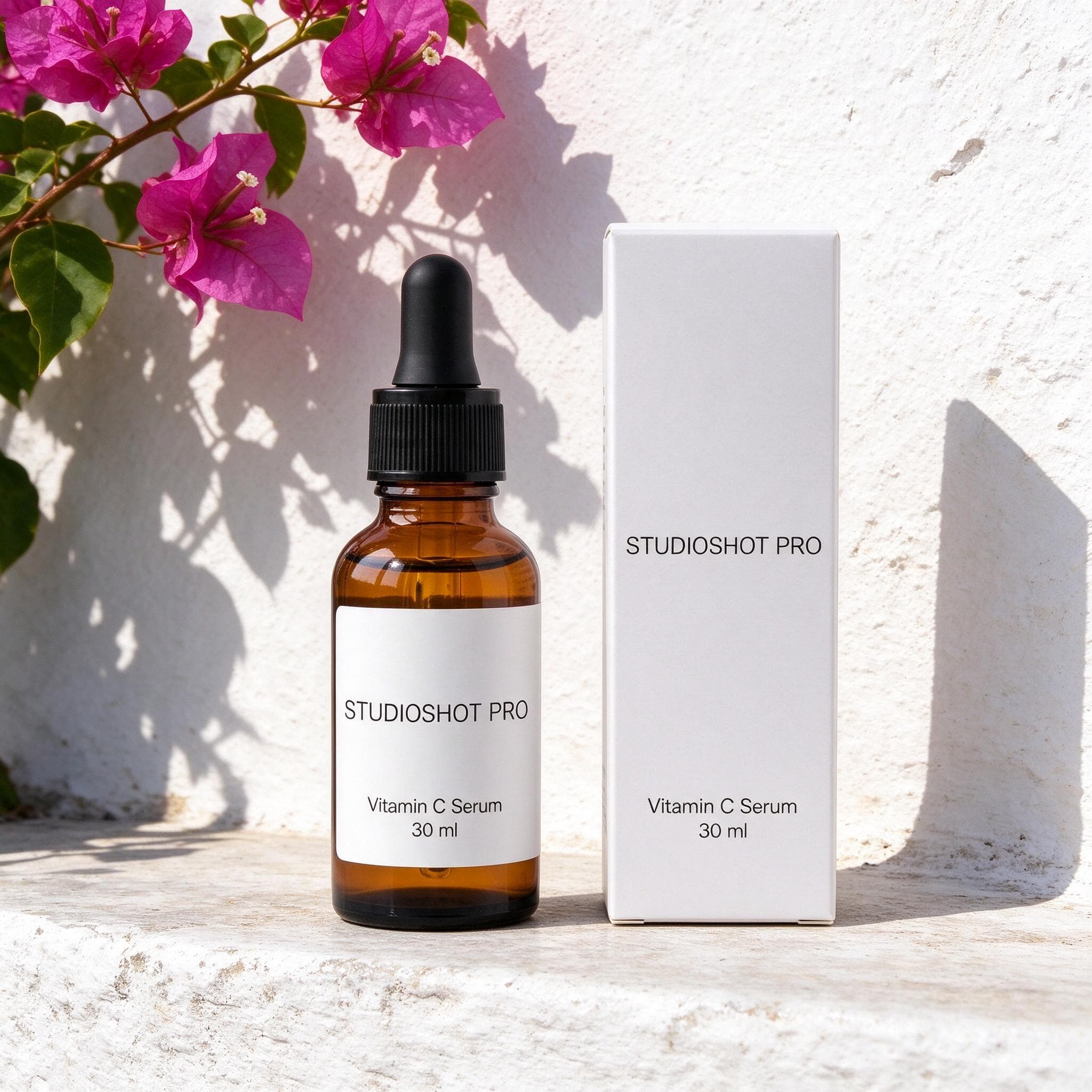
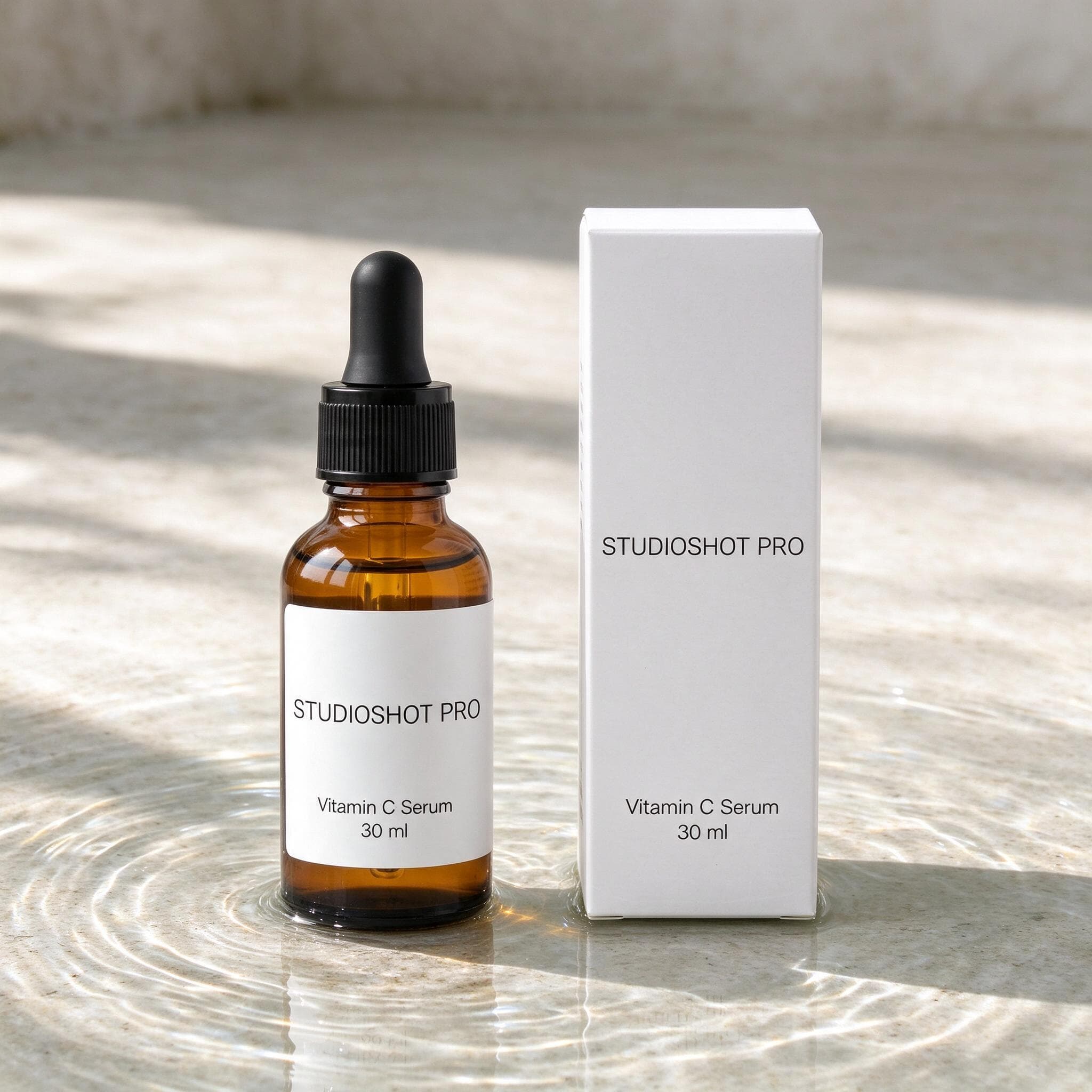
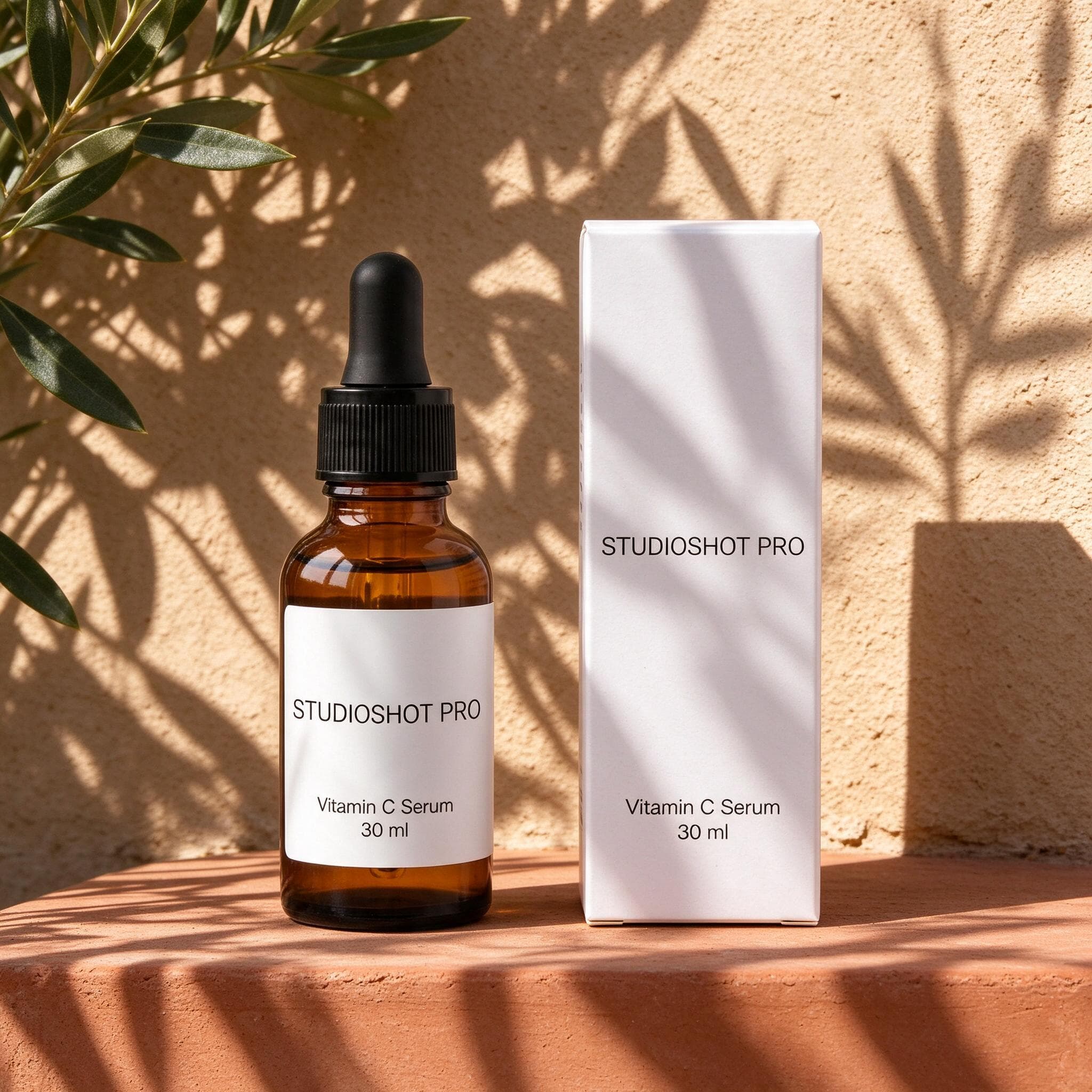
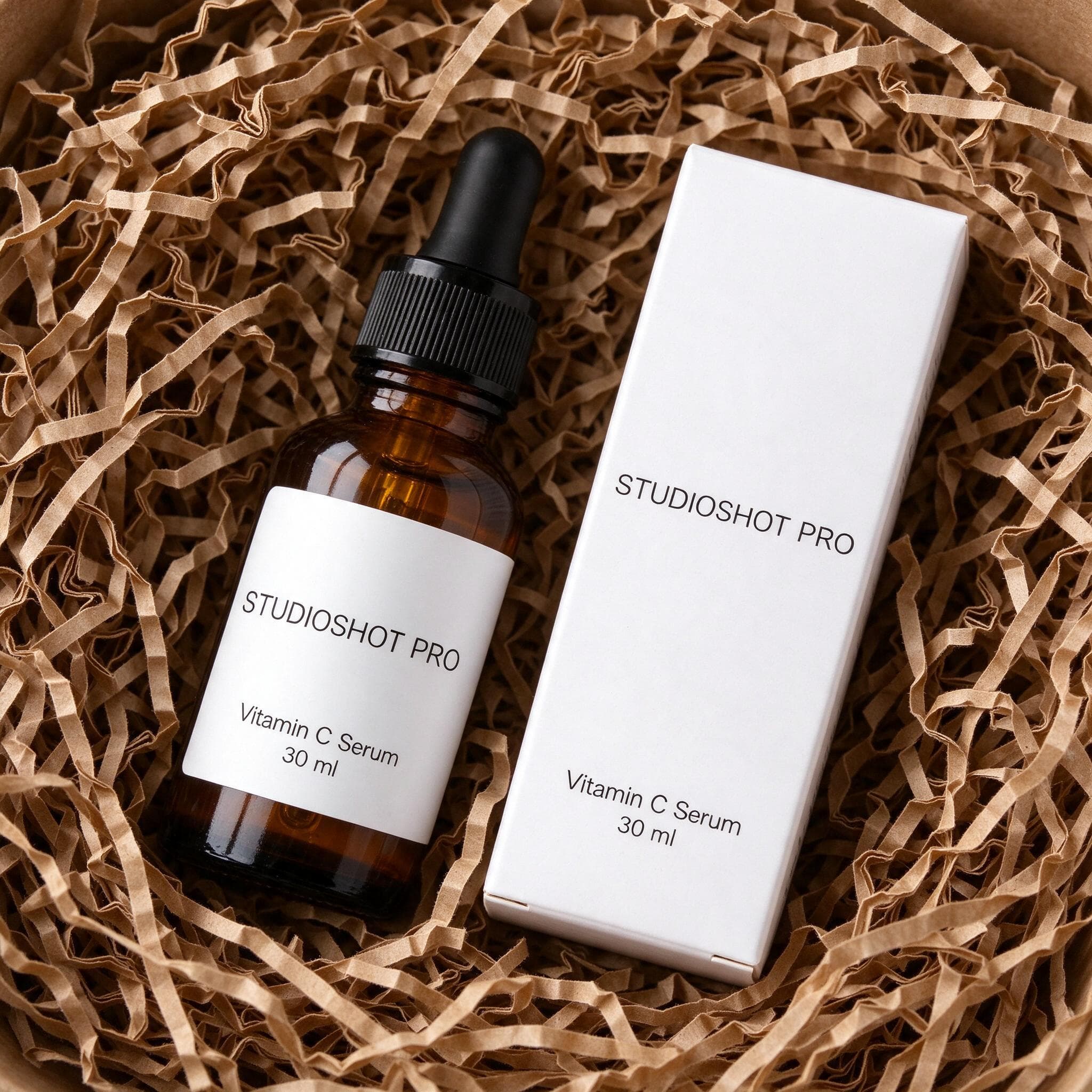
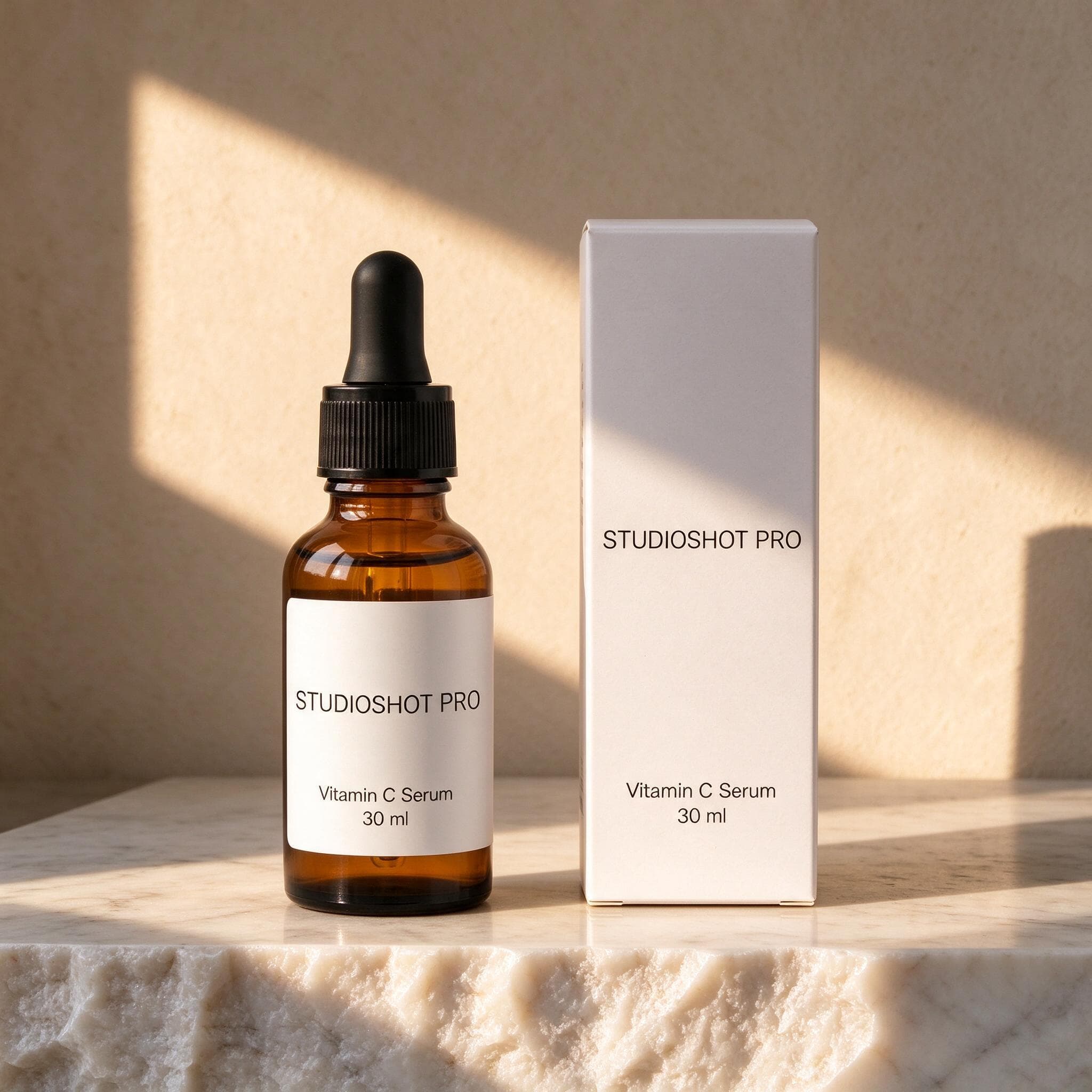
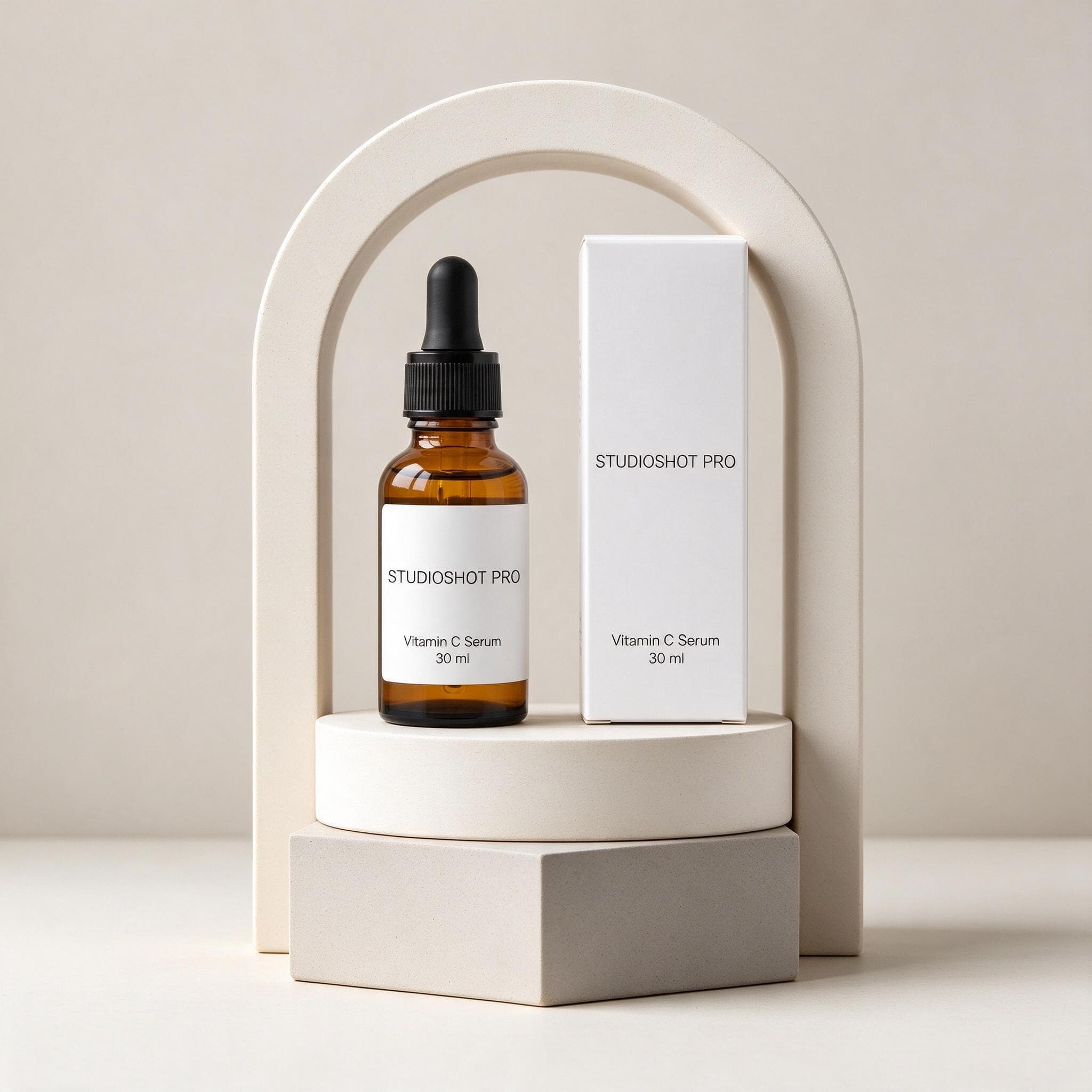
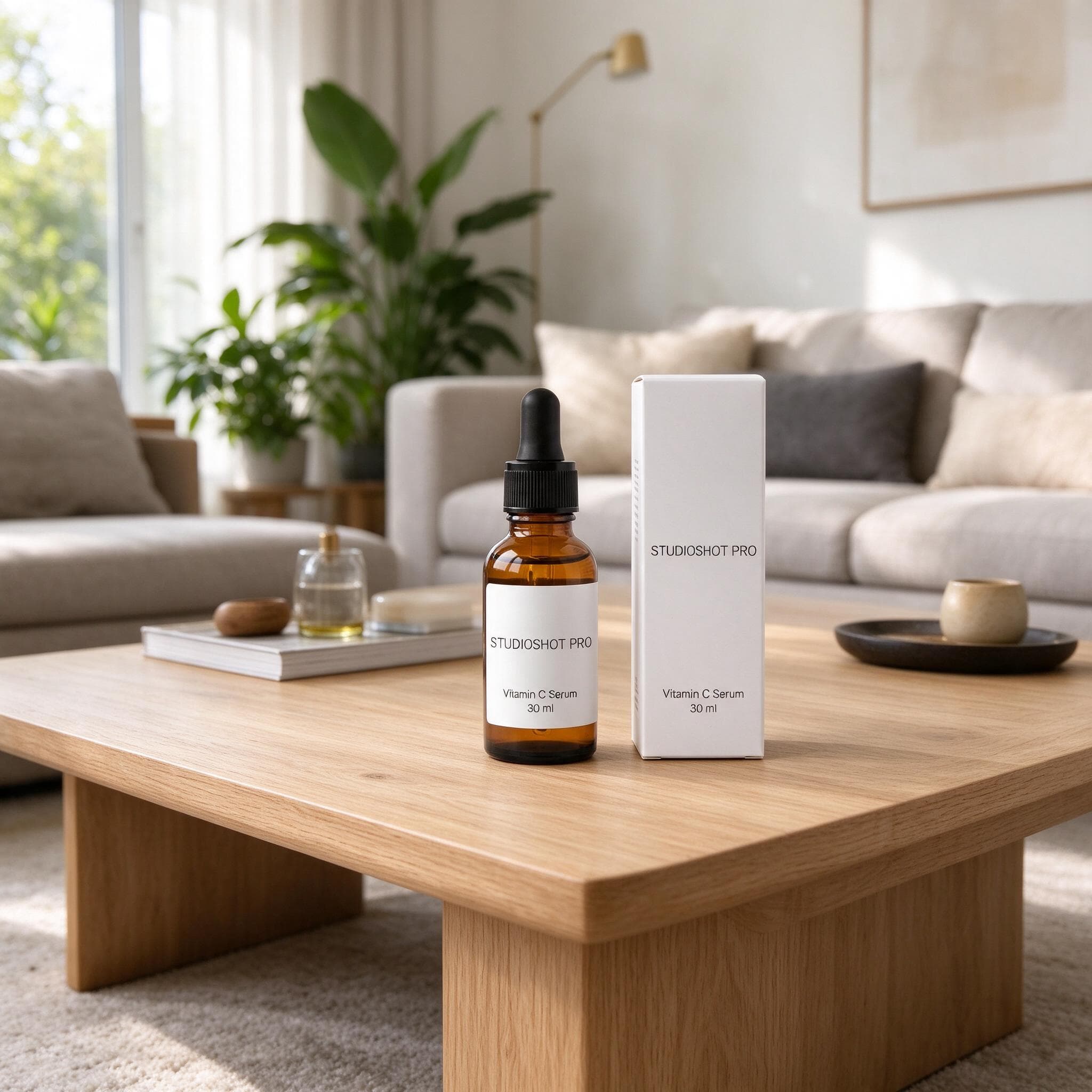
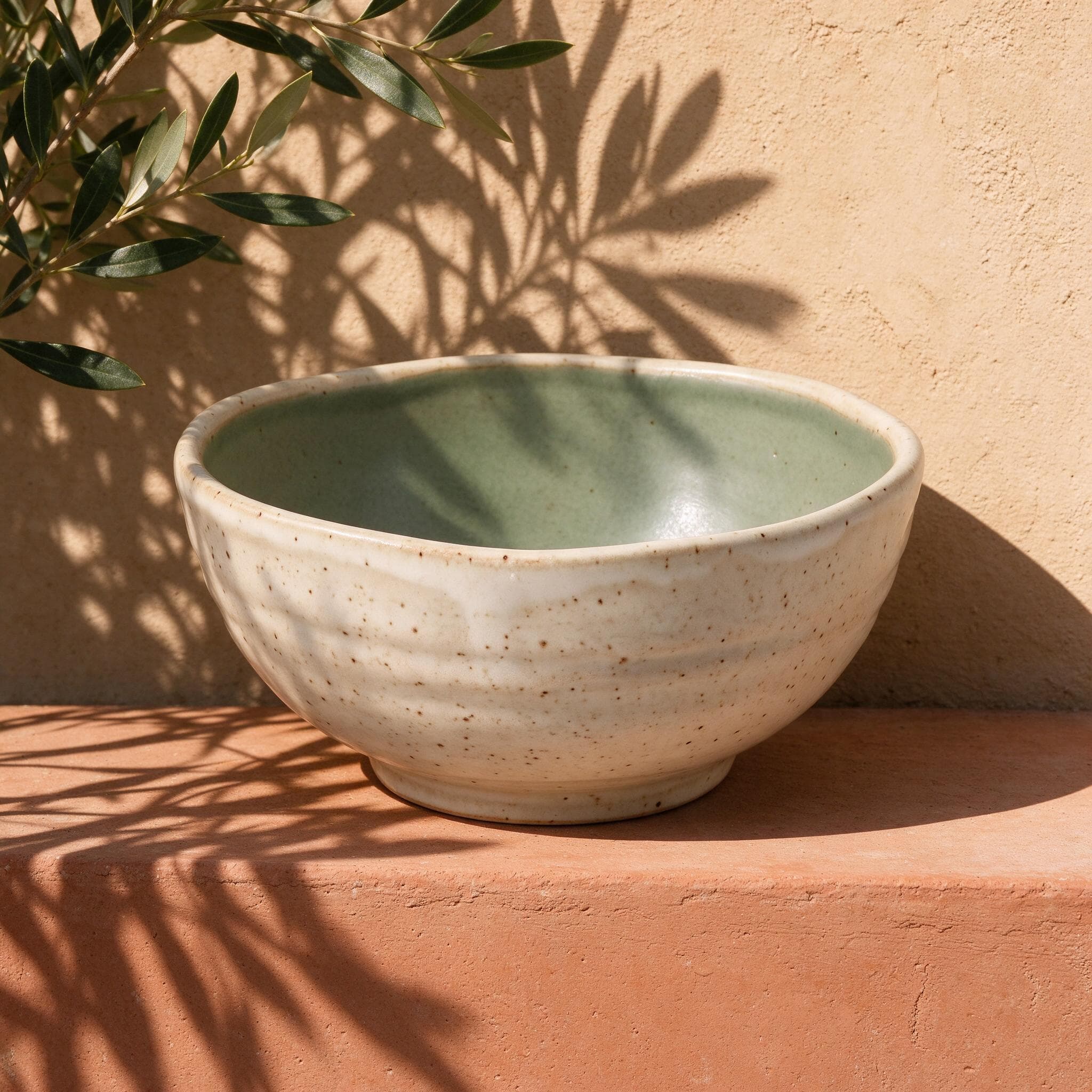
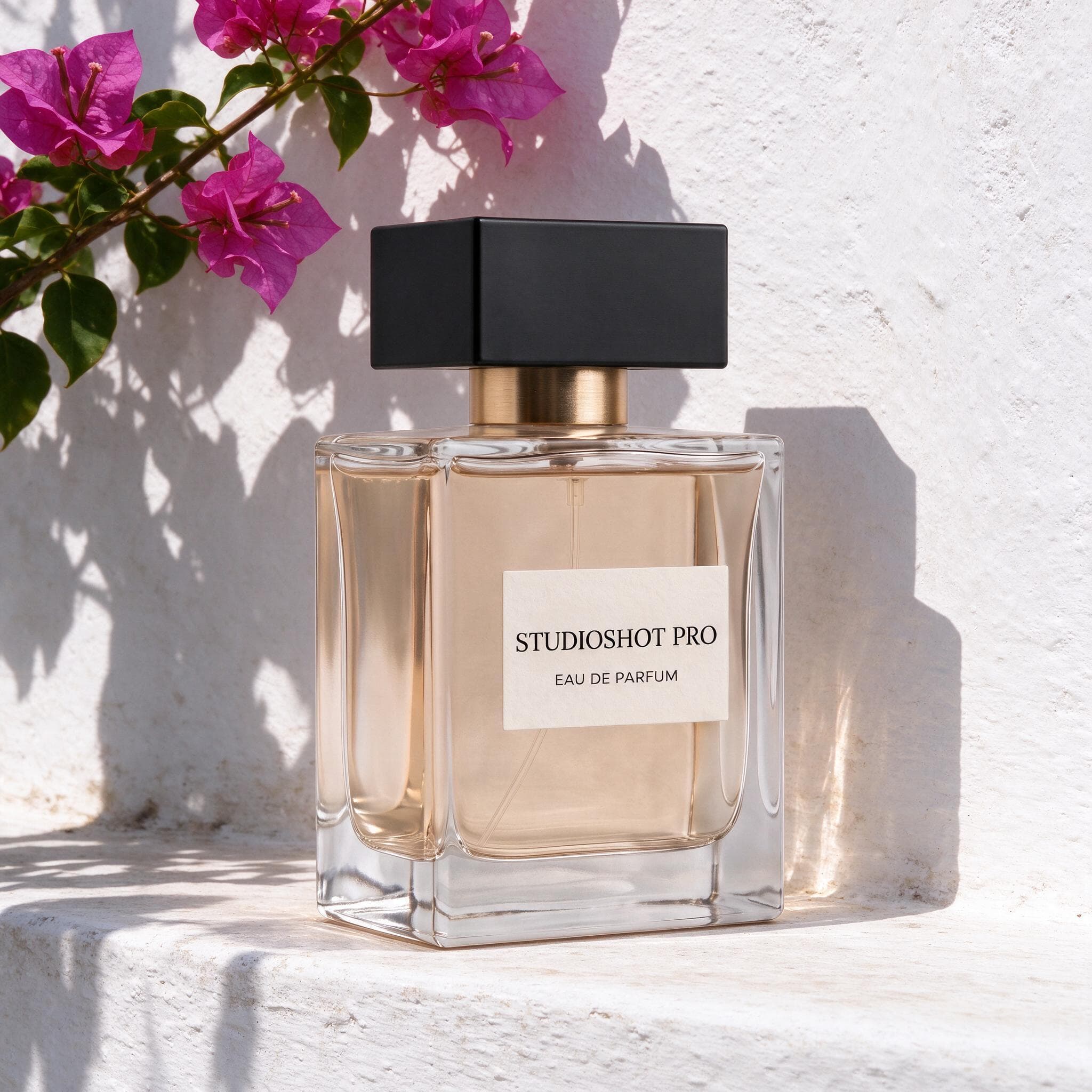
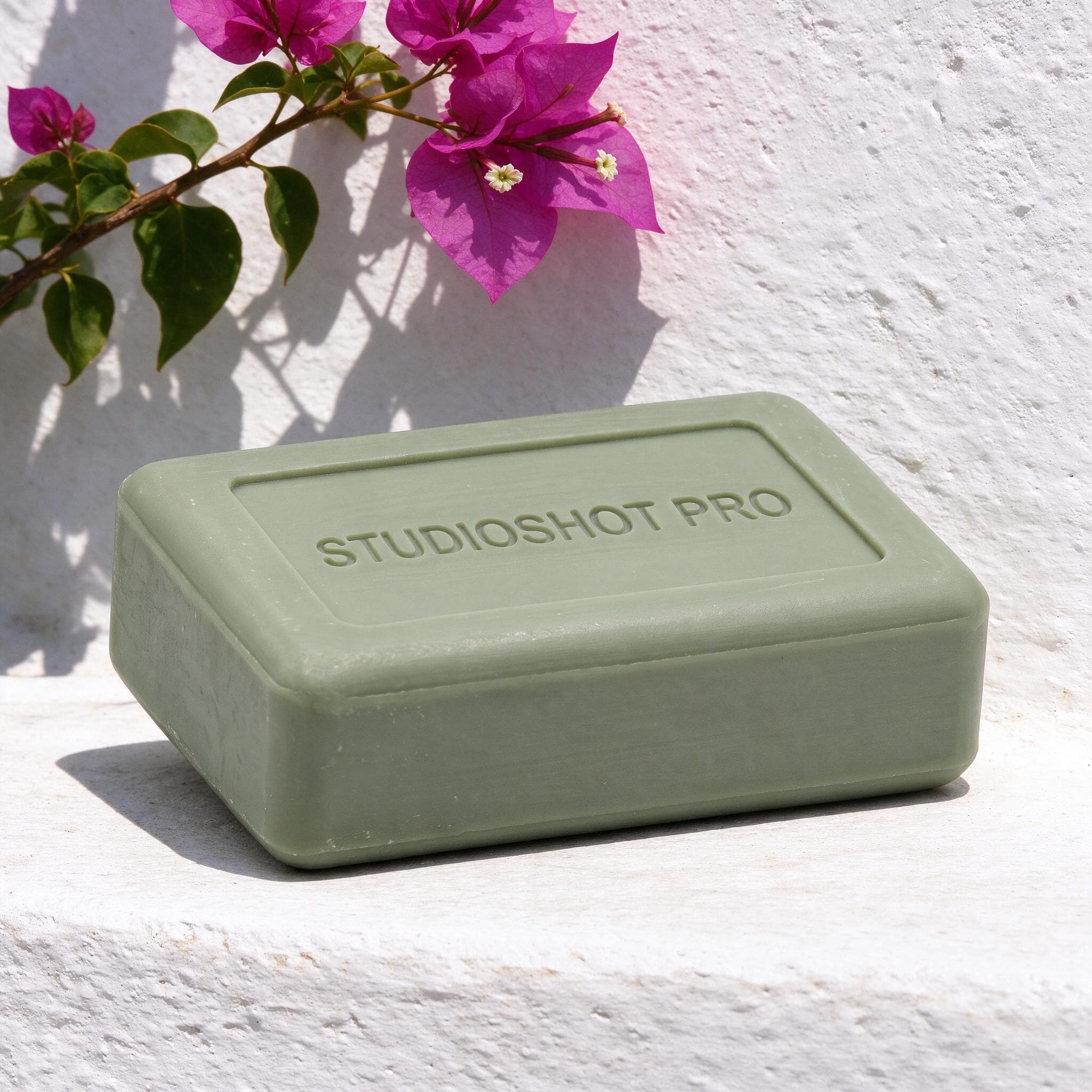
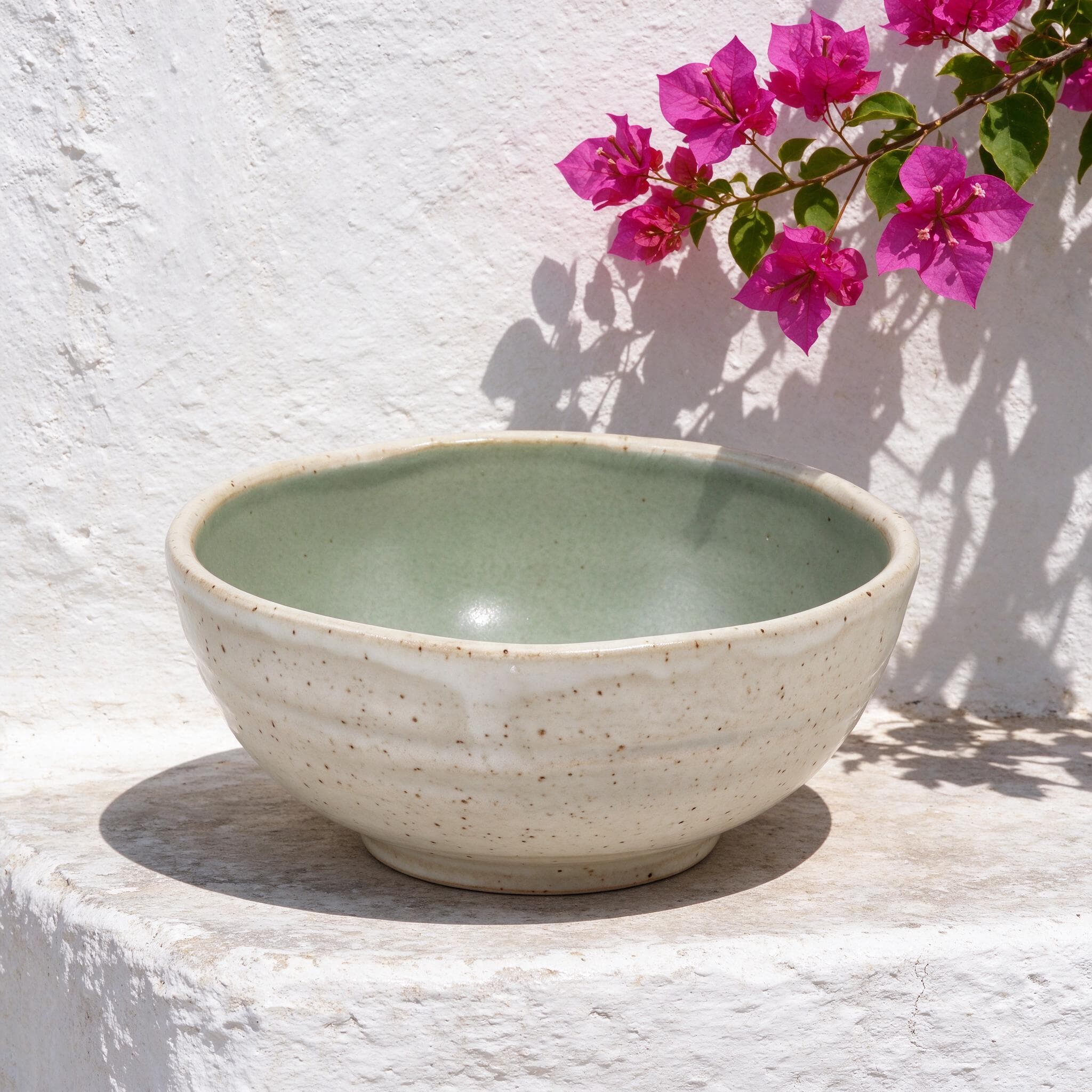
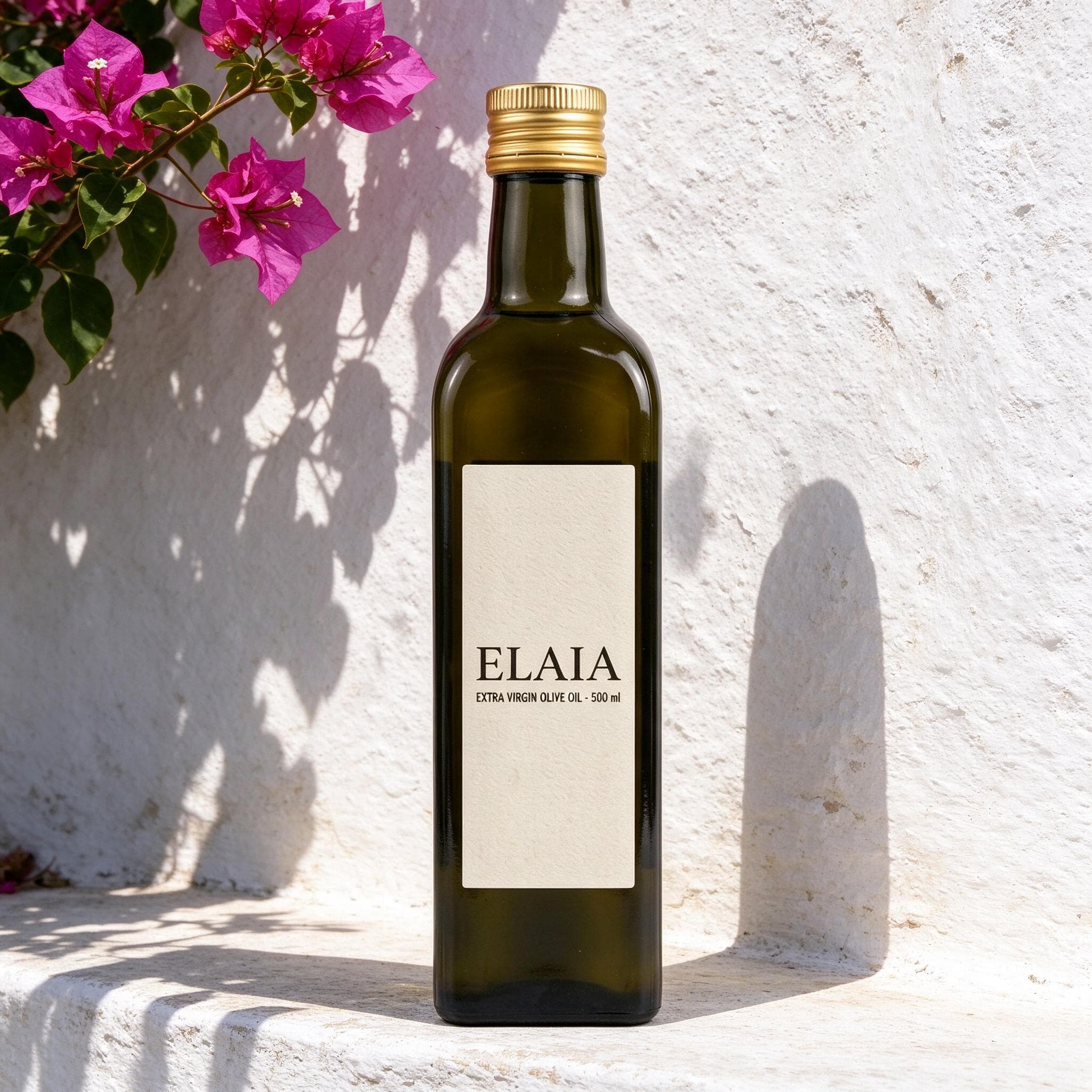
Photoshoot turns a single product photo into a full set. Pick the scenes you want, from clean studio shots to sunlit Mediterranean walls, and get 10+ images back in one go. Every image shows the same product, so your listing, ads and social posts look like one shoot. In ChatGPT or Gemini, that's ten separate prompts and ten rounds of waiting. Photoshoot is on the Pro plan.
Prompts already written, tested and tuned
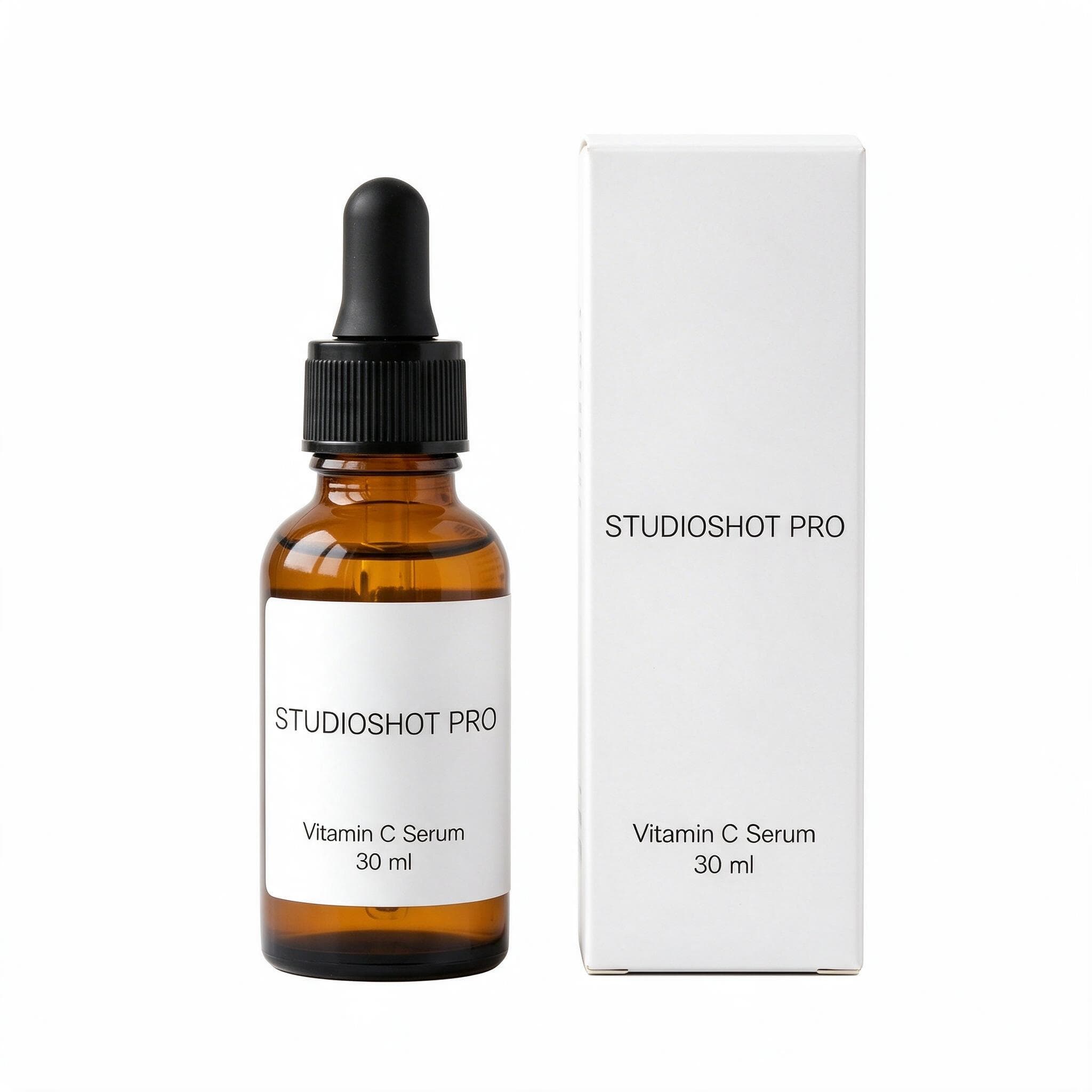
Each of the 135+ scenes is a prompt we've already written and refined for products, so light, shadows and framing come out right. Studio backdrops for main listing photos, lifestyle scenes for ads and social posts, one tap each. New scenes are added all the time, so your shop never runs out of fresh looks.
Your own scenes, when you want them
Want a look the library doesn't have? Describe the scene in your own words and try it free on a sample product. Like it? Save it to your library. A saved scene never changes, so you can use it on any product, again and again. In ChatGPT or Gemini, the same prompt rarely gives the same scene twice. 2 custom scenes on Pro, 10 on Max.
Your product, kept as it is
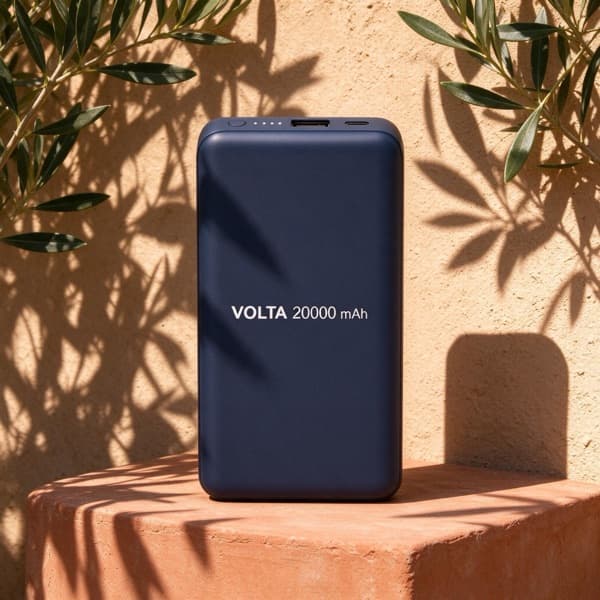
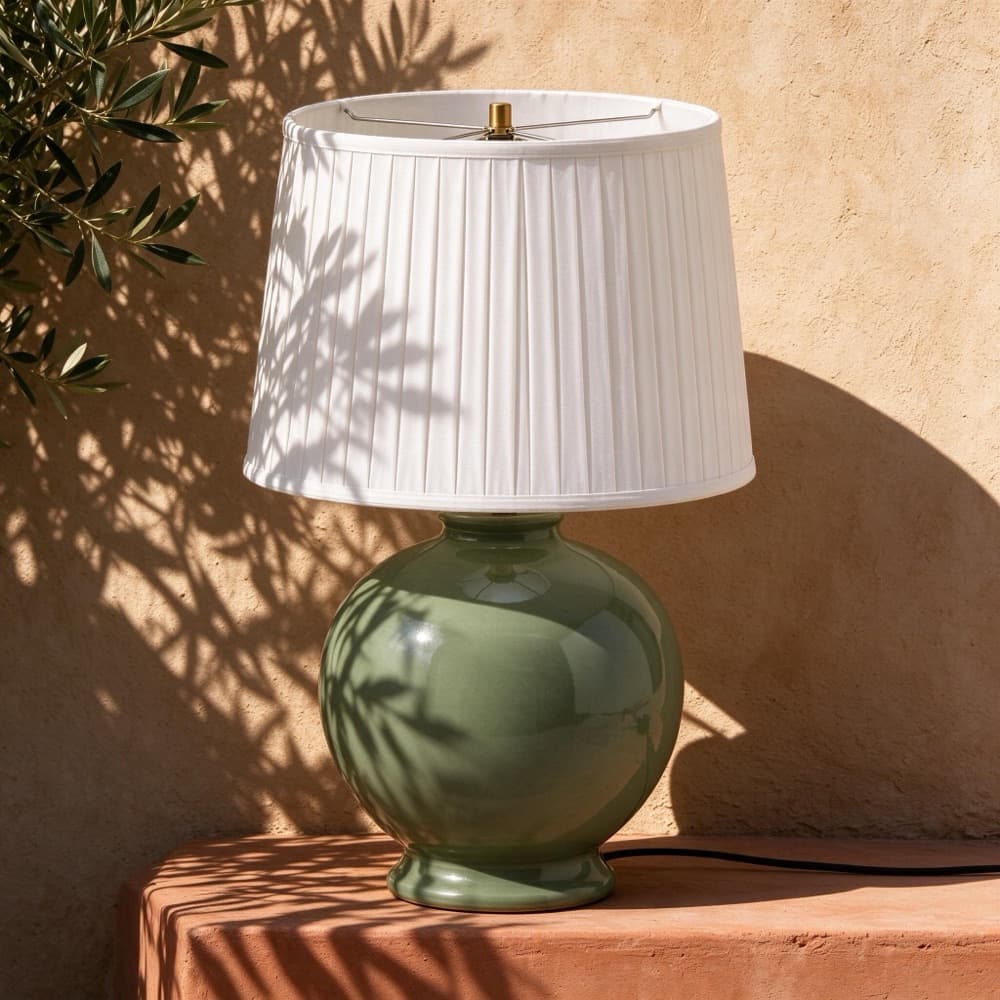
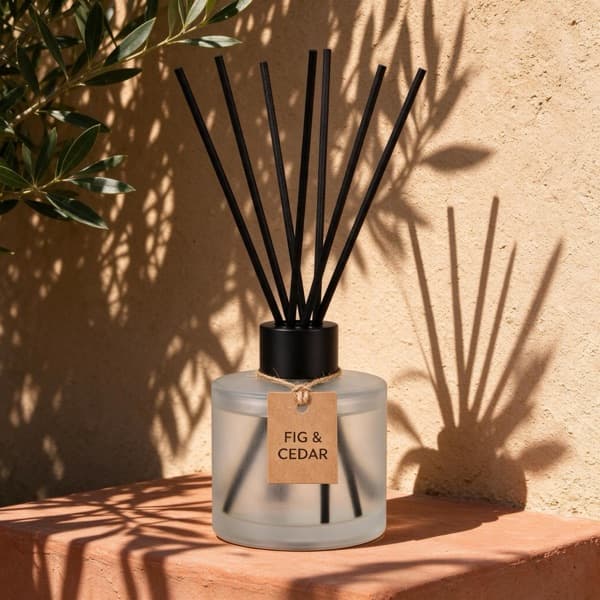
StudioShot Pro keeps the shape, colours, label and texture of your product and changes only the setting. Working from a supplier photo with text or stickers on top? Switch on cleanup and they're removed as the image is made, while labels printed on the product stay.
A catalogue that looks like one brand
The same prompt rarely gives the same light and backdrop twice. Catalogue mode puts up to 50 products into one scene in a single batch, and a saved scene never changes, so next month's products match this month's.
Made for selling
- Commercial use on every plan, the 5 free images included.
- 2K HD JPGs with no watermark, ready to upload to Shopify, Etsy, eBay, WooCommerce and the rest.
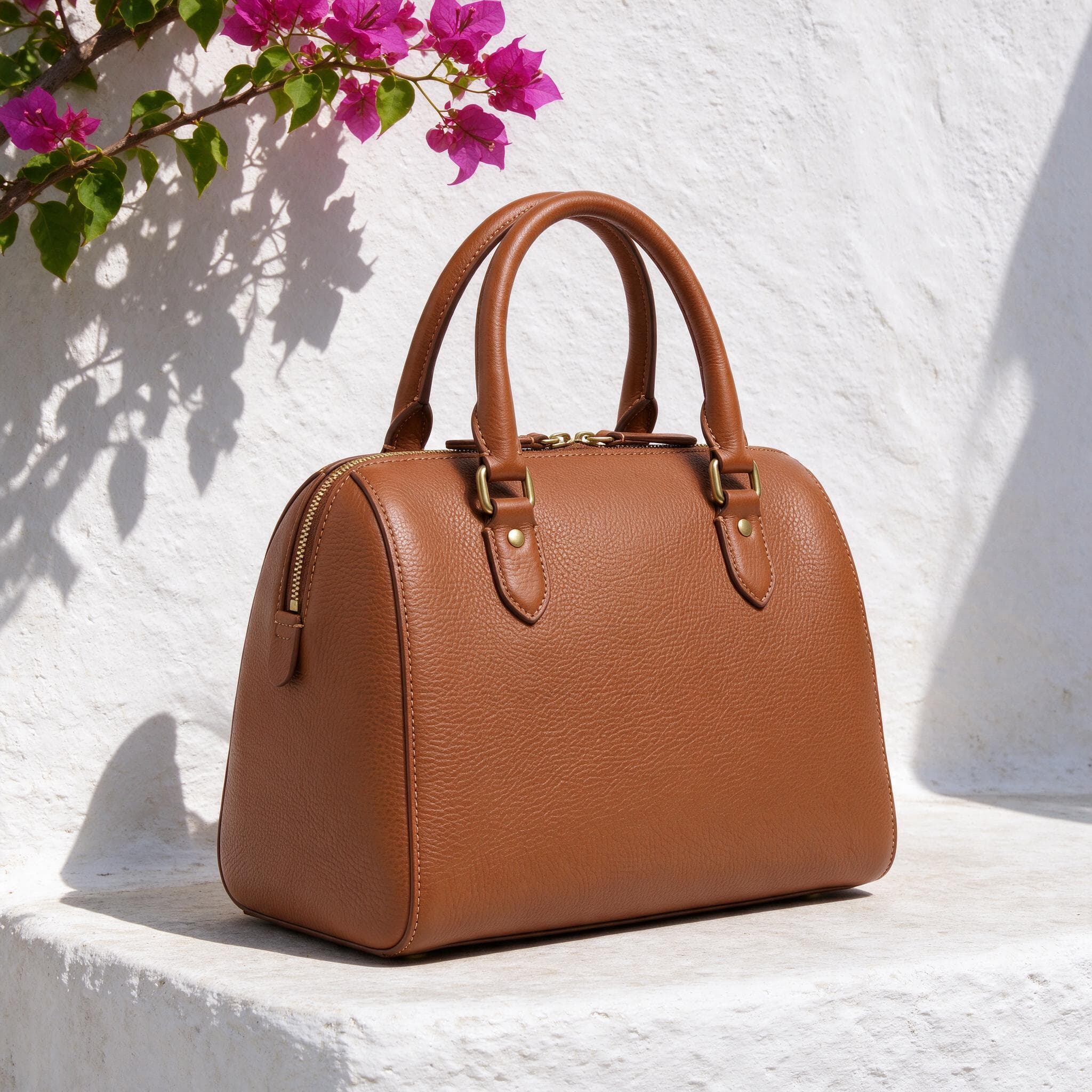
- The right shape in one tap: 1:1 for shop listings and Instagram posts, 3:4 and 2:3 for portrait listings and Pinterest, 9:16 for Stories and Reels, 4:3 for banners.
- Studio shots for marketplace main images, lifestyle scenes for ads, Instagram and Pinterest.
- Predictable pricing: from €0.16 an image on Pro, and your first 5 images are free with no card needed.
When ChatGPT or Gemini is the better pick
For a one-off creative concept you're happy to iterate on, ChatGPT and Gemini are great. For everyday product photos at shop scale, StudioShot Pro is faster and more consistent.
Frequently asked questions
Can I make product photos with ChatGPT or Gemini?
Yes: you upload a photo, write a prompt, spend time iterating and maybe get a good result, then start again for the next product. StudioShot Pro needs no prompt writing: pick one of 135+ ready-made, consistent scenes and get a finished image in under 30 seconds. On Pro you can also edit up to 50 products at once or create a photoshoot of one product in 3 clicks.
Do I need to write prompts in StudioShot Pro?
No. Pick from 135+ ready-made scenes, with new ones added all the time. But if you'd like to write your own, you can: on Pro and Max, describe custom scenes in your own words and use them on any product you want.
Will my product look the same?
Yes. It keeps shape, colours, label and texture, and changes only the scene.
How do other product photo tools compare?
See our comparisons with Photoroom and Pebblely, or our list of the best AI product photography tools.