Product photos for presentations and catalogues: how to win more customers
When you pitch to a shop, a distributor or a corporate client, your photos speak before you do. How to build a presentation that sells the product for you.
Selling to other businesses is still selling. Whether you're pitching to a shop owner, a distributor or a hotel, the buyer is deciding whether your product will sell for them too, and the images in your deck or catalogue carry much of that argument.
This guide covers why images carry so much weight in a pitch, how to lay out a product presentation or catalogue, and how to give buyers photos they can use straight away.
Why do photos matter so much in a pitch?
Because people remember images far better than words. In Brain Rules, molecular biologist John Medina writes that people who hear a piece of information remember about 10% of it three days later, but about 65% when a picture is added. Psychologists call this the picture superiority effect. Long after your meeting, the buyer will remember the image of your product, not the bullet points on your slides.
That's why the photo has to do more than show the product. It has to help the buyer picture it on their own shelf, in their own catalogue, in front of their own customers.
What do your photos say about your business?
A retailer who stocks your product is putting their name next to it. Consistent, professional images tell them you're organised, that you can deliver, and that your product will look good in their shop and on their website. A mix of phone photos on different backgrounds sends the opposite message, even when the product itself is excellent.
Distributors and hotel or corporate buyers read photos the same way. They see many suppliers, and a clean, consistent range is a simple signal that you'll be easy to work with.
In a pitch, the photo is the product, until the sample arrives.
How should you lay out a product presentation?
- Give each product its own slide or catalogue page, with one large image.
- Add only the facts a buyer needs: size, materials, wholesale price, minimum order and lead time.
- Use the same backdrop colour throughout, so your range looks like a collection rather than a set of separate products.
- Add one lifestyle scene per product, so the buyer can picture it in their store or in their customers' homes.
- Finish with a slide that shows the whole range together, which is how a buyer will think about ordering.
Keep the text short. If a buyer needs more detail, put it in a separate price list or spec sheet rather than on the slide.
What about printed catalogues and line sheets?
Print is less forgiving than a screen. Use your largest downloads (2K HD on every StudioShot Pro plan), check that the colours match the real product, and print a test page before you order a full run. For line sheets and wholesale price lists, a smaller studio shot of each product next to its code and price is usually clearer than a styled scene.
Should you give buyers images they can use?
Yes. Many retailers need product photos for their own e-shop and social media, and making them costs time. A ready-to-use set of studio images, sized for the web and named by product code, makes it easier for them to say yes and gets your product on their shelves and online faster.
Include a clean studio shot and one or two lifestyle scenes per product, in the same style for the whole range. With StudioShot Pro you can make a matching set for your whole range from phone photos, in your brand colours.
A checklist before you send your presentation
- Every product has a large, clean image on the same backdrop.
- Prices, minimum orders and lead times are up to date.
- The colours in the photos match the real products.
- The file is small enough to email: for a PDF you'll send, export images at screen size rather than full size.
- The image set is ready to share if the buyer asks for it.
An example: one moka pot, one slide
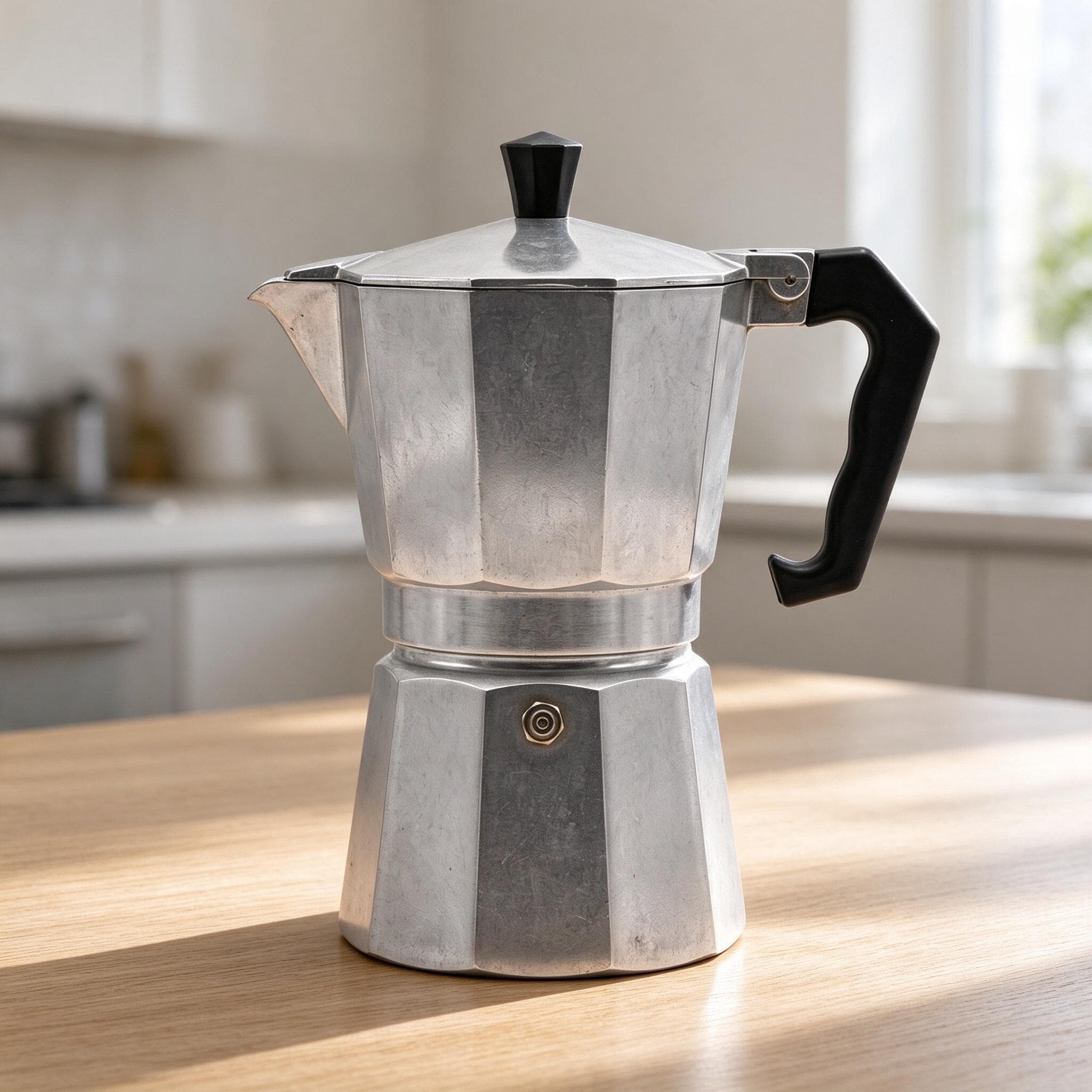
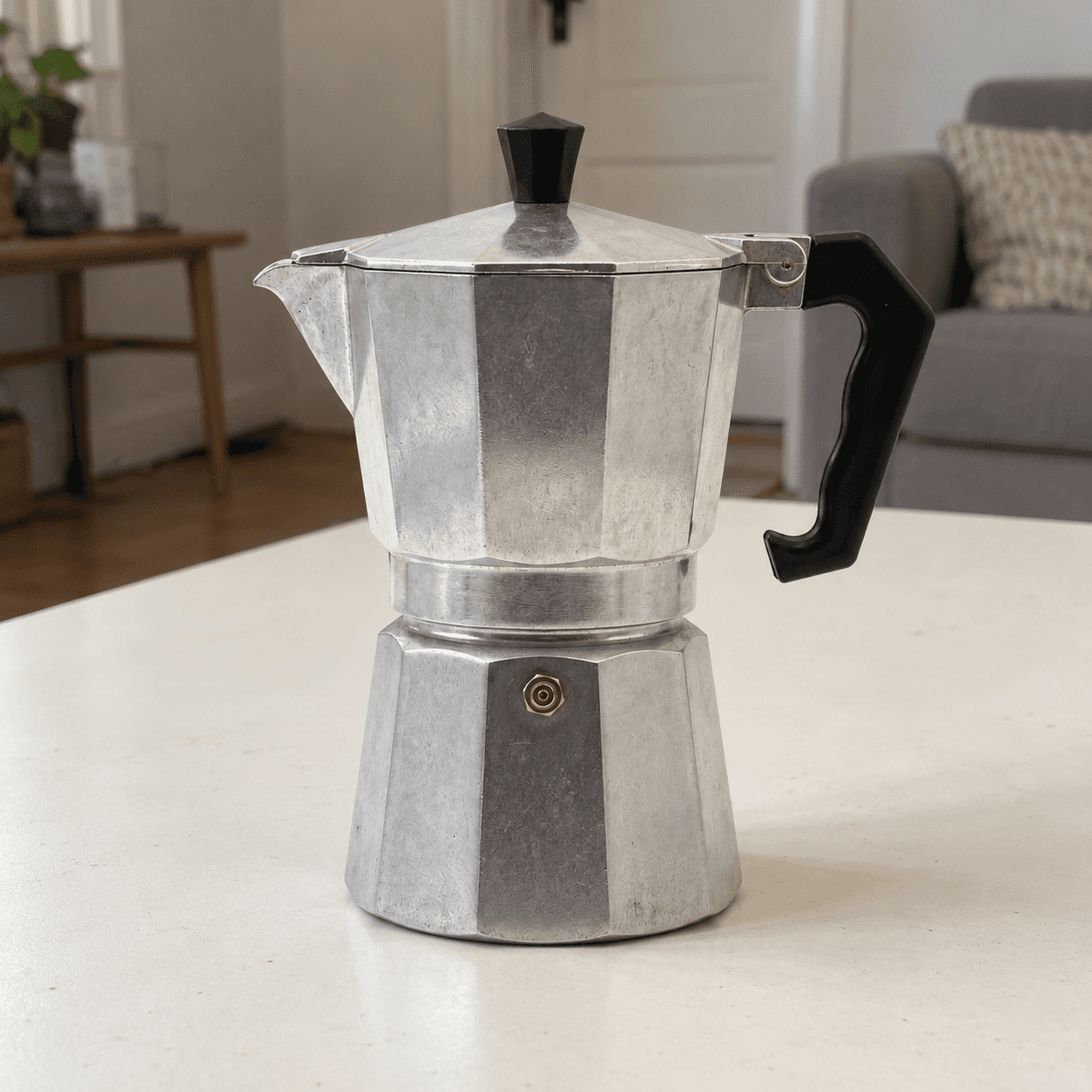
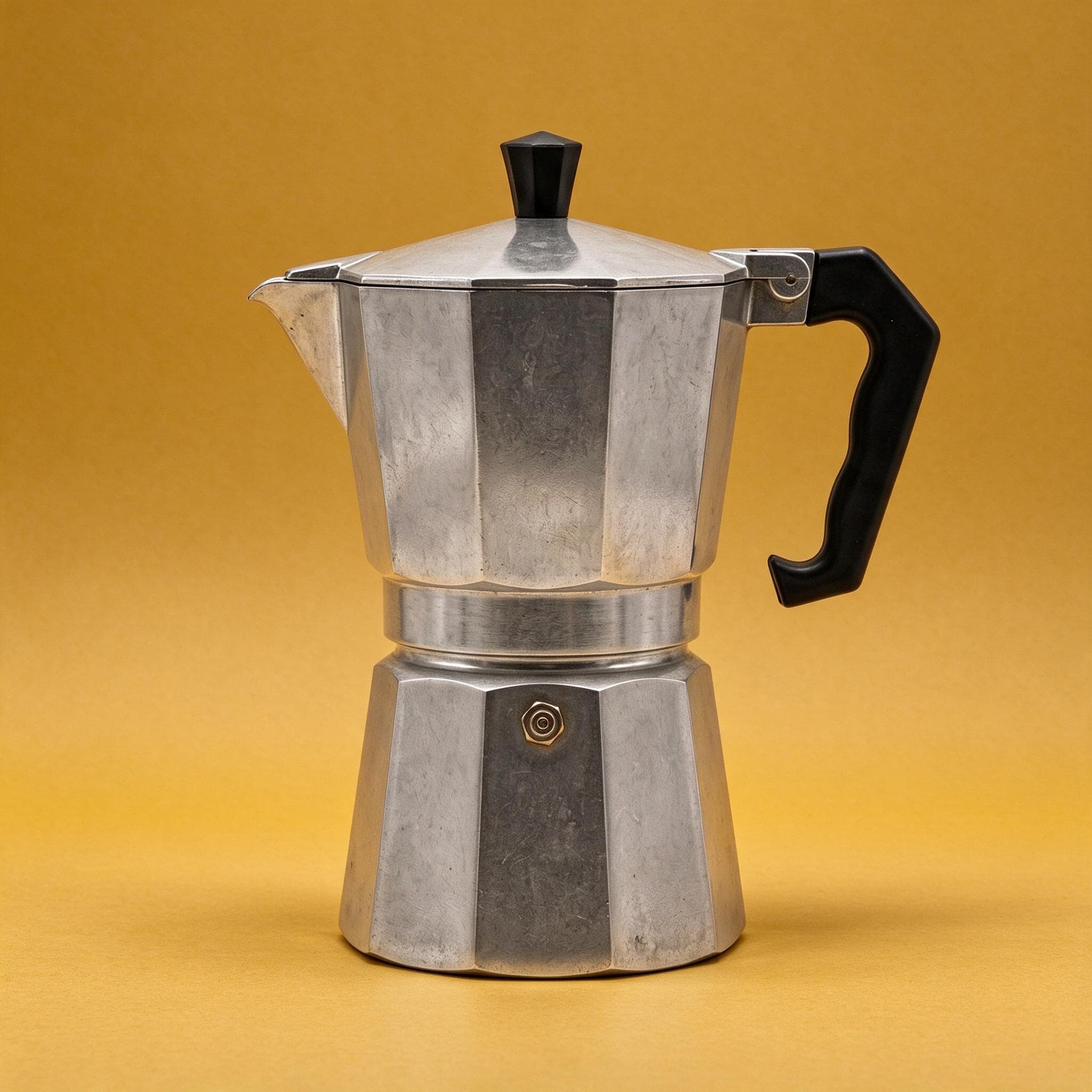
The moka pot at the top of this article started as a casual phone photo on a table at home: clear enough to show the product, but forgettable on a slide. The mustard studio version was made from the same photo in a few seconds. Used as the main image on a product slide, with the size, material and price next to it, it gives the buyer something to remember.
For more on using the same photos across channels, see selling more with better product photos, and for your own e-shop, our pages on Shopify and WooCommerce.